
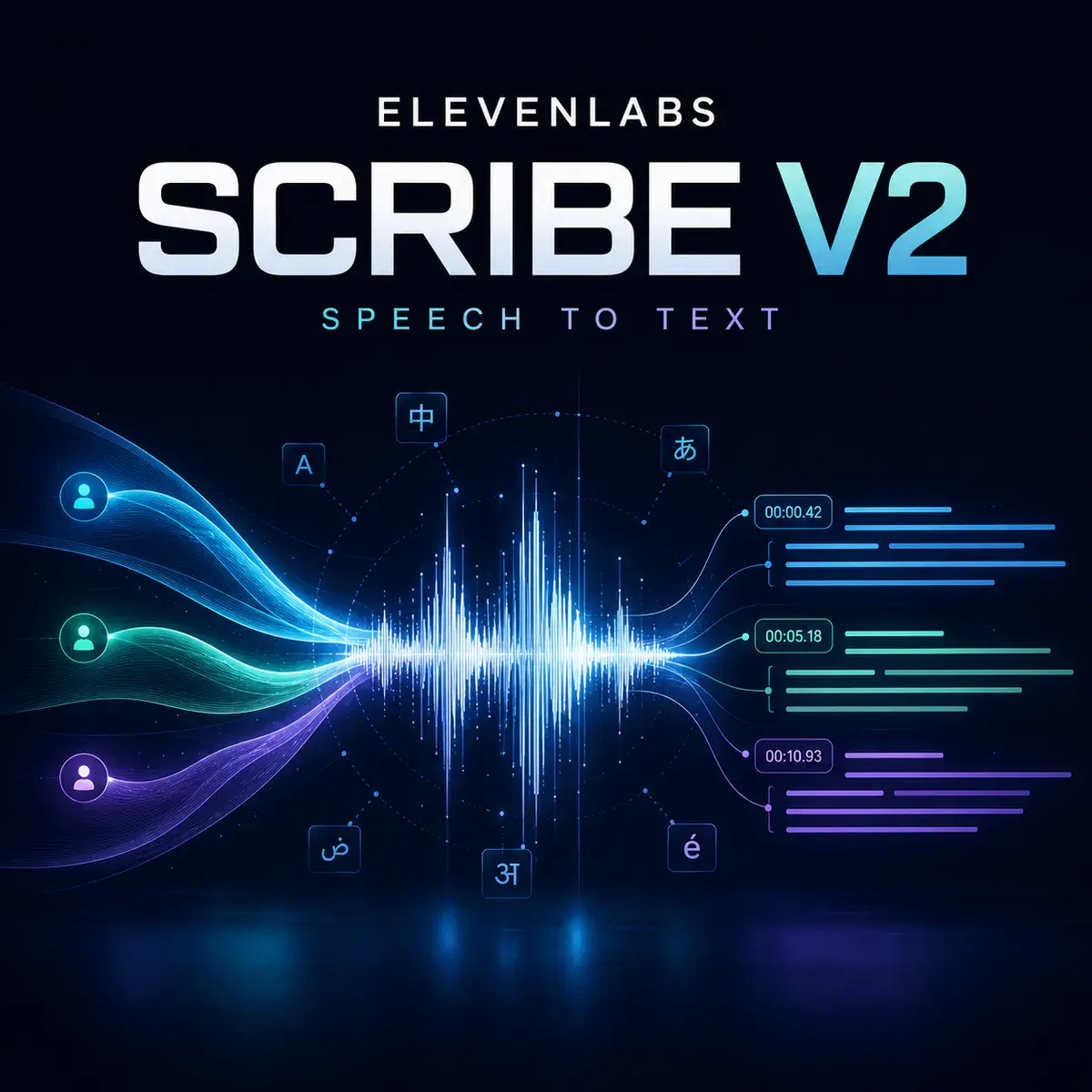
ElevenLabs Scribe v2 Speech to text that understands the room
Turn meetings, interviews, podcasts, voice notes, research recordings, and creator videos into structured transcripts with speaker labels, word-level timing, language detection, and audio-event tags.
Scribe v2 works inside the same Neurohelper AI workspace as Audio Master, Chat Master, Video Master, and Smart Assistants. Clean a noisy recording, transcribe it, turn the transcript into a summary or content plan, and continue without moving files between separate subscriptions.
AI transcription model
More useful than a wall of plain text
Scribe v2 does not only recognize words. Its structured output helps preserve who spoke, when a phrase occurred, which language was used, and what happened around the speech.
Separate speakers
Turn interviews, meetings, podcasts, and customer conversations into readable dialogue instead of an anonymous paragraph.
Find the exact moment
Use word-level timestamps to build captions, navigate long recordings, locate quotes, and align edits with the original audio.
Keep important terminology
Supply keyterms for model names, people, products, acronyms, or specialist vocabulary that generic transcription often misses.
Scribe v2 creates the source transcript. Afterward, a chat model in Neurohelper AI can turn it into meeting notes, chapters, action items, social posts, subtitles, research findings, or a searchable knowledge document.
Audio and structured output
Four real recordings, one connected audio workflow
These are the same voice tracks demonstrated on the ElevenLabs Audio Isolation page. Here, the cleaned results become structured Scribe v2 transcripts. Starting another example automatically stops the previous audio.
A Customer Story Recorded in a Busy Café
The cleaned interview becomes readable dialogue with separate labels for the guest and interviewer.
An Outdoor Interview Near Traffic and Wind
A cleaned location recording becomes a navigable transcript ready for quotes, captions, or a written report.
Narration Recovered from a Music Bed
The isolated narration can move directly into subtitle creation, quote selection, chapters, and translated caption workflows.
A Home-Recorded Planning Tip
Once the appliance noise is removed, the transcript can become captions, a post, a checklist, or a searchable tutorial.
Practical workflow
From raw recording to usable knowledge
The strongest result often comes from connecting transcription with the other Neurohelper AI modules.
Choose the recording
Use a meeting, interview, podcast, voice note, lecture, research session, or creator clip.
Clean when necessary
If music or noise hides the speech, process it with ElevenLabs Audio Isolation before transcription.
Add useful context
Enable speaker labels and event tags, then supply names or technical keyterms that matter.
Turn text into output
Create captions, summaries, chapters, action items, articles, training materials, or a knowledge base.
Scribe v2 capabilities
What the current Neurohelper AI integration exposes
Use automatic language detection for ordinary recordings, provide a language when you already know it, and add keyterms when exact terminology matters.
Verified against the official ElevenLabs Speech to Text documentation, Scribe v2 announcement, and fal Scribe v2 endpoint. Last reviewed August 15, 2026.
Frequently asked questions
ElevenLabs Scribe v2 FAQ
What is ElevenLabs Scribe v2 best for?
It is best for accurate batch transcription of meetings, podcasts, interviews, research recordings, lectures, voice notes, and media that benefits from speaker labels and precise timing.
Can Scribe v2 identify different speakers?
Yes. Speaker diarization separates the transcript into speaker-labelled segments. Results depend on recording quality, overlap, speaker similarity, and the number of voices.
Can it transcribe more than one language?
Scribe v2 supports more than 90 languages and can handle multilingual recordings. For predictable single-language audio, explicitly selecting the language may improve consistency.
What are keyterms used for?
Keyterms guide the model toward names, brands, acronyms, product terminology, and specialist vocabulary that may otherwise be ambiguous.
Does Scribe v2 summarize meetings?
Scribe v2 produces the transcript and timing structure. A chat model can then summarize it, extract actions, organize chapters, or create content from the transcript.
Is ElevenLabs Scribe v2 available in Neurohelper AI?
Yes. It is available alongside audio, chat, image, video, and research models inside the unified Neurohelper AI workspace. Availability and usage limits depend on the selected plan.
Make every recording searchable
Turn spoken audio into structured text.
Upload a recording, preserve speakers and timing, then continue with summaries, captions, research, or content creation in Neurohelper AI.
