
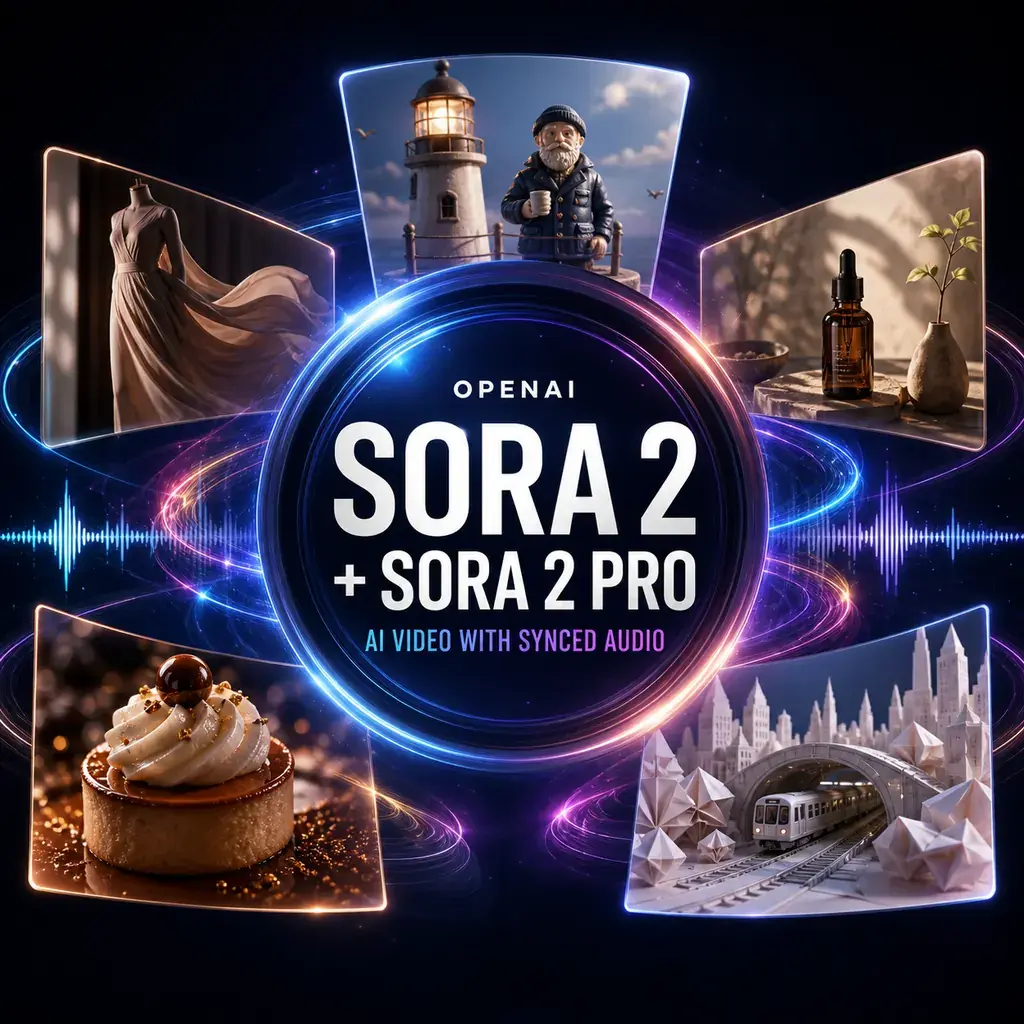
Sora 2 + Sora 2 Pro video and synchronized sound from a prompt or image
Turn an idea or prepared keyframe into a short video with directed camera movement, action, dialogue, ambience, and sound effects. Prototype and explore with Sora 2, then use Sora 2 Pro selectively when an approved shot needs higher-resolution delivery.
Explore creative, marketing, product, character, and social directions at the more practical standard-model cost.
Move a validated direction to Pro when its higher-resolution portrait or landscape output matters to the final delivery.
Sora 2 and Sora 2 Pro sit inside the same Neurohelper AI workspace as Chat Master, Image Master, Video Master, Audio Master, and Smart Assistants. Build the concept, create a reference frame, generate the shot with sound, then continue into voice, music, editing, social content, or a complete campaign.
Sora 2 model overview
Direct the picture and soundtrack as one short scene
Sora 2 is most useful when the prompt reads like a compact shot brief rather than a loose collection of visual adjectives. Name the framing, subject, action, environment, lighting, camera behavior, sound, and final beat so the model knows what must happen over time.
Visual generation
Create a shot from text alone or use a reference image to establish the opening composition, design language, product, or environment.
Motion direction
Describe camera movement, subject action, physical reactions, pacing, and the exact moment where the clip should resolve.
Synchronized sound
Include spoken lines, room tone, footsteps, traffic, machinery, weather, impact sounds, or silence as part of the same creative direction.
Sora 2 vs Sora 2 Pro
Prototype in Sora 2; reserve Pro for approved finals
Both variants share the central text-or-image-to-video workflow and synchronized audio generation. Sora 2 offers the more practical balance for concepting and iteration. Sora 2 Pro becomes relevant when a selected shot benefits from its documented higher-resolution output.
Explore the direction
Use the standard model while the concept is still changing.
- test several hooks and camera moves;
- generate portrait and landscape concepts;
- create dialogue, ambience, and sound cues;
- produce short creative and marketing shots.
Finish the selected shot
Use Pro selectively after the framing, action, timing, and audio direction are already validated.
- choose it when 1080p delivery matters;
- spend on one approved hero direction;
- review fine detail and continuity at final size;
- compare the result against other premium video models.
Public Sora 2 and Sora 2 Pro demonstrations
Watch published examples before spending on another generation
These videos remain hosted by their original publishers. The first two are official OpenAI presentations of Sora 2; the third is an independent creator-reported Sora 2 Pro short film and should be treated as a showcase, not a controlled benchmark.
This is Sora 2
A compact official reel covering physical action, anime, cinematic storytelling, fantasy, and synchronized sound.
Open original on YouTube →Introducing Sora 2
OpenAI's longer presentation explains the model and demonstrates the original Sora product experience.
Open original on YouTube →Cinematic sci-fi sequence
A creator-published example of how multiple Sora 2 Pro shots can be assembled into a longer cinematic presentation.
Open original on YouTube →External videos are shown for model research and visual evaluation. They are not presented as Neurohelper AI generations, endorsements, or controlled side-by-side benchmarks.
Six Sora 2 video use cases
Real outputs with the prompts behind each experiment
Watch the finished Neurohelper AI examples, then open each prompt to see the creative direction behind the shot. Start in Sora 2 while testing an idea and move only a selected higher-resolution final to Sora 2 Pro.
One controlled movement built for a campaign edit
Test wardrobe continuity, wet-night lighting, a simple tracking move, natural fabric motion, and synchronized urban ambience.
View video prompt
Video: Cinematic 16:9 commercial featuring a fictional fashion model in an original cobalt raincoat walking through a wet evening crosswalk. The camera tracks backward smoothly at waist height while she takes four confident steps toward camera. A passing car creates a brief sweep of warm light across the coat; she turns her head toward the light and stops on the final street marker. Keep her face, coat, proportions, and walking direction consistent. Add distant traffic, four precise footsteps, soft rain hiss, fabric movement, and one restrained electronic accent at the final pose. No cuts, text, logos, or recognizable person.
A compact UGC concept with dialogue and a clear product reveal
Use the faster model to test alternate hooks, delivery styles, product framing, and endings before selecting one direction for refinement.
View video prompt
Video: Vertical 9:16 creator-style kitchen video with one fictional presenter and one fictional sparkling-tea can called Aster Bloom. Single continuous handheld phone shot in warm morning window light, with believable skin texture and a relaxed conversational pace. At the first frame, she is already holding the can upright beside her face with the label facing slightly away from camera. She says, “This is the first afternoon drink I actually look forward to.” After finishing the line, she performs one simple action only: she slowly rotates the unopened can once until the invented front label faces the camera, holds it still for the final two seconds, and smiles. The pull tab remains flat and sealed for the entire video. She never touches, lifts, bends, or opens the tab. The can never changes state, duplicates, resets, or reappears. Preserve the same face, hand anatomy, can proportions, colors, and label throughout. Add quiet kitchen room tone, a soft refrigerator hum, subtle fabric movement, and no opening sound, fizz, mist, pouring, drinking, text overlay, real person, or real brand.
A macro sequence where every sound supports the appetite appeal
Build a polished food shot around one controlled action instead of asking the model to invent an entire edit.
View video prompt
Video: Premium 16:9 macro food commercial for a fictional pistachio dessert. Begin on a dark ceramic sphere centered on a pale stone plate. A spoon presses into the shell; it cracks once and opens to reveal warm pistachio cream, roasted nuts, and a small plume of steam. Slow 70 mm dolly-in, shallow depth of field, soft restaurant light, natural material detail, no cuts. Add a delicate ceramic crack, spoon contact, soft cream movement, subtle room ambience, and one low musical note at the reveal. No text or logos.
A realistic lighthouse scene with natural dialogue and ambience
Keep the performance deliberately simple so facial detail, eyeline, one physical action, speech, and environmental sound remain coherent.
View video prompt
Video: Photorealistic live-action 16:9 cinematic scene inside a full-scale working lighthouse lantern room at blue hour. The protagonist is a real human lighthouse keeper in his late fifties with a naturally asymmetrical weathered face, visible skin pores, fine wrinkles, short salt-and-pepper hair, subtle grey beard stubble, and tired brown eyes. He wears a practical dark navy wool peacoat over an ordinary knit sweater, with no hat and no theatrical uniform. Rain runs across the large glass windows and the dark ocean is visible outside. A distant boat light appears through the rain. The keeper notices it, takes a quiet breath, forms a small natural smile, and softly says, “There you are.” He then pulls one compact brass control lever beside the lamp console exactly once; the lighthouse beacon turns on and warm practical light moves across his real skin and coat. One continuous shot with a very slow restrained dolly-in, natural blinking, subtle breathing, realistic body weight, documentary-grade facial detail, and physically plausible lighting. Add coastal wind, rain against glass, the spoken line, one mechanical lever click, and a deep electrical lamp hum. No ship wheel, captain costume, miniature set, porcelain, clay, plastic, waxy skin, doll, puppet, toy proportions, stop motion, animation, stylized 3D render, exaggerated expression, extra fingers, cuts, text, logos, or copyrighted character.
Use an approved room image to test atmosphere and camera movement
Preserve the architecture while changing weather, practical light, and environmental response around it.
View source-image and video prompts
Source image: Photorealistic empty modern apartment living room, broad corner windows, pale oak floor, sculptural cream sofa, low black table, linen curtains, exact symmetrical architectural composition, overcast afternoon, no people, art, text, or logos.
Video: Use the supplied room as the opening frame. Keep the architecture, furniture positions, camera height, and lens unchanged. Rain begins on the windows, the linen curtains move gently, and one warm floor lamp switches on. Make a slow controlled push toward the glass and end before any additional change. Add distant thunder, rain building on the window, soft curtain movement, and quiet room tone.
One bold transformation designed for the first three seconds
Prototype a visually legible reveal with a clear sound cue before expanding it into a longer campaign or music visual.
View video prompt
Video: Vertical 9:16 symmetrical shot inside an original empty metro station at sunrise, realistic photography and locked camera. A single paper ticket drops into the center. On impact, the floor folds upward like clean white origami and the station transforms into a vast paper canyon; benches, signs, rails, and lights become folded paper versions while preserving their positions. One tiny paper train passes through the background. Add ticket flutter, one crisp fold impact, cascading paper sounds, distant train chime, and airy wind. No text, logos, people, or recognizable transit system.
How to prompt Sora 2
Write a shot brief, not a mood-board paragraph
OpenAI's current guidance recommends describing the shot type, subject, action, setting, and lighting. For practical work, add camera movement, the chronological sequence of events, the details that must stay fixed, and the sound that belongs to each action.
Define the frame
Name the format, shot size, lens feeling, camera height, subject, environment, time of day, and lighting.
Sequence one clear beat
Write what happens first, what changes, how the subject reacts, how the camera moves, and where the scene ends.
Direct sound by event
Tie dialogue, Foley, ambience, impacts, and silence to visible actions instead of asking for a generic cinematic soundtrack.
One controlled action, one camera idea, and one audio payoff are easier to reuse than several locations, cuts, speakers, transformations, and product interactions competing in the same clip.
Practical model selection
Where Sora 2 fits a real creative workflow
Strong uses
- short commercials with synchronized sound;
- vertical social hooks and creator-style concepts;
- cinematic product, food, fashion, and travel visuals;
- original characters and stylized story worlds;
- architecture, environment, and weather previsualization;
- hero shots built from approved image keyframes.
Review carefully when
- packaging or signage must remain perfectly readable;
- several speakers need exact long dialogue;
- hands perform intricate multi-step product actions;
- many shots require strict identity continuity;
- timing must match a locked edit frame by frame;
- the concept depends on copyrighted characters or music.
Sora 2 specifications
Compact model reference
Capabilities were verified against the official OpenAI Sora 2 model page, OpenAI Sora 2 Pro model page, and OpenAI video generation guide. Last reviewed August 18, 2026.
Frequently asked questions
Sora 2 and Sora 2 Pro FAQ
What is the difference between Sora 2 and Sora 2 Pro?
Sora 2 is the practical choice for routine generation at standard 720p formats. Sora 2 Pro adds higher-resolution portrait and landscape delivery, including documented 1080p options, but its additional cost can be difficult to justify unless that resolution is a firm requirement.
Can Sora 2 generate audio with the video?
Yes. Both model pages describe synchronized-audio video generation. Prompts can direct dialogue, ambience, Foley, effects, and sound cues together with the visual action.
Can Sora 2 animate an image?
Yes. Both Sora 2 and Sora 2 Pro accept image input. Use a reference image when the starting composition, product, environment, or visual design is already approved.
Which model should I use for social video?
Use Sora 2 for vertical hooks, product actions, spoken lines, and social concepts. Pro is unnecessary unless the final delivery specifically needs one of its higher-resolution formats.
Are Sora 2 and Sora 2 Pro still current OpenAI models?
OpenAI currently marks this family as legacy/deprecated. If it remains available in Neurohelper AI, it can still be used, but the active model catalog may change as providers update or retire models.
Are Sora 2 and Sora 2 Pro available in Neurohelper AI?
They are presented through Video Master while active in the Neurohelper AI model catalog, alongside other video, image, chat, voice, sound, and music models. Availability and usage limits depend on the selected plan.
One prompt can direct the whole moment
Create the shot, movement, dialogue, and ambience together.
Explore and iterate with Sora 2, move selected higher-resolution finals to Sora 2 Pro, then continue into editing, voice, music, social content, or a complete campaign inside Neurohelper AI.
