
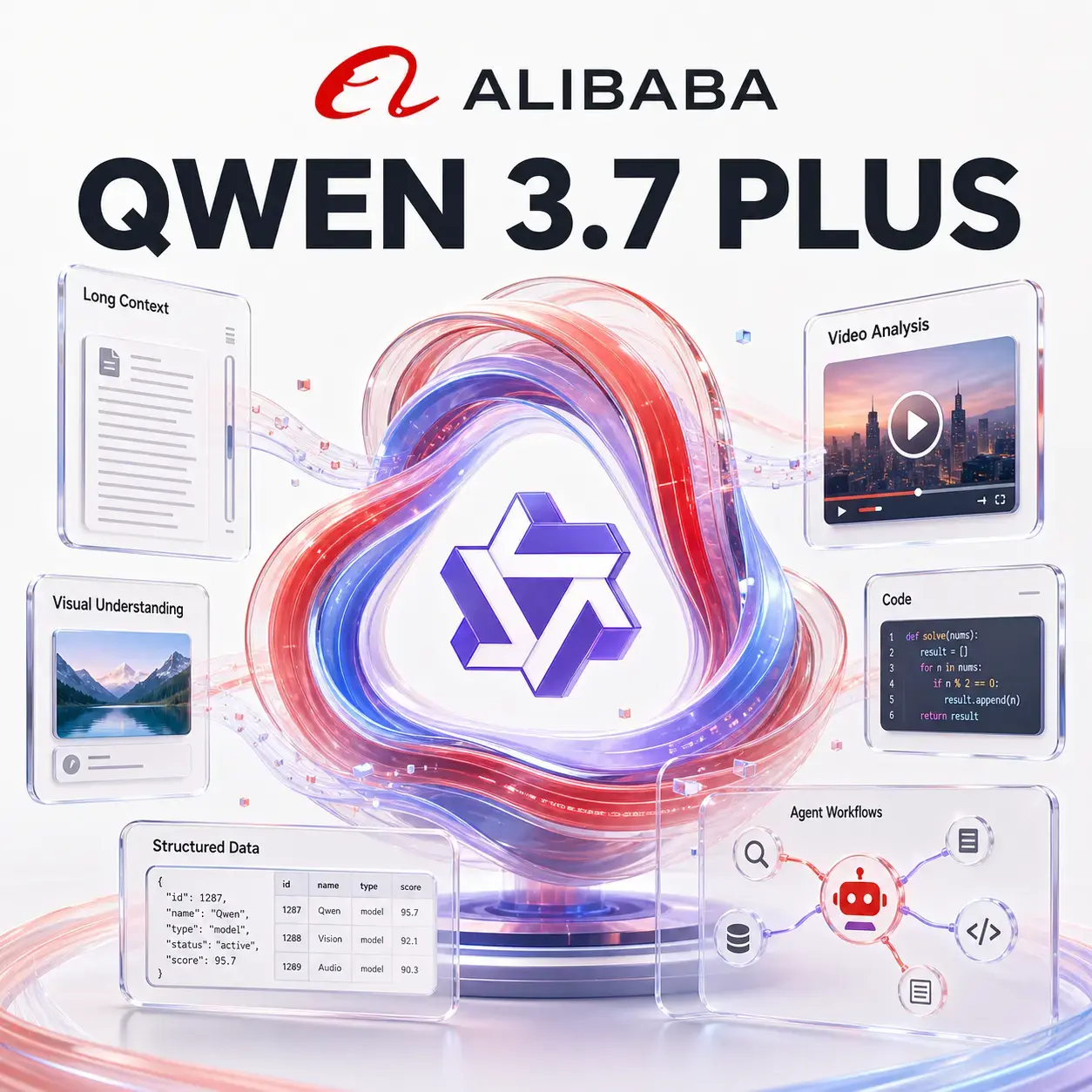
Qwen 3.7 Plus Visual intelligence at scale
Connect long documents, large image collections, video, code, and instructions with Alibaba's capable multimodal workhorse—available inside Neurohelper alongside leading AI models.
Multimodal library loaded
Qwen connects patterns across a large visual library and turns them into a structured creative and marketing plan.
Qwen 3.7 Plus is available in the same Neurohelper subscription as Qwen Max, Gemini Flash, GPT-5.6, Claude, DeepSeek, and specialist image, video, and audio models. Use Plus for broad multimodal work, then switch when the next step needs deeper reasoning or media generation.
Qwen 3.7 Plus overview
What is Qwen 3.7 Plus?
Qwen 3.7 Plus is Alibaba's capability-and-efficiency balanced multimodal model. It accepts text, images, and video, reasons across long contexts, and can turn large mixed collections into practical analysis, code, structured information, or an execution plan.
One model for mixed evidence
Review documents, interfaces, product photos, recordings, and written instructions together instead of analyzing each source in isolation.
Built for large collections
A 1M context window and generous media limits make Plus useful for research archives, catalogs, training libraries, and multi-session studies.
Think or execute directly
Use thinking mode for ambiguous analysis and non-thinking mode when speed or strict structured output is the priority.
Best Qwen 3.7 Plus use cases
Use Plus when the evidence is visual and extensive
Qwen becomes most useful when the task requires pattern recognition across many files and a result that another person or model can immediately act on.
Audit a complete creative library
Group product images, paid-social creatives, UGC videos, and landing-page captures by message and visual pattern. Find duplication, brand drift, missing formats, and new campaign opportunities.
Build continuity across a visual story
Review character references, location sheets, storyboards, and test clips. Track wardrobe, props, visual motifs, scene order, and prompt requirements before image or video generation.
Convert training video into knowledge
Analyze long demonstrations and supporting documents, then create a chaptered SOP, key screenshots, decision points, exceptions, and a searchable employee guide.
Connect visual bugs to implementation
Combine screenshots, reproduction videos, interface specifications, logs, and code excerpts to rank likely causes and prepare a focused investigation plan.
Qwen 3.7 Plus prompts
Four ways to use its visual context
A strong prompt explains how the sources relate, what counts as evidence, and what the final deliverable must contain. Switch between practical examples below.
Review the attached product visuals, paid-social ads, UGC clips, brand guide, and campaign-performance notes.
Group assets by audience, promise, proof, visual pattern, and format. Identify brand inconsistencies, repeated concepts, missing funnel stages, and patterns associated with stronger results. Separate visible evidence from performance inference. Return a creative-library map and five prioritized test directions.
- Searchable map of the whole creative library
- Visual and messaging patterns compared
- Brand drift and format gaps identified
- Five evidence-backed campaign tests
Useful when hundreds of assets have accumulated without a clear creative system.
Analyze the attached training recording, policy documents, interface screenshots, and current checklist.
Create a chaptered operating procedure with timestamps, prerequisites, numbered actions, decision points, exceptions, and verification steps. Flag any conflict between what the presenter demonstrates and what the written policy requires. List the screenshots needed for the final training guide.
- Timestamped training outline
- Step-by-step SOP with decision branches
- Policy conflicts clearly surfaced
- Screenshot plan for the final guide
Strong for onboarding, internal training, software walkthroughs, and process documentation.
Review the product packshots, lifestyle images, marketplace cards, competitor listings, customer reviews, and brand requirements.
Assess whether the visual set communicates the product, differentiators, scale, use context, and trust. Identify missing images for the buying journey. Produce a prioritized shot list with purpose, composition, required product details, copy space, aspect ratio, and reference asset.
- Visual coverage by buying-stage question
- Competitor gaps and differentiation options
- Prioritized production-ready shot list
- Prompts ready for an image model
Ideal before building a marketplace pack with GPT Image 2 or Nano Banana.
Investigate the attached screen recording, before-and-after screenshots, browser log, component files, and design specification.
Reconstruct the failure sequence. Rank likely causes by confidence, cite the visual or code evidence behind each, and identify the smallest relevant file set. Propose a minimal fix plan and regression checks across desktop and mobile. State what cannot be concluded from the supplied files.
- Visual symptoms linked to likely code paths
- Ranked hypotheses rather than one guess
- Focused affected-file list
- Desktop and mobile regression plan
Useful when the bug is easier to see than to describe.
Connected Neurohelper workflow
From a large visual library to finished content
Qwen Plus can inspect the collection and define what is missing. Other models can then shape the strategy and produce the new assets inside one connected workspace.
Map the library
Qwen 3.7 Plus groups images and videos, finds patterns, and identifies gaps.
Approve direction
GPT-5.6 Terra or Sol turns evidence into positioning, priorities, and a creative brief.
Create assets
GPT Image 2 or Nano Banana builds product scenes, UGC concepts, and social variations.
Produce video
Seedance, Kling, or another video model animates the approved frames and storyboard.
Qwen 3.7 Plus alternatives
Start with Plus, escalate only when needed
Plus is designed for broad, capable everyday work. A different model makes sense when the task needs a particular input type, a deeper capability tier, or another provider's behavior.
Qwen 3.7 Plus
Choose it for long context, large visual collections, video understanding, document synthesis, coding, and bounded workflows with clear validation.
Qwen 3.7 Max
Escalate the hardest engineering, programming, and long-horizon tasks when Plus cannot produce a sufficiently reliable result.
Gemini 3.6 Flash
Compare Gemini when native audio or PDF input, Google grounding, or a different fast multimodal model is central to the workflow.
Practical model selection
When Qwen 3.7 Plus is the right choice
Use Qwen Plus when
- one task combines text, images, video, and long instructions;
- you need to compare many visual assets or recordings;
- the result should become a brief, dataset, SOP, or plan;
- thinking mode helps with ambiguity but speed still matters;
- you want a capable first model in a larger workflow.
Choose another model when
- native audio or PDF input is essential to the selected route;
- maximum reasoning depth matters more than efficiency;
- you need finished image, video, music, or speech generation;
- the task is simple enough for a lighter high-volume model;
- high-stakes conclusions cannot be independently verified.
Compact Qwen 3.7 Plus guide
Useful facts without the API overload
These official limits show the shape of the model's multimodal capability. Features exposed in Neurohelper and usage limits depend on the selected plan and product configuration.
Verified against Alibaba Cloud Model Studio's official visual understanding documentation and Qwen 3.7 Plus model information. Last reviewed August 7, 2026.
Frequently asked questions
Qwen 3.7 Plus FAQ
What is Qwen 3.7 Plus best for?
It is especially useful for large multimodal collections, long-document work, video understanding, visual research, coding with screenshots, structured extraction, and bounded multi-step workflows.
Can Qwen 3.7 Plus analyze images and video?
Yes. Alibaba documents text, image, and video input with text output. The general Qwen 3.7 Plus route supports up to 2,048 images or 64 videos, subject to other request limits.
How long can Qwen 3.7 Plus videos be?
Alibaba's visual-understanding documentation lists individual videos up to two hours or 2 GB for Qwen 3.7 Plus.
What is the Qwen 3.7 Plus context window?
The documented context window is one million tokens, with up to 65,536 output tokens. Large capacity helps, but important conclusions should still be traced back to the original sources.
Is Qwen 3.7 Plus better than Qwen 3.7 Max?
Plus is usually the more practical starting point for broad multimodal and productivity work. Max is the candidate for the hardest engineering or long-horizon tasks. Compare accepted output quality on representative work.
Is Qwen 3.7 Plus available in Neurohelper?
Yes. It is available as Alibaba Qwen 3.7 Plus alongside Qwen Max, Gemini, GPT-5.6, Claude, DeepSeek, and creative AI models. Availability and usage limits depend on the selected plan.
One subscription, many models
Let Qwen understand the library. Let specialist models build what comes next.
Analyze long documents, image collections, and video with Qwen 3.7 Plus, then continue into strategy, image generation, motion, audio, or deeper reasoning inside Neurohelper.
