
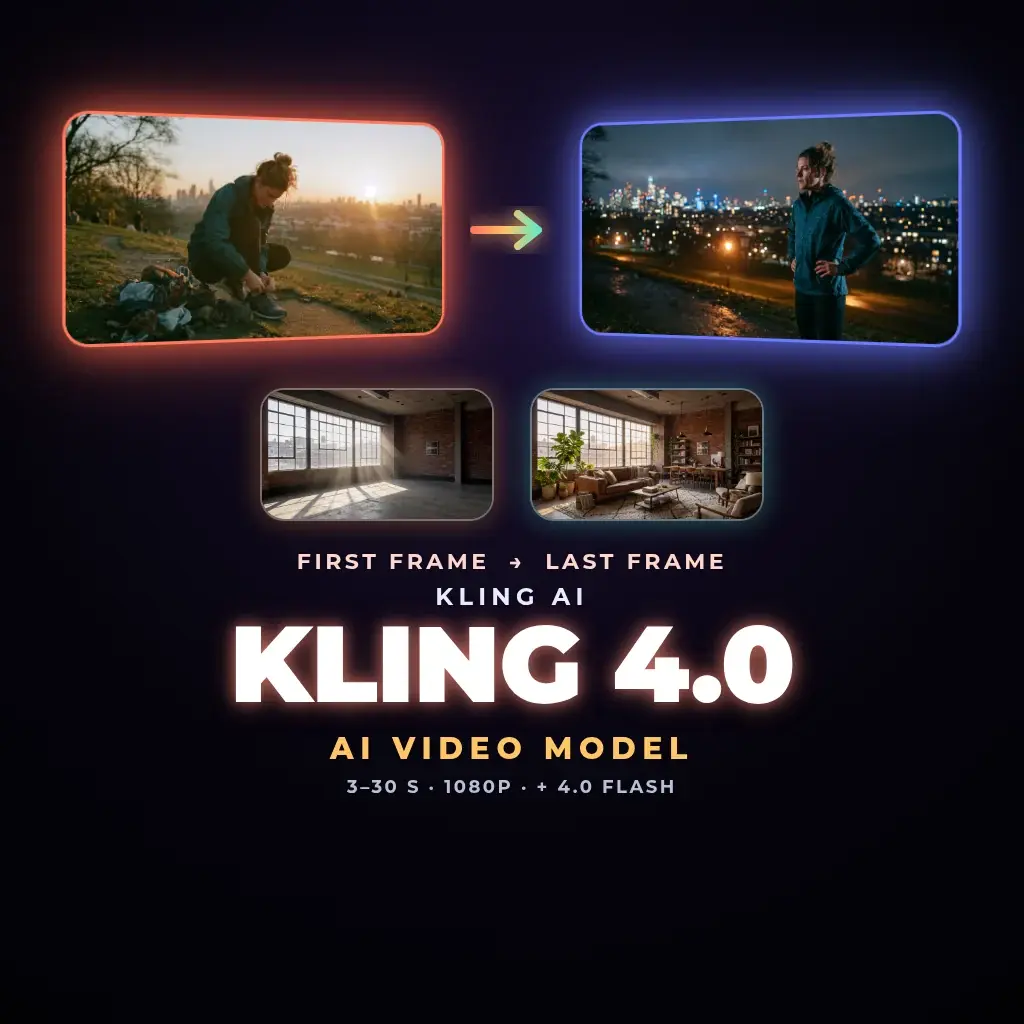
Kling 4.0 AI video generator: long takes from your first and last frame
Kling 4.0 is Kuaishou's newest video model. In Neurohelper AI you start from your own image: set the first frame, add a last frame if you want to lock the ending, describe the motion, and get a single take from 3 to 30 seconds at 720p or 1080p. Need quick drafts first? Kling 4.0 Flash animates a first frame at 720p, from 3 to 20 seconds.
Made in Neurohelper AI
Kling 4.0 examples


Kling 4.0 use cases
What to make with Kling 4.0
Product reveal that ends on the packshot
Use a close-up as the first frame and your final packshot as the last frame, so the clip always lands on the exact shot you need.
Time and place transitions
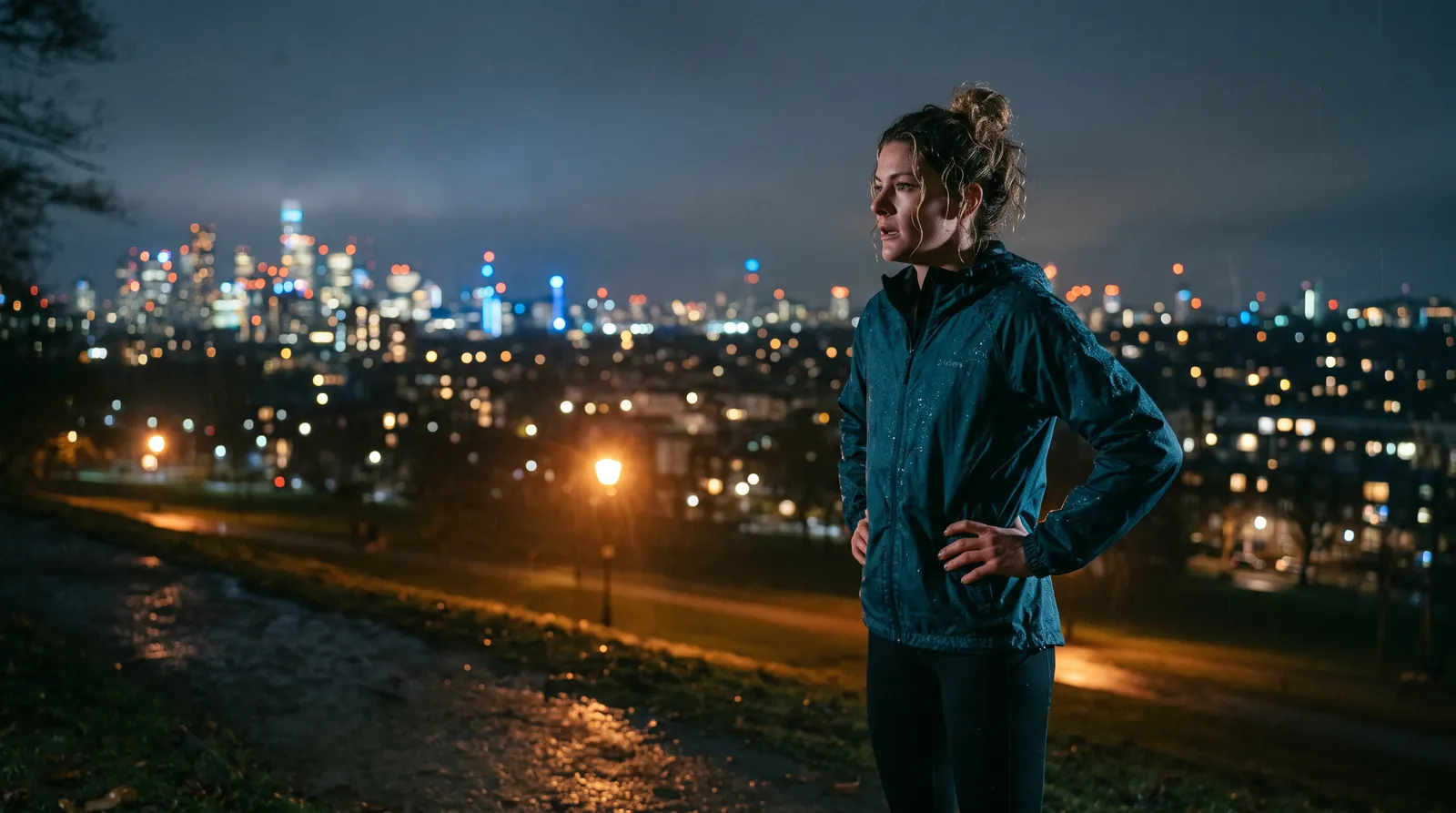
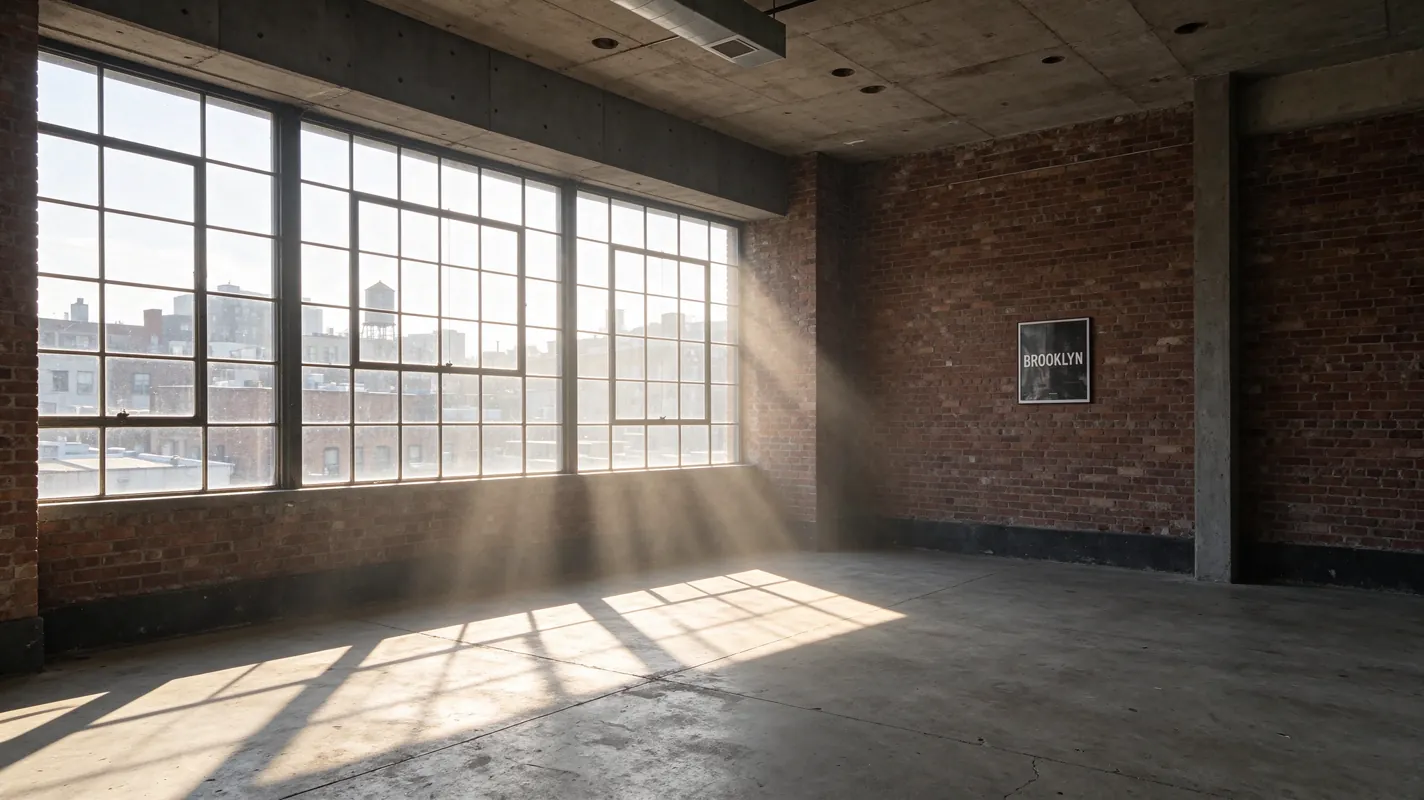
Go from sunset to night, empty room to finished interior, or sketch to finished product inside one continuous take.
Long takes for social ads
Up to 30 seconds in a single generation leaves room for a hook, a demonstration and an ending without stitching clips.
Animate stills you already made
Generate a key visual with Nano Banana 2.1, Midjourney 8.2 or Seedream 5.5, then bring it to life with Kling 4.0.
Cheap motion tests
Try framing and pacing with Kling 4.0 Flash, then move the winning prompt to Kling 4.0 at 1080p.
Start with the $1 trial
Try Kling 4.0 in Neurohelper AI
Use Kling 4.0 next to the other AI models in one workspace.
Frequently asked questions
Kling 4.0 FAQ
What is the difference between Kling 4.0 and Kling 4.0 Flash?
Kling 4.0 takes a first frame and an optional last frame and renders 3–30 second clips at 720p or 1080p. Kling 4.0 Flash is the faster, lower-cost tier: it takes a first frame and renders 3–20 second clips at 720p.
Can I set the last frame?
Yes, with Kling 4.0. Add a last frame to control where the shot ends. Kling 4.0 Flash uses only a first frame.
How long can a Kling 4.0 video be?
From 3 to 30 seconds in one generation with Kling 4.0, and from 3 to 20 seconds with Kling 4.0 Flash.
What happened to Kling 3.0?
Kling 4.0 replaces Kling 3.0 in Neurohelper AI. The Kling 3.0 page stays available in the Archive section of the models hub.
One workspace, many models
Ready to try Kling 4.0?
Start the $1 trial and switch between models whenever a task needs it.