
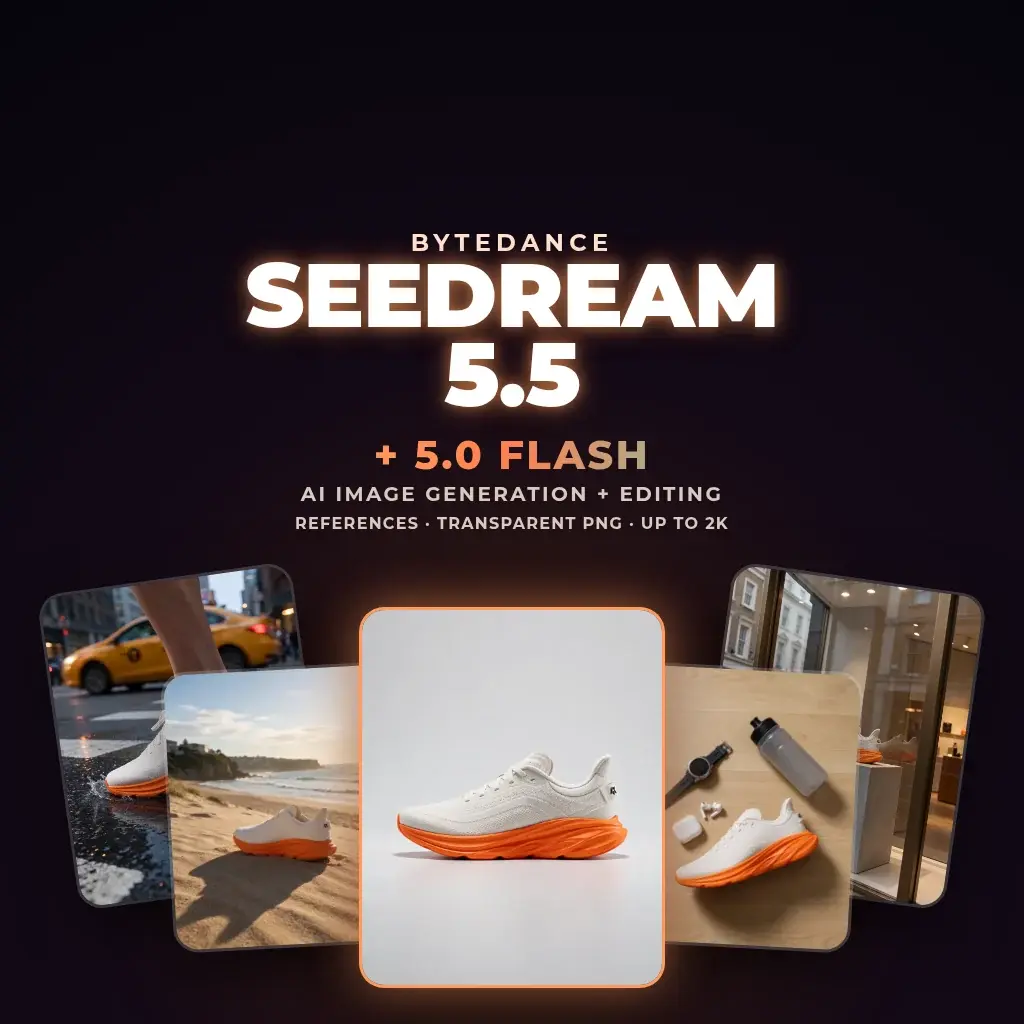
Seedream 5.5 & 5.0 Flash: realistic images, clean edits, transparent assets
Seedream 5.5 is ByteDance's latest image generation and editing model. Write a prompt, add up to 10 reference images if you need them, and create at 1K, 1.5K or 2K, with a transparent or opaque background. Seedream 5.0 Flash is the faster tier: it edits an image you upload, at 1K to 2K, with up to 10 references.
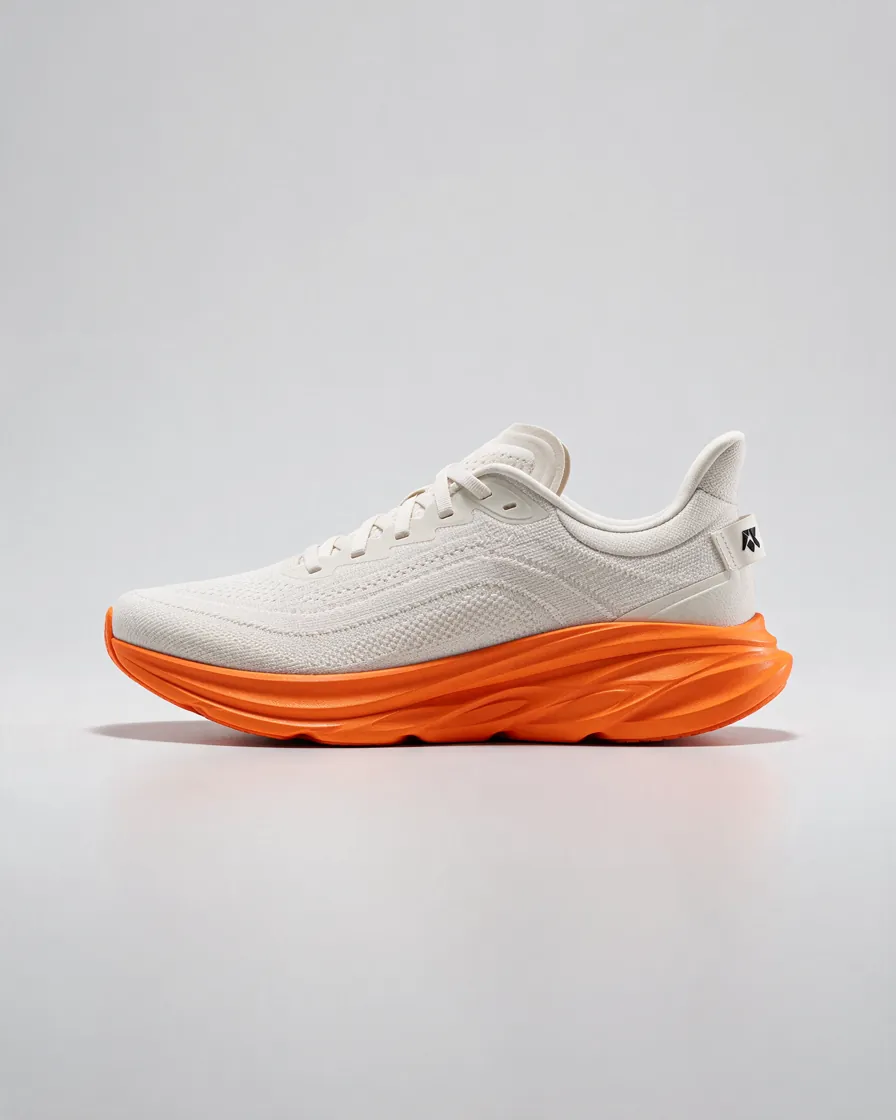
Made in Neurohelper AI
Seedream 5.5 examples
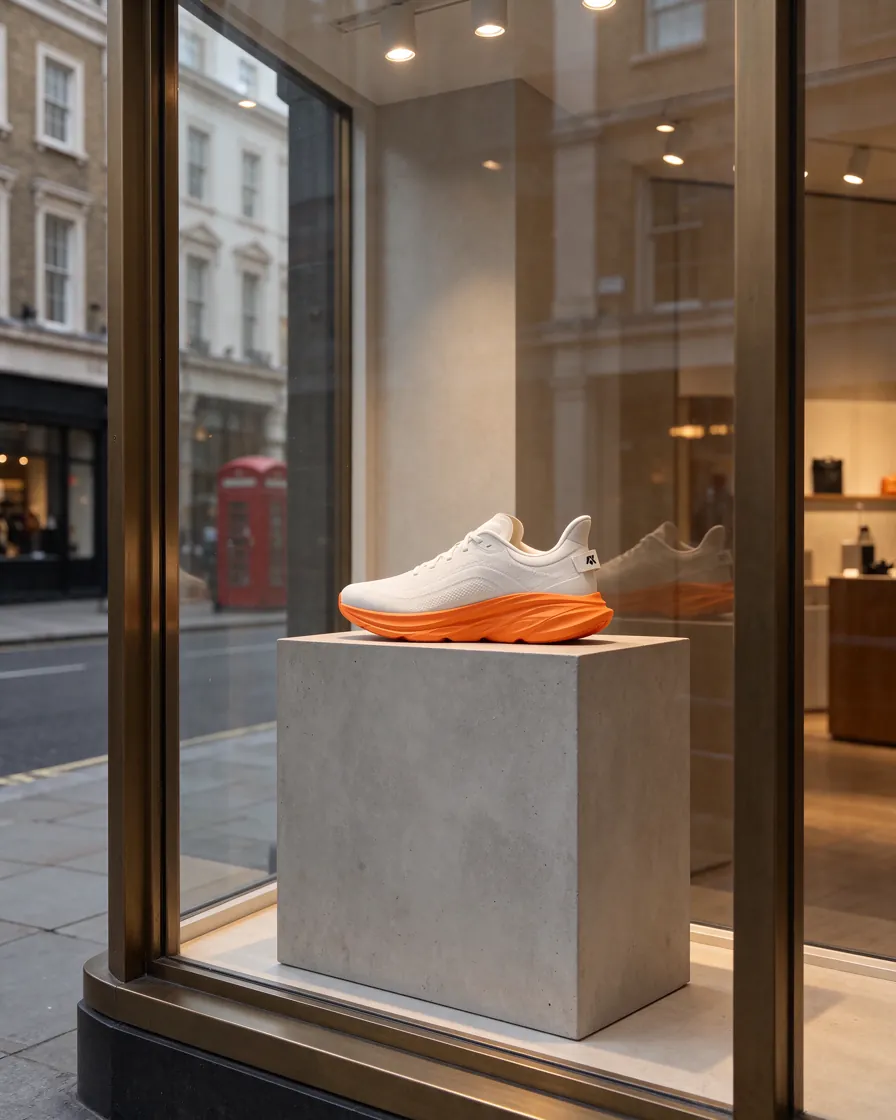
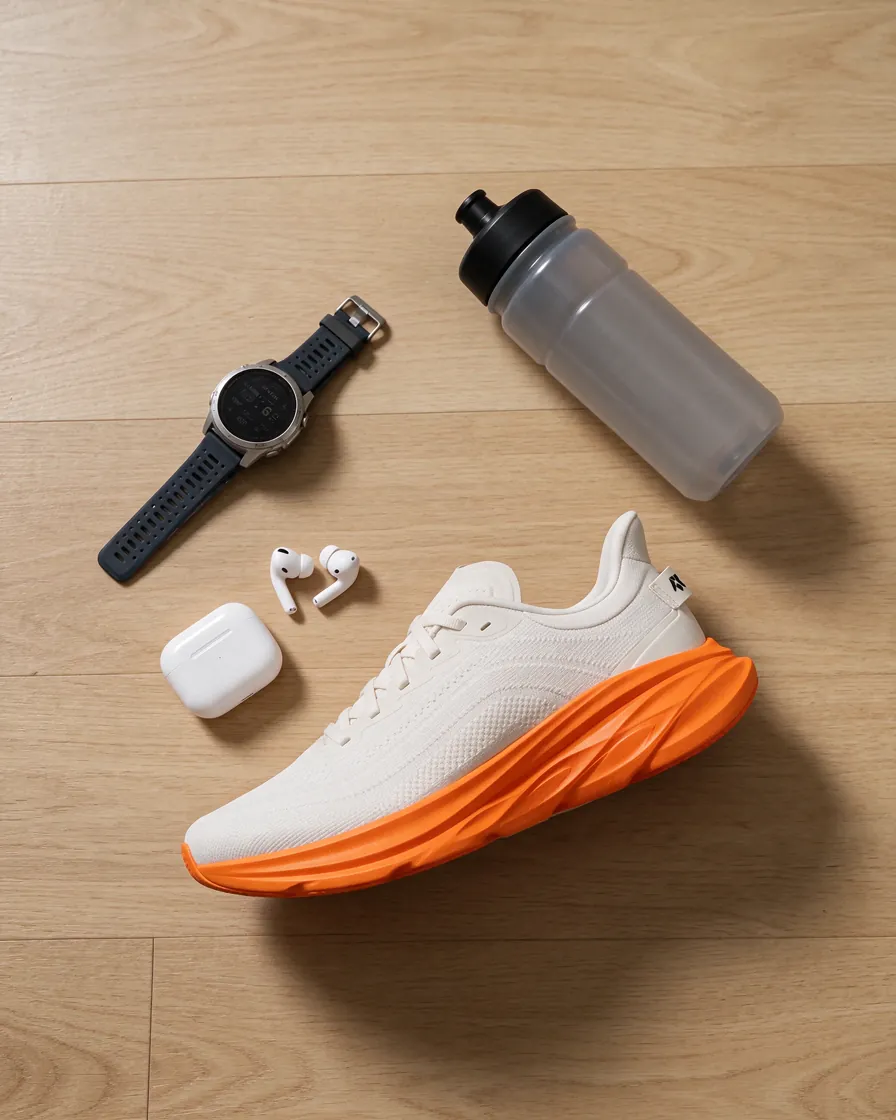
Seedream 5.5 use cases
What to make with Seedream 5.5
Cut-out assets for design
Generate products, objects or characters on a transparent background and drop them straight into a layout.
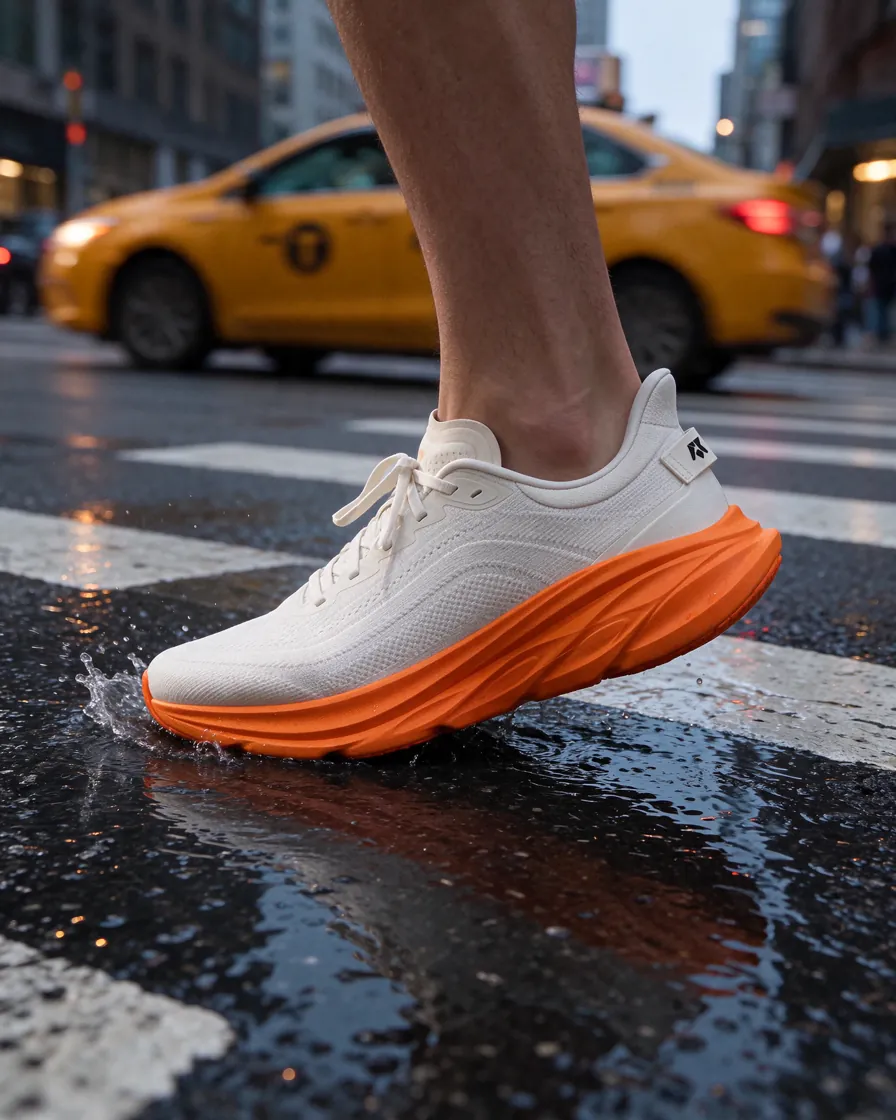
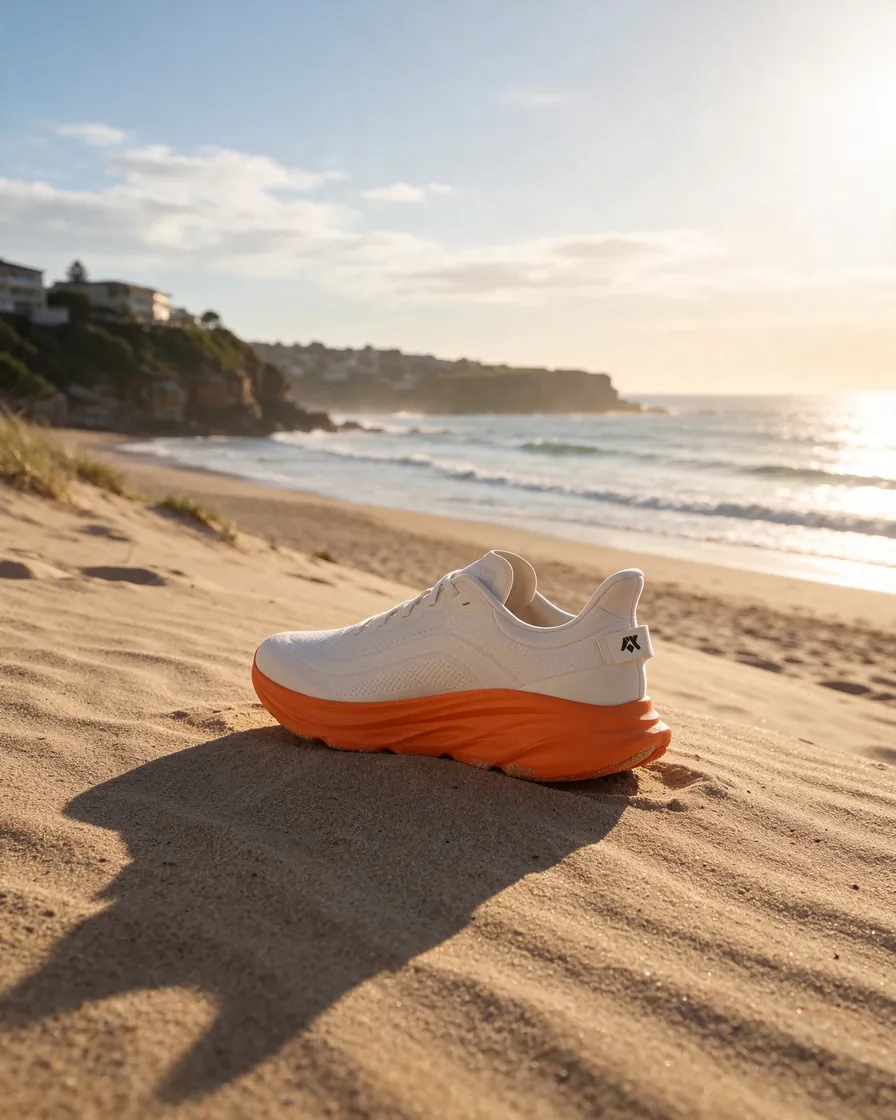
Realistic lifestyle and product photos
Natural light, materials and skin texture for ads, marketplaces and social posts.
Step-by-step edits of the same image
Change outfits, props or backgrounds round after round while keeping the rest of the picture intact.
Posters and visuals with text
Headlines and small captions rendered inside the image.
Consistent series
Reuse the same references to keep a character or product recognizable across a whole set.
Start with the $1 trial
Try Seedream 5.5 in Neurohelper AI
Use Seedream 5.5 next to the other AI models in one workspace.
Frequently asked questions
Seedream 5.5 FAQ
What is the difference between Seedream 5.5 and Seedream 5.0 Flash?
Seedream 5.5 is the main model for creating and editing images, from text alone or with references. Seedream 5.0 Flash is a faster tier that edits an image you upload.
Can Seedream 5.5 make transparent PNGs?
Yes. Choose a transparent background and the result is saved as a PNG with transparency, ready for layouts and compositing.
What resolutions are available?
1K, 1.5K or 2K, in common aspect ratios from 1:1 to 21:9.
What happened to Seedream 5 Pro and Lite?
Seedream 5.5 and Seedream 5.0 Flash replace them in Neurohelper AI. The Seedream 5 Pro & Lite page stays available in the Archive section of the models hub.
One workspace, many models
Ready to try Seedream 5.5?
Start the $1 trial and switch between models whenever a task needs it.