
Midjourney alternatives
Best Midjourney Alternatives in 2026
Midjourney is still the tool many people open first for a look. V8.2 has been its default model since 24 July 2026, with Personalization, moodboards, style references and a new Edit Model. People look for a Midjourney alternative for other reasons: they need to edit a real product photo, render text they can use, keep a character the same across a set, find a free tier, or move the image straight into video. Below are seven alternatives checked against their official pages on 18 November 2026, and an honest note on who should stay with Midjourney.
Quick verdict
Most people need a second image model, not a different Midjourney
Midjourney is built to explore a look from words. In a typical marketing week the harder jobs are editing a photo you already have, getting exact text and layout, and keeping a product identical across a set. Those are the jobs GPT Image, Nano Banana and Ideogram focus on.
Bolder V8.2 images, four per prompt, HD at 2048 px, Personalization and moodboards, plus video on every plan.
Nano Banana, GPT Image and Seedream start from your images: change a background, a season or a headline and keep the rest.
Ad sets, marketplace packs, localized posters or a first frame for video. Each alternative below is strongest at one of these.
Comparison table
Midjourney and 7 alternatives at a glance
Facts come from each company’s own website, read on 18 November 2026. Where a price was not shown on a public page, we say so instead of guessing. Limited-time promotions are left out.
| Platform | Best for | Image models listed | Video | Entry pricing |
|---|---|---|---|---|
| Midjourney (the baseline) | Art direction and style exploration from a prompt | V8.2 (default since 24 July 2026) with the new Edit Model; V8.1, V7 and Niji 7 still selectable | Video on every plan: SD on Basic, SD and HD from Standard | No free plan listed. Basic $10/mo ($8 billed yearly), Standard $30 ($24), Pro $60 ($48), Mega $120 ($96) |
| NeuroHelper AI | Images, edits, video and sound for one project in one subscription | Midjourney 8.2, GPT Image 2.6, Nano Banana 2.1 and Nano Banana Pro, Seedream 5.5, QWEN Image 3.0 Pro | Kling 4.0, Seedance 2.5, Veo 3.1 and more in Video Master | $1 trial, then Basic $19/mo or Pro $49/mo ($15 or $39 billed yearly) |
| ChatGPT | Creating and refining images in a conversation | OpenAI image creation inside ChatGPT | Not listed on the ChatGPT plans page | Free with limited image creation; Go, Plus and Pro add more. Prices were not shown on the public page we read |
| Google Gemini | Nano Banana editing in the Gemini app | Free Nano Banana model; Nano Banana 2.1 and Nano Banana Pro with a Google AI plan | Veo and Gemini Omni through Google AI plans and Google Flow | Free tier; Google AI Pro $19.99/mo ($199.99 a year), Ultra $99.99/mo |
| Adobe Firefly | Commercial work inside Creative Cloud | Adobe Firefly models plus partner models from Google, OpenAI and others | Text-to-video and image-to-video in the same studio | Free daily generations; paid plan prices were not shown on the public page we read |
| Leonardo | Trained styles and many models on one token plan | 80+ models, including Lucid Origin, Phoenix and third-party models | Video generation; unlimited relaxed video for selected models on Ultimate | Free: 150 tokens a day; Essential $12/mo, Premium $30, Ultimate $60 (up to 20% off yearly, ex. tax) |
| Ideogram | Typography, posters and editable text | Ideogram 4.5, 4.0 and 3.0, Ideogram Vector | Paid plans list all image and video models | Free weekly credits for eligible accounts; Plus $20/mo ($15 yearly), Pro $60 ($42 yearly) |
| Krea | Designers who want real-time tools, nodes and upscaling | Krea 3, plus Nano Banana Pro, FLUX 3, Seedream and more | Seedance, Kling and Veo | Free: 100 units a day; Basic $9/mo, less when billed yearly |
Plans, limits and model lists change often. Midjourney’s Relax mode gives unlimited images from Standard and unlimited SD video on Pro and Mega; extra Fast GPU time costs $4 an hour. Check each vendor’s current page before you buy.
The alternatives
The 7 best Midjourney alternatives, and who each one fits
No scores and no invented tests. Each pick says what it is best for and what you give up.
NeuroHelper AI
Our own product, so judge us on the facts. Midjourney 8.2 is in Image Master: one prompt returns four images, in standard quality or as a sharper HD set, and prompts accept Midjourney parameters such as --ar 16:9. Next to it are GPT Image 2.6 for generation and inpainting, Nano Banana 2.1 for editing your own image with up to 14 references at 1K, 2K or 4K (Nano Banana Pro for precision work), and Seedream 5.5 for consistent series and transparent PNGs. Chat Master writes the prompt and the copy, and Video Master turns the chosen image into a clip with Kling 4.0, Seedance 2.5 or Veo 3.1.
Pick it if you pay for Midjourney plus a chat assistant plus an editing or video tool and want one $1 trial, then Basic $19 or Pro $49. In NeuroHelper AI, Midjourney 8.2 works from text prompts; Midjourney’s Personalization, moodboards, editor and video stay in Midjourney’s own app.ChatGPT
Image creation is part of every ChatGPT plan. The plans page lists limited image creation on Free, more on Go, “more complex and accurate image creation” on Plus, and “unlimited and faster image creation” on Pro. You describe the picture, then refine it in the same conversation, next to the text work you already do there.
Trade-off: built around chat rather than galleries, style codes or batch exploration, and plan prices were not shown on the public page we read.Google Gemini
Google’s image page lists a free Nano Banana model and Nano Banana 2.1, which Google calls its best image generation and editing model, with a Google AI plan. The plans page also lists Nano Banana Pro image generation and editing. Google names character consistency, text rendering, combining photos and precise editing as the strengths. See Midjourney vs Nano Banana.
Trade-off: access and limits change by plan and country, and Flow and the larger video allowances sit in the paid tiers.Adobe Firefly
Firefly is Adobe’s studio for images, video and audio. Adobe says its own Firefly models never train on what you create or upload and are safe for commercial use, and it adds partner models from Google, OpenAI, ElevenLabs, Luma AI and Runway. Firefly Boards handles moodboards, and results move into Photoshop, Illustrator, Premiere and Adobe Express.
Trade-off: the best value is for people already in Creative Cloud; generations use Adobe generative credits, and paid prices were not shown on the page we read.Leonardo
Leonardo lists more than 80 models, from its own Lucid Origin and Phoenix to third-party models, personal model training (10 to 50 models a month by plan), Realtime Canvas, Blueprints and video. Premium and Ultimate add unlimited relaxed generation for selected models. More in our Leonardo alternatives guide.
Trade-off: token-based plans take some learning, and the free plan is limited to the Auto model with public creations.Ideogram
Ideogram is built around type inside images. Ideogram 4.5 is its newest model, and the site lists editable text layers, character consistency, Ideogram Vector and apps such as Precise Edit, Ad Resizer, Background Remover and Colorways. Paid plans include all image and video models and unlimited slow credits; Pro adds batch generation.
Trade-off: no free trial for subscriptions; the free tier is weekly credits for eligible accounts.Krea
Krea combines its own Krea 3 model with Nano Banana Pro, FLUX 3, Seedream and others, plus Realtime generation, Nodes, LoRA training, upscaling up to 22K and plugins for Photoshop and other apps. Video models include Seedance, Kling and Veo. See our Krea alternatives.
Trade-off: the pricing page runs large promotions, so check the regular price before you buy.What Midjourney does well
Who should stay with Midjourney
A fair comparison starts with what Midjourney does best. If these are your daily tools, an alternative is an add-on, not a replacement.
The V8.2 look
Midjourney describes V8.2 images as more creative, bold, sophisticated and edgy. It has been the default model since 24 July 2026, and HD images render at 2048 px without upscaling.
Personalization and moodboards
V8.2 Personalization learns your taste from your ratings, and moodboards, style references and style codes keep one look across a whole series.
The Edit Model and editor
V8.2 adds an Edit Model that replaces Omni Reference, Character Reference and Retexture. Pan, zoom out and the editor run on it inside Midjourney.
Video, Relax mode and Stealth
Midjourney makes video on every plan, offers unlimited Relax images from Standard, and keeps work private with Stealth Mode on Pro and Mega. Companies with more than $1M a year in revenue need Pro or Mega.
Real outputs
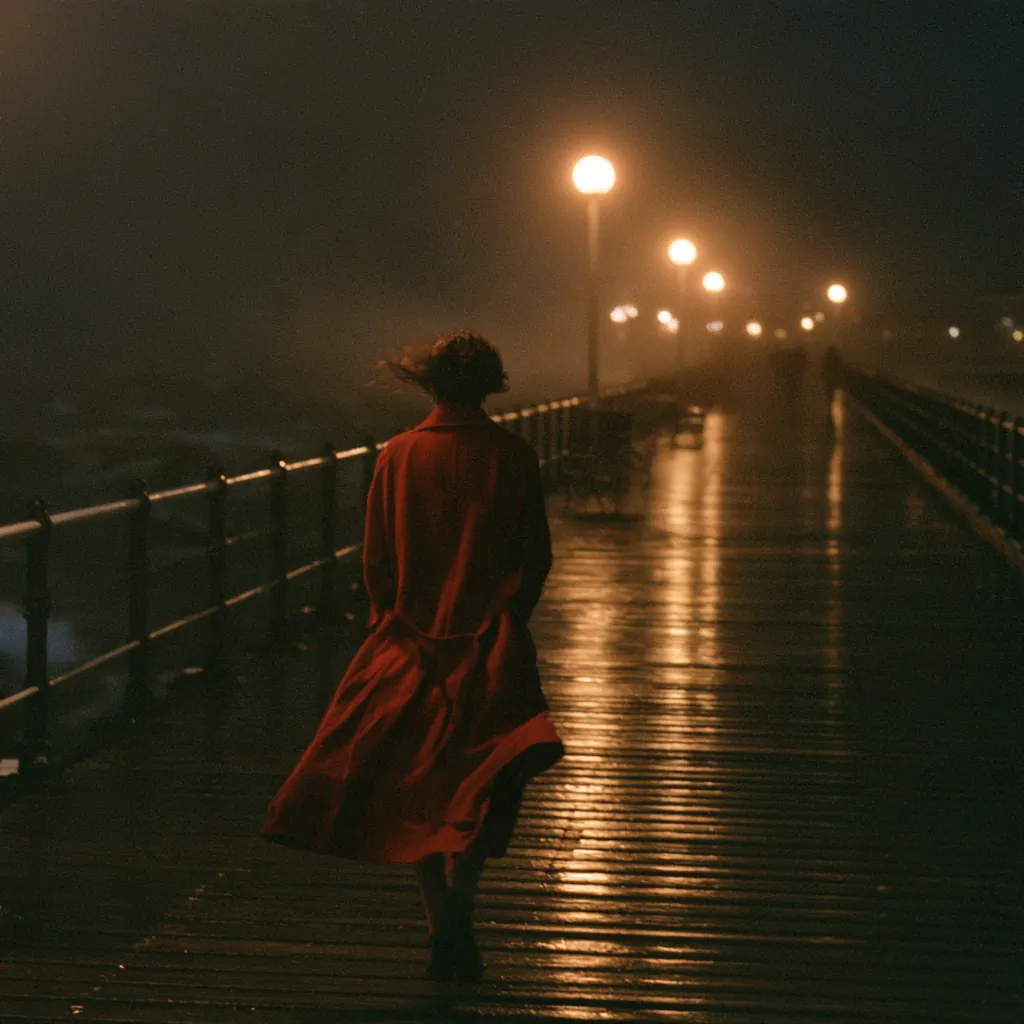
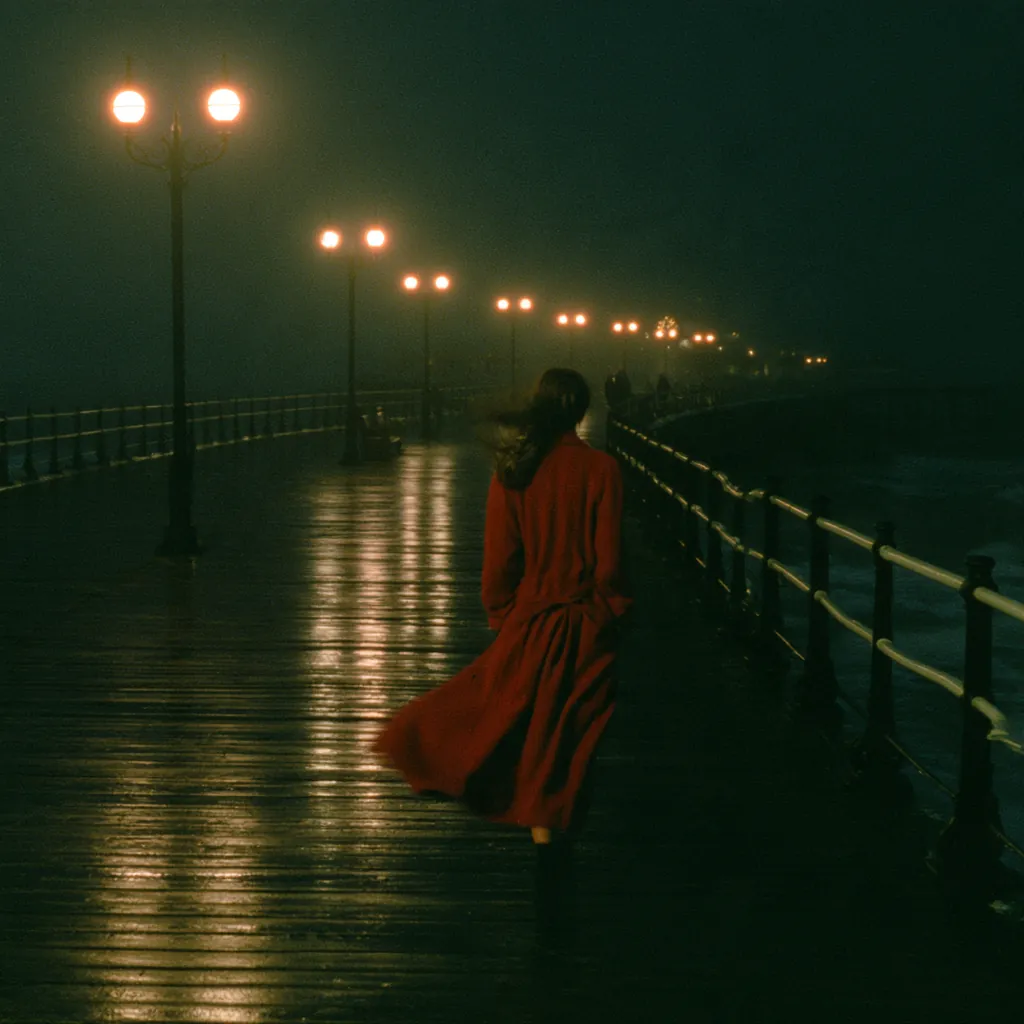
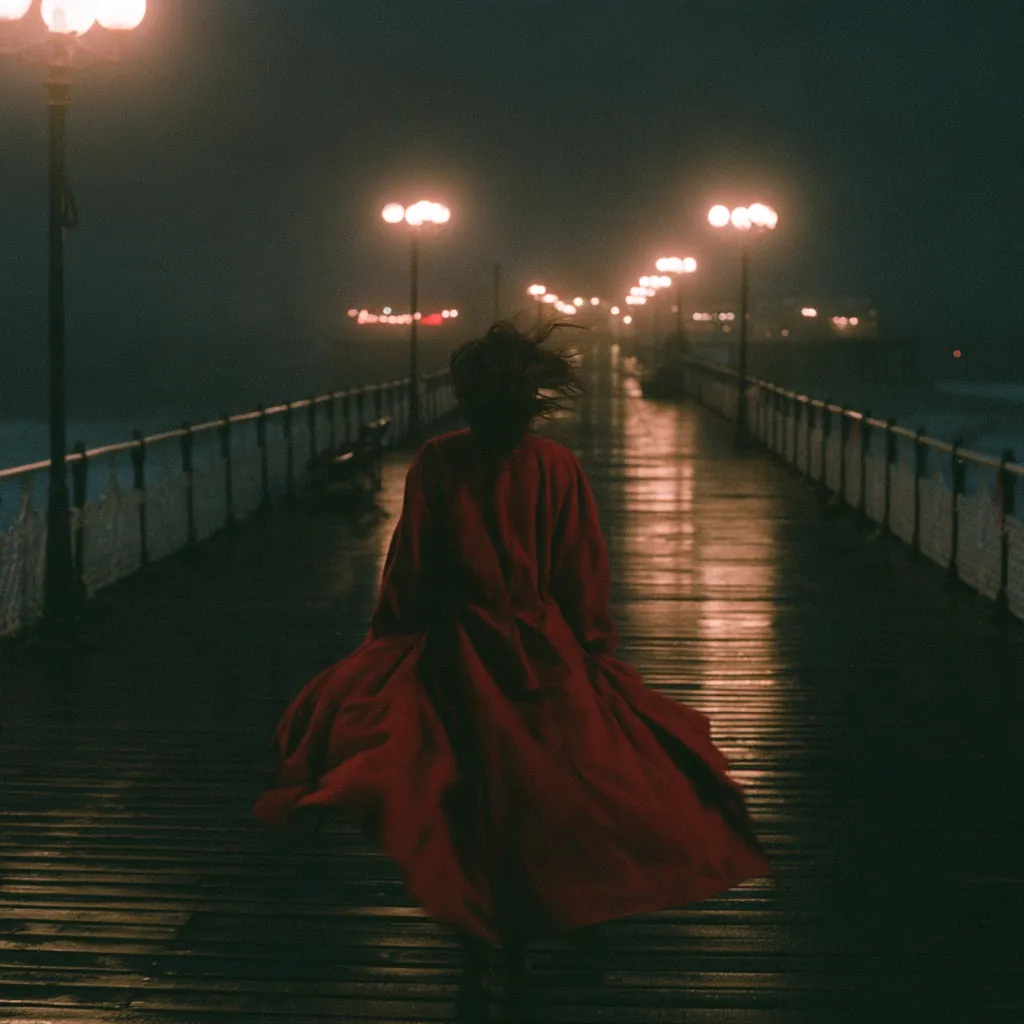
What the models in NeuroHelper AI made
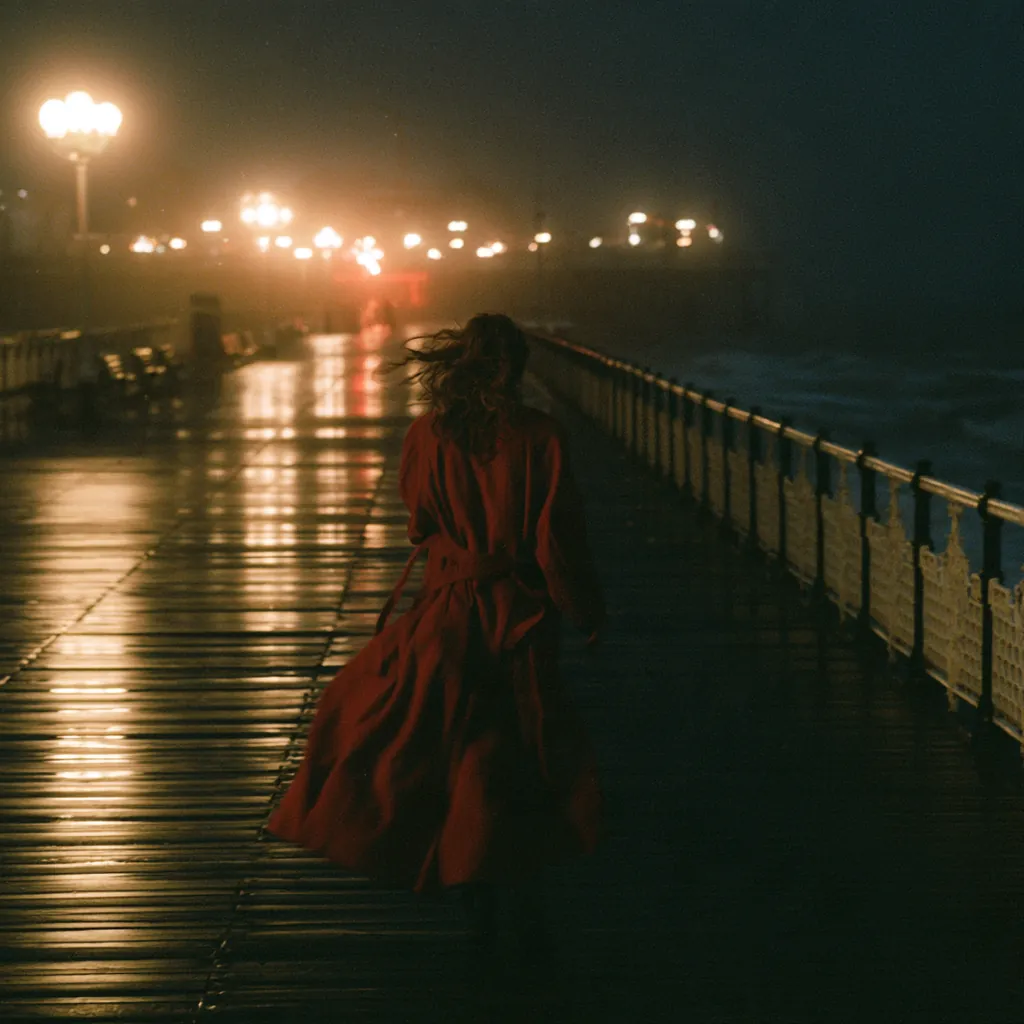
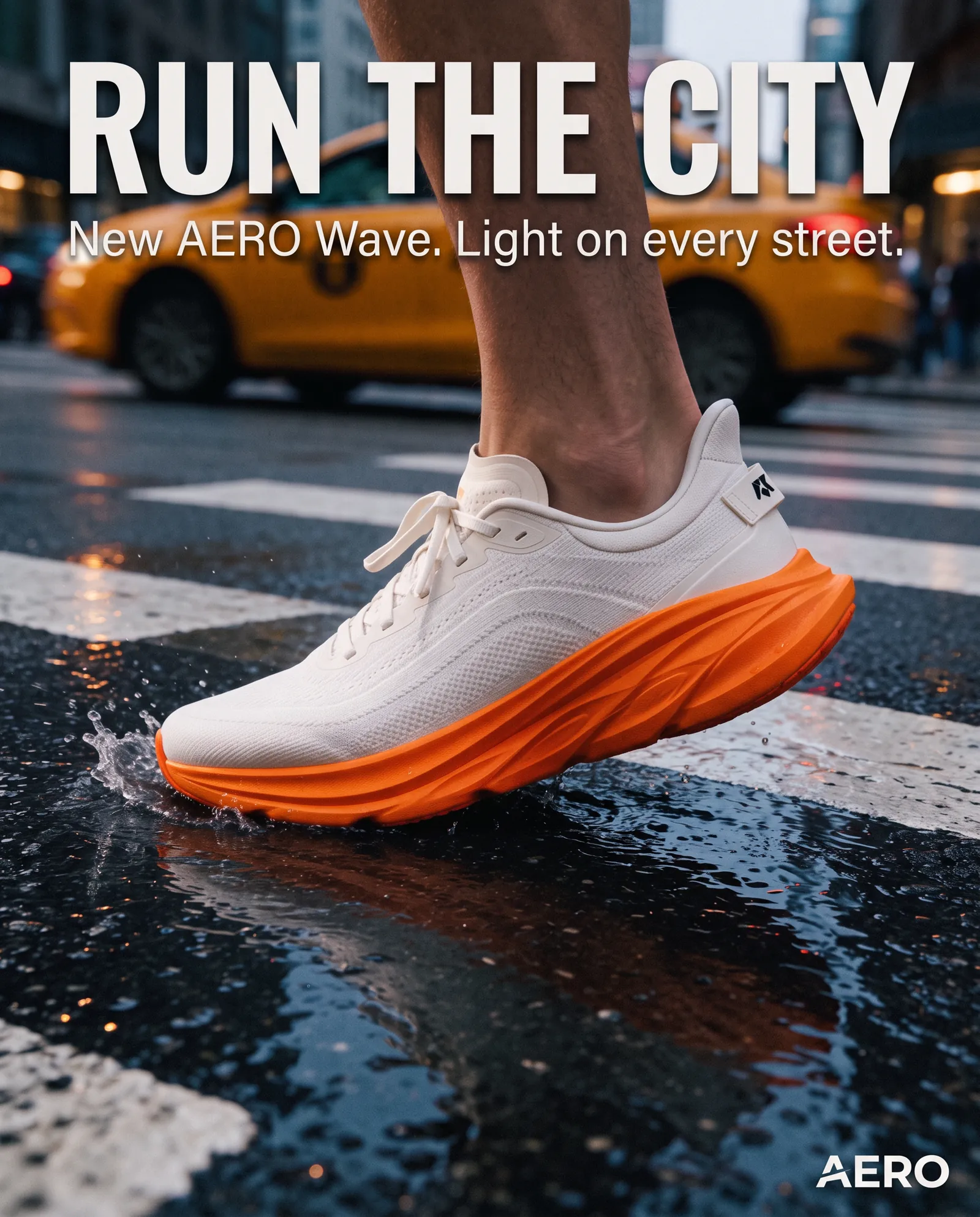
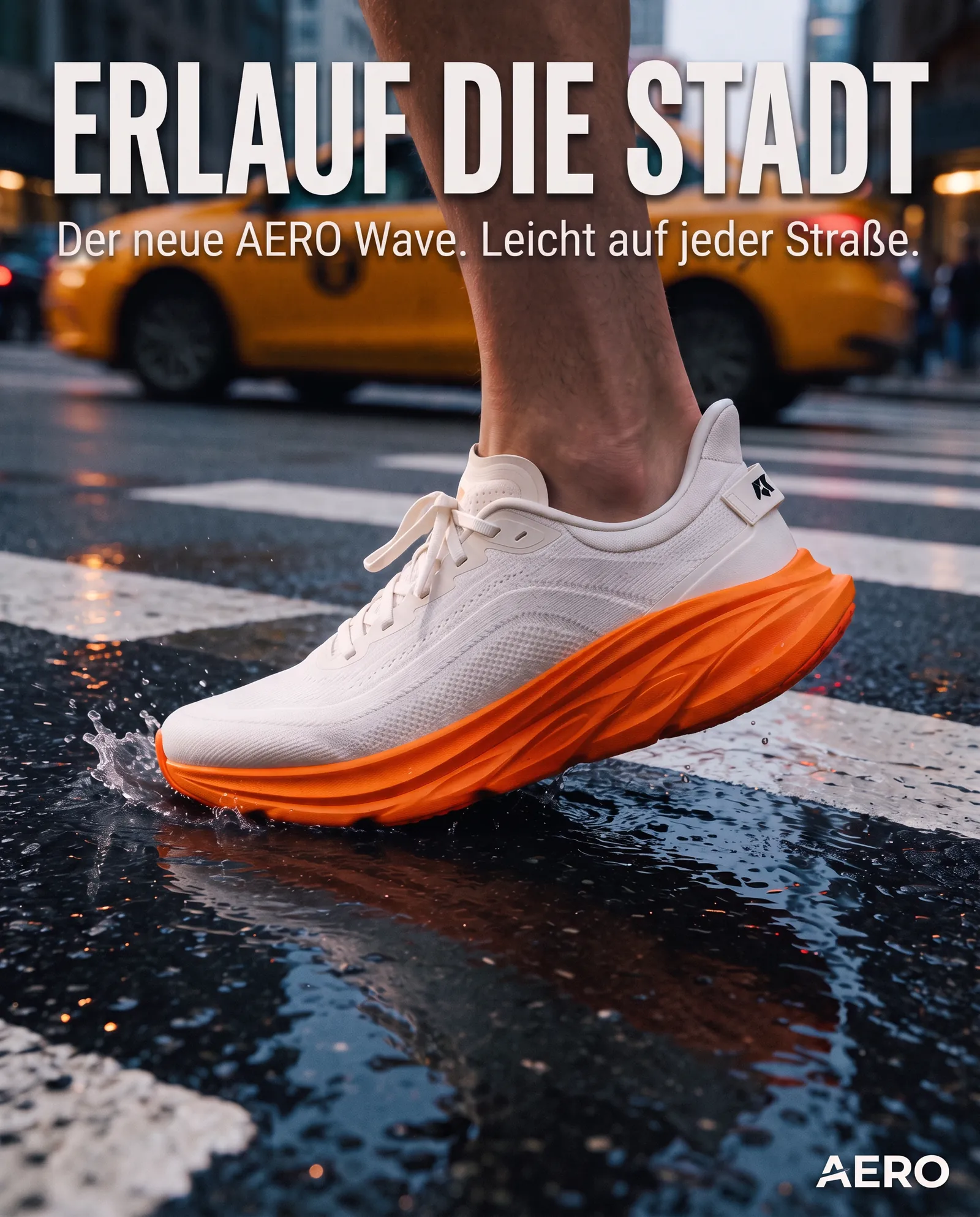
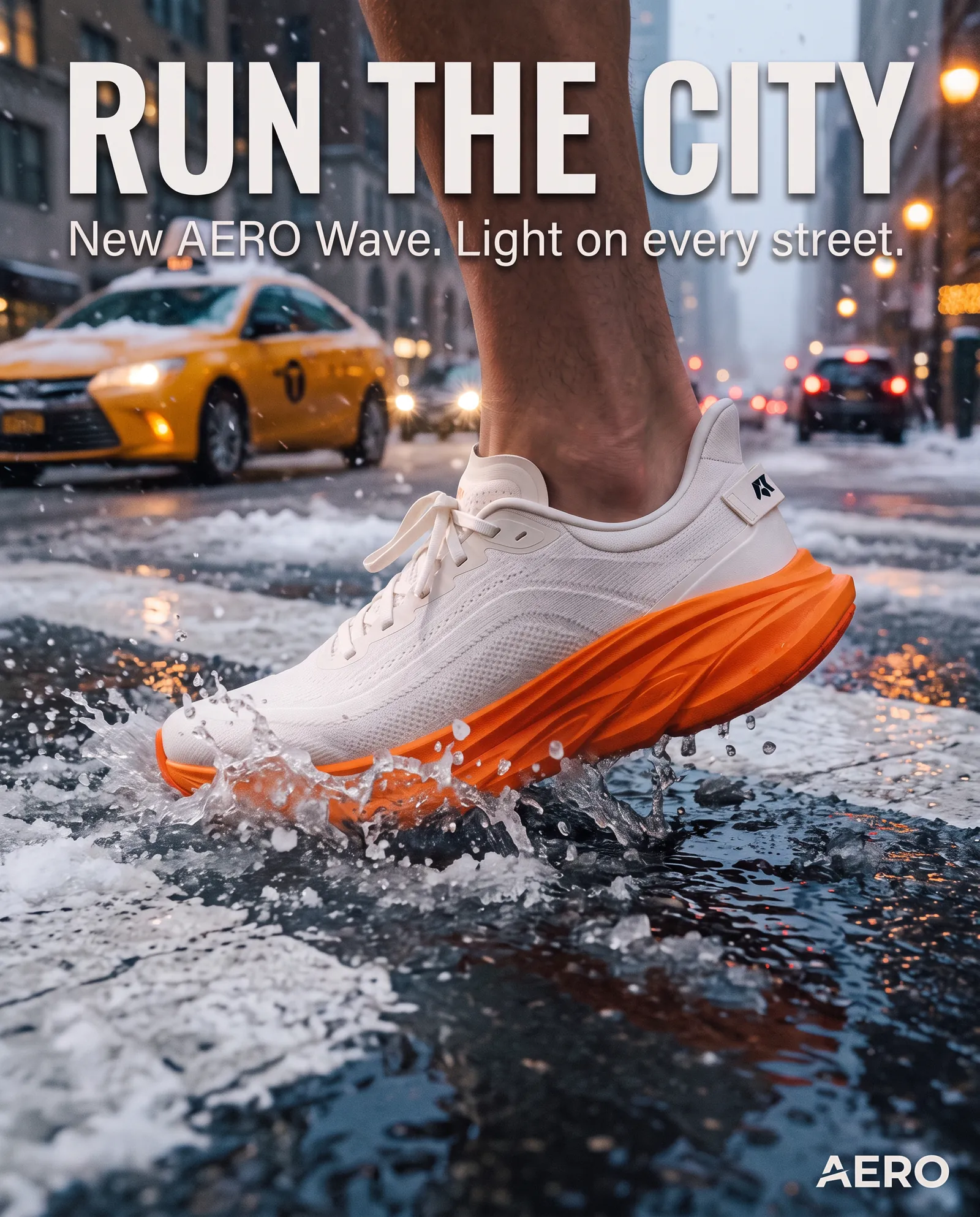
These images were made in NeuroHelper AI and are already published on our model pages. They show the split this page is about: Midjourney 8.2 for the look, Nano Banana for edits that keep the layout and the product.
Workflow
How to use Midjourney 8.2 inside NeuroHelper AI
From a brief to a finished visual and a short clip, without leaving the workspace. Each module hands its result to the next.
Chat Master
Ask GPT-6.1 Terra Pro or Claude Sonnet (Latest) for three Midjourney prompts: subject, light, lens, mood, and the --ar you need.
Image Master
Run them in Midjourney 8.2 (four images each, HD for the winner), then adapt the best one to your real product or a new language with Nano Banana 2.1 or GPT Image 2.6.
Video Master
Use the final image as the first frame for Kling 4.0 (3–30 seconds), Seedance 2.5 or Veo 3.1.
Audio Master
Add a voiceover with ElevenLabs v3 or a track with Suno v6.
Example Midjourney 8.2 prompt to try (not a published output): Editorial travel photograph, a woman in a long red coat walking along a wet seaside pier at night, warm lamp light reflecting on the boards, light sea fog, quiet and cinematic, 35mm lens, shallow depth of field --ar 9:16 --s 250
Explore with Midjourney, finish with an editing model. If the image has to match a real product, a person or exact copy, move it to Nano Banana 2.1 or GPT Image 2.6 rather than rerolling Midjourney. To animate it, follow How to Turn a Photo into a Video with AI and the Image Master guide.
Decision guide
Stay with Midjourney, switch, or add a second tool?
When Midjourney’s own tools are the job
- You rely on Personalization, moodboards and style codes.
- You edit inside Midjourney with the V8.2 Edit Model.
- You make Midjourney video or use Relax mode a lot.
- You need Stealth Mode or your company needs Pro or Mega.
When the image is one part of the project
- You want Midjourney 8.2 next to GPT Image 2.6, Nano Banana 2.1 and Seedream 5.5.
- You write prompts, copy and research with GPT-6.1, Claude or Gemini in the same place.
- You turn images into clips with Kling 4.0, Seedance 2.5 or Veo 3.1, and add voice and music.
- You want to start with a $1 trial, then choose Basic $19 or Pro $49.
Frequently asked questions
Midjourney alternatives FAQ
What is the best Midjourney alternative in 2026?
It depends on why you are leaving. If you want Midjourney 8.2 plus models that edit your own images, render readable text and turn the result into video, in one subscription, NeuroHelper AI is the closest fit, and it starts with a $1 trial. If you already pay for ChatGPT or a Google AI plan, try their built-in image tools first. Adobe Firefly suits Creative Cloud teams, Leonardo suits trained styles, Ideogram suits typography, and Krea suits designers who want real-time tools and upscaling.
Is there a free Midjourney alternative?
Several have free tiers: Gemini includes a free Nano Banana model, Leonardo gives 150 tokens a day, Krea 100 units a day, Ideogram weekly credits for eligible accounts, Adobe Firefly free daily generations, and ChatGPT limited image creation on its Free plan. Midjourney itself lists no free plan. NeuroHelper AI has no free plan either; you can start with a $1 trial, then choose Basic $19 or Pro $49.
Can I use Midjourney outside Midjourney?
Yes. NeuroHelper AI includes Midjourney 8.2 in Image Master. You write a text prompt, get four images in standard quality or as an HD set, and can use Midjourney parameters such as --ar 16:9. Midjourney’s own app adds Personalization, moodboards, the Edit Model editor and video.
How much does Midjourney cost in 2026?
Midjourney’s plan comparison page (checked 18 November 2026) lists Basic at $10 a month or $96 a year, Standard at $30 or $288 a year, Pro at $60 or $576 a year, and Mega at $120 or $1,152 a year. All plans are subscriptions, and yearly billing saves 20%.
Which Midjourney alternative is best for text in images?
Ideogram is built around typography and editable text layers. In NeuroHelper AI, GPT Image 2.6 handles readable text in posters and layouts and lets you repaint one area, Nano Banana 2.1 keeps layouts when you swap a headline into another language, and Seedream 5.5 renders headlines and small captions. Always proofread the result.
Which apps like Midjourney can edit my own photos?
Gemini with Nano Banana, ChatGPT and Adobe Firefly all edit uploaded images. In NeuroHelper AI, Nano Banana 2.1 starts from your image with up to 14 references, GPT Image 2.6 changes only the area you mask, and Seedream 5.5 edits with up to 10 references and can output a transparent PNG.
Can I turn Midjourney images into video?
Yes. Midjourney has its own video generation. In NeuroHelper AI, generate the key visual with Midjourney 8.2 in Image Master, then use it as the first frame for Kling 4.0, Seedance 2.5 or Veo 3.1 in Video Master. Our image-to-video guide walks through the steps.
Midjourney vs Nano Banana: which should I use?
Use Midjourney 8.2 to explore a look from words. Use Nano Banana 2.1 or Nano Banana Pro when you start from a photo, need the same product or character across a set, or need text you can actually use. Many projects use both: Midjourney for the mood, Nano Banana for the finish.
