
Freepik and Magnific alternatives
Best Freepik (Magnific) AI Alternatives in 2026
Freepik is now Magnific. The pricing link you remember opens magnific.com, the stock library sits next to 40+ AI models, and credits are sold by the year. If you are searching for a Freepik alternative, you probably want one of two things: a simpler way to use the AI models, or a stock library without the AI suite around it. Below are seven alternatives checked against their official pages on 19 November 2026, with the prices they publish and an honest note on who should stay with Magnific.
Quick verdict
Decide which half of Freepik you actually use
Freepik started as a stock site and grew an AI suite. After the move to Magnific, both halves sit in one subscription with one pool of credits. Most people lean hard on one half, and the best alternative depends on which.
Images, edits and short videos with Nano Banana, GPT Image, Seedream, Kling, Seedance or Veo. You want the models, not the asset library.
Photos, vectors, PSDs, icons and templates for client work. A stock subscription such as Envato or Adobe Stock is the direct swap.
Real-time canvases, node workflows, trained styles and big upscales. Krea, Leonardo and Adobe Firefly are built for that kind of control.
Comparison table
Magnific and 7 alternatives at a glance
Facts come from each company’s own website, read on 19 November 2026 (Google Gemini on 18 November). Where a price was not shown on a public page, we say so instead of guessing. Limited-time promotions are left out.
| Platform | Best for | AI models listed | Stock and extras | Entry pricing |
|---|---|---|---|---|
| Magnific, formerly Freepik (the baseline) | Stock and AI generation for teams in one subscription | 40+ models, including Magnific One, Nano Banana 2.1 and Pro, GPT Image 2.6, Seedream, Flux, Kling 4.0, Seedance 2.5, Veo 3.1 and MiniMax H3 | 250M+ stock assets, Magnific upscalers, Spaces, MCP, API and plugins | Premium $20/mo ($14.50 billed annually, 240K credits a year), Plus $45 ($33.75), Pro $110 ($82.50); ex. VAT |
| NeuroHelper AI | Chat, images, video and sound for one project in one subscription | Nano Banana 2.1, Nano Banana Pro, GPT Image 2.6, Seedream 5.5, Midjourney 8.2, QWEN Image 3.0 Pro; Kling 4.0, Seedance 2.5, Veo 3.1 | Chat Master with GPT-6.1, Claude and Gemini; Audio Master with ElevenLabs v3 and Suno v6 | $1 trial, then Basic $19/mo or Pro $49/mo ($15 or $39 billed yearly) |
| Adobe Firefly | Commercial work inside Creative Cloud | Adobe Firefly models plus top models from Google, OpenAI and others on paid plans | Firefly Boards; results move into Photoshop, Illustrator, Premiere and Express. Adobe Stock is a separate plan | Free daily generations; Firefly plan prices were not shown on the public page we read. Adobe Stock from US$29.99/mo |
| Envato | Unlimited stock downloads with AI credits on top | AI images, video, voiceovers, music and mockups with models such as Nano Banana 2.1, Flux 3, MiniMax H3 and WAN 3.0 | 30+ million assets, unlimited downloads, lifetime commercial license for stock and AI generations | Core $39/mo ($16.50 billed annually, 20 AI credits a month); Plus $59 ($39, 200 AI credits) |
| Krea | Designers who want real-time tools, nodes and upscaling | Krea 3 plus Nano Banana 2.1, Nano Banana Pro, FLUX 3, Seedream; Seedance, Kling and Veo for video | Realtime generation, Nodes, LoRA training, upscaling up to 22K | Free: 100 units a day; Basic $9/mo regular price (5,000 units), Pro $42, Max $140 |
| Leonardo | Trained styles and many models on one token plan | 80+ models, including Lucid Origin, Phoenix and third-party models | Personal AI models (10 to 50), Realtime Canvas, relaxed generation on higher plans | Free: 150 tokens a day; Essential $12/mo, Premium $30, Ultimate $60 (up to 20% off yearly, ex. tax) |
| Ideogram | Typography, posters and editable text | All Ideogram image and video models on paid plans | Unlimited slow credits, character consistency, batch generation on Pro | Plus $20/mo ($15 billed annually), Pro $60 ($42); pay-as-you-go credits at 1¢ |
| Google Gemini | Quick Nano Banana edits in the Gemini app | Free Nano Banana model; Nano Banana 2.1 and Nano Banana Pro with a Google AI plan | Veo and Gemini Omni video through Google AI plans | Free tier; Google AI Pro $19.99/mo, Ultra $99.99/mo |
Plans, limits and model lists change often. Magnific sells credits by the year on annual plans, with no monthly resets, and Relax mode on Plus and Pro saves credits on 30+ models. Adobe Stock plans carry an annual commitment. Krea was running a large seasonal promotion on 19 November 2026, so the regular prices are shown. Check each vendor’s current page before you buy.
The alternatives
The 7 best Freepik alternatives, and who each one fits
No scores and no invented tests. Each pick says what it is best for and what you give up.
NeuroHelper AI
Our own product, so judge us on the facts. Image Master holds Nano Banana 2.1 for editing your own image with up to 14 references at 1K, 2K or 4K, Nano Banana Pro for precision work and dense text, GPT Image 2.6 for generation and inpainting in two variants, Seedream 5.5 for consistent series and transparent PNGs, and Midjourney 8.2 for a look from words. Video Master turns the result into a clip with Kling 4.0, Seedance 2.5 or Veo 3.1, and Chat Master writes the prompts and the copy with GPT-6.1, Claude or Gemini.
Pick it if you pay for an AI suite plus a chat assistant and want both in one $1 trial, then Basic $19 or Pro $49. You create what you need with AI models rather than downloading stock.Adobe Firefly
Firefly is Adobe’s studio for images, video and audio. Adobe says Firefly models never train on what you create or upload and that everything generated with Firefly models is safe for commercial use. Paid plans add monthly credits and top models from Adobe, Google, OpenAI and others. Firefly Boards handles moodboards, and results move into Photoshop, Illustrator, Premiere and Adobe Express. If you used Freepik for stock, Adobe Stock is the matching library, sold as a separate plan.
Trade-off: the best value is for people already in Creative Cloud; Firefly plan prices were not shown on the page we read, and Adobe Stock plans carry an annual commitment.Envato
Envato’s Core plan gives unlimited downloads of 30+ million assets, from stock video and photos to fonts, templates, music and 3D, plus 20 AI credits a month and a lifetime commercial license for stock and AI generations. Plus raises that to 200 AI credits a month for images, video, voiceovers, music and mockups, with models such as Nano Banana 2.1, Flux 3, MiniMax H3 and WAN 3.0, and an Envato ModelMatch picker.
Trade-off: AI credits are modest on Core, and the AI side is built around the stock library rather than long generation sessions.Krea
Krea combines its own Krea 3 model with Nano Banana 2.1, Nano Banana Pro, FLUX 3, Seedream and others, plus Realtime generation, Nodes, LoRA training and upscaling up to 22K. Video models include Seedance, Kling and Veo. The free plan gives 100 units a day. See our Krea alternatives and Higgsfield vs Krea.
Trade-off: the pricing page runs large promotions, so check the regular price, and units are spent fast on video.Leonardo
Leonardo lists more than 80 models, from its own Lucid Origin and Phoenix to third-party models, with personal model training (10 to 50 models by plan), Realtime Canvas and video. Premium and Ultimate add unlimited relaxed image generation for selected models, and Ultimate adds relaxed video. More in our Leonardo alternatives guide.
Trade-off: token-based plans take some learning, and the free plan is limited to the Auto model with public creations.Ideogram
Ideogram is built around type inside images. Paid plans include all its image and video models, private generation, unlimited slow credits and unlimited character consistency; Pro adds 7,500 priority credits a month and batch generation. Pay-as-you-go credits cost 1¢ each, and Ideogram also sells a self-hosted license for its public Ideogram 4 weights.
Trade-off: no stock library, and the free tier is weekly credits for eligible accounts.Google Gemini
Google’s image page lists a free Nano Banana model, and Nano Banana 2.1 and Nano Banana Pro with a Google AI plan. Google names character consistency, text rendering, combining photos and precise editing as the strengths. Google AI Pro is $19.99 a month. See Midjourney vs Nano Banana.
Trade-off: built around a chat app rather than a design workspace, and access and limits change by plan.What Magnific does well
Who should stay with Magnific
A fair comparison starts with what Magnific does best. If these are your daily tools, an alternative is an add-on, not a replacement.
The stock library
250M+ photos, vectors, PSDs, icons, templates and 4K video, licensed for commercial use and connected to the AI tools. Few AI suites carry anything like it.
The Magnific upscaler
Magnific began as an upscaling service, and its image and video upscalers are part of every plan. Plus and Pro add Topaz upscalers too.
Spaces, plugins and the MCP
A node-based canvas for team workflows, apps that run a saved workflow in one click, plugins for Figma, Adobe apps and DaVinci Resolve, and an MCP for AI agents.
Yearly credits and Relax mode
Annual plans give one pool of credits for the year with no monthly resets, and Relax mode on Plus and Pro saves credits on 30+ models.
Real outputs
What the image models in NeuroHelper AI made
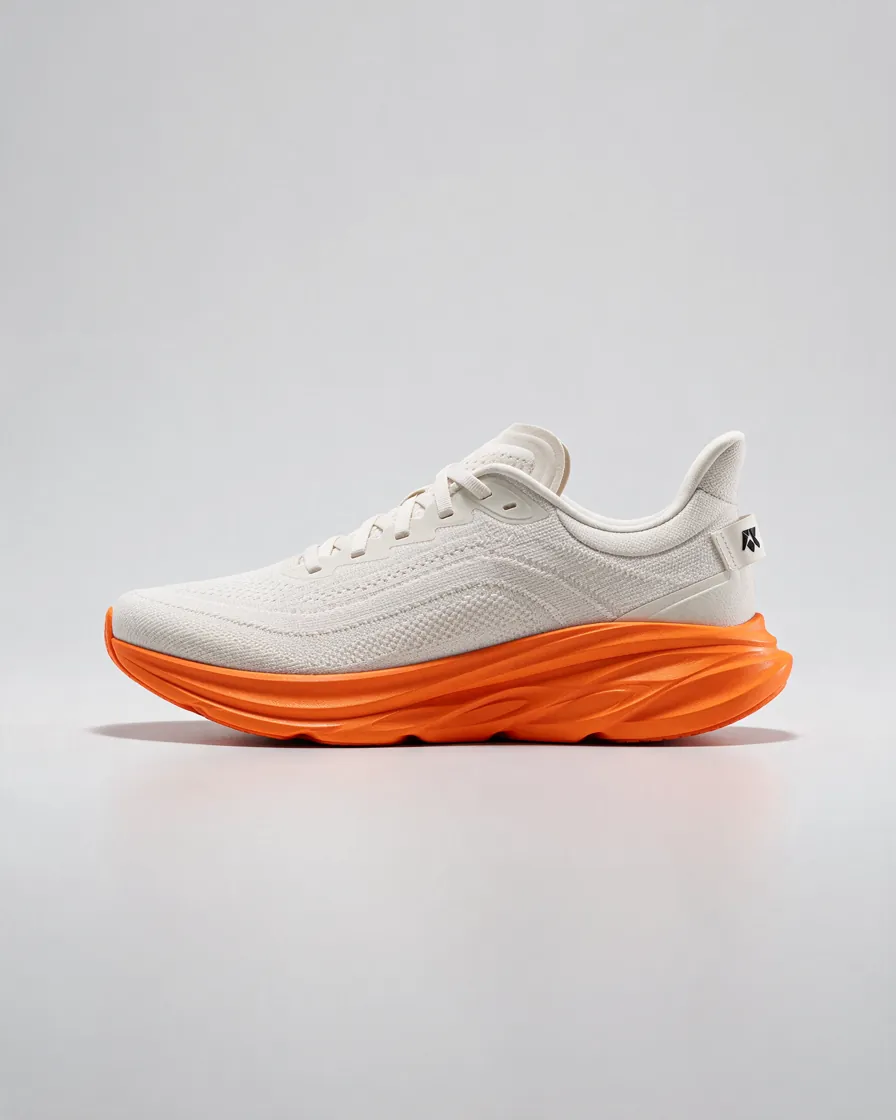
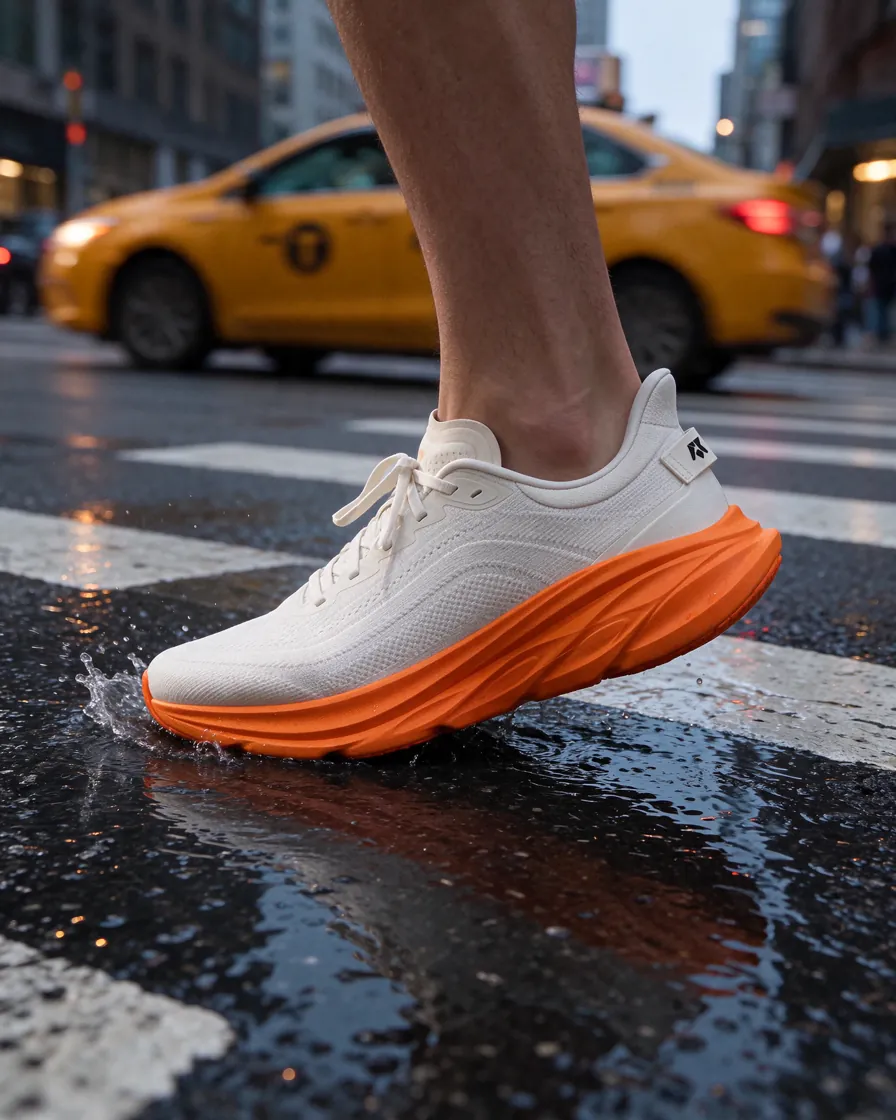
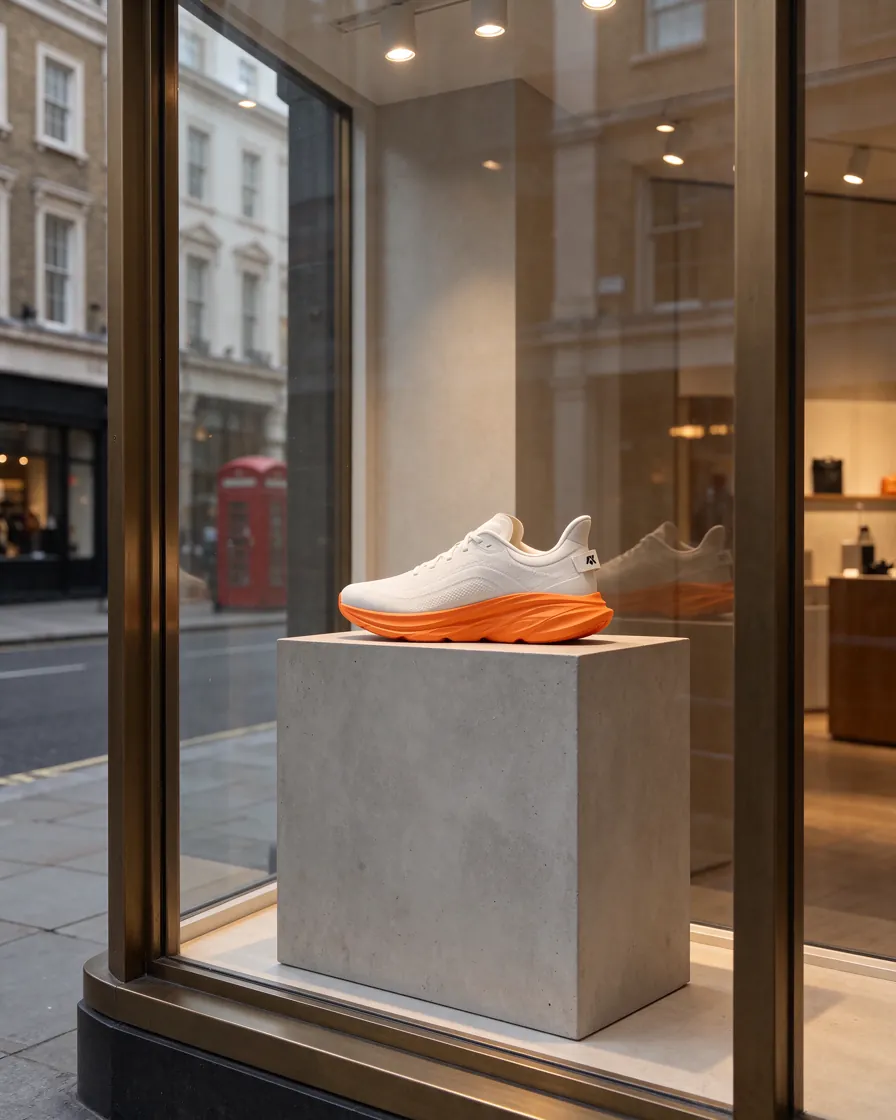
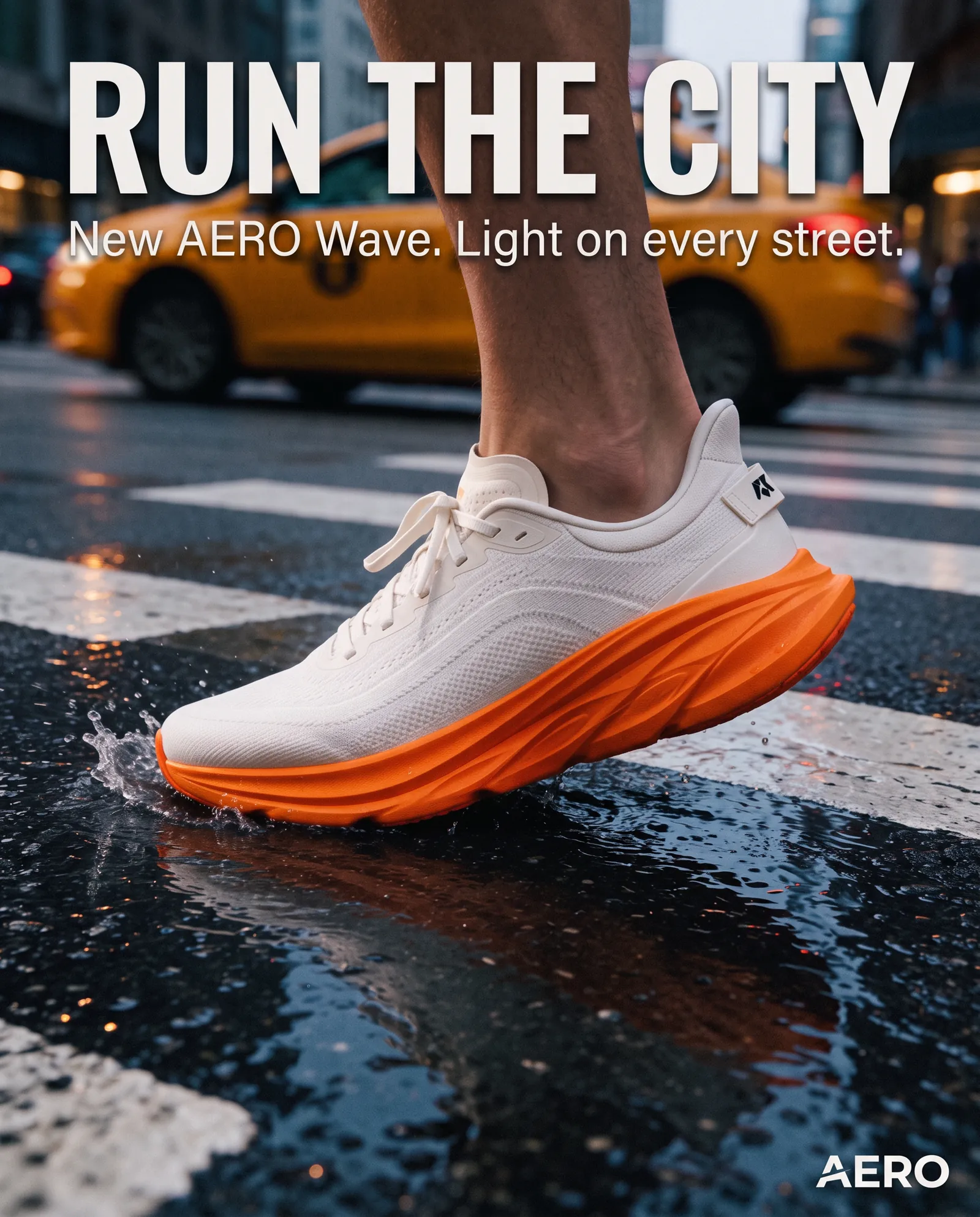
These images were made in NeuroHelper AI and are already published on our model pages. They cover the two jobs most Freepik users bring to an AI suite: one product across a whole set, and one approved poster turned into new versions.



Workflow
How to move a Freepik AI workflow into NeuroHelper AI
A typical brief from the Magnific AI suite, rebuilt in one workspace. Each module hands its result to the next.
Chat Master
Ask GPT-6.1 Terra Pro or Claude Sonnet (Latest) for the shot list, three image prompts and the ad copy, with the exact headline in quotes.
Image Master
Generate the key visual with GPT Image 2.6 or Seedream 5.5, then adapt your real product photo, format or language with Nano Banana 2.1.
Video Master
Use the final image as the first frame for Kling 4.0, Seedance 2.5 or Veo 3.1.
Audio Master
Add a voiceover with ElevenLabs v3 or a track with Suno v6.
Example Seedream 5.5 prompt to try (not a published output): Product photo of a matte black insulated water bottle on a wet granite rock beside a mountain stream, early morning side light, soft mist, natural colors, shallow depth of field, room at the top for a headline, 4:5
Keep one reference set per product. Reusing the same product photos as references is what keeps the bottle, the shoe or the mascot recognizable across a whole campaign. For text in the image, quote the exact words in your prompt and proofread before you publish. The Image Master guide and How to Turn a Photo into a Video with AI cover the next steps.
Decision guide
Stay with Magnific, switch, or split the job?
When stock and team workflows are the job
- You download stock assets every week for client work.
- You rely on the Magnific and Topaz upscalers.
- Your team builds and reuses workflows in Spaces.
- You use the plugins or the MCP from other apps.
When generation is the job
- You want Nano Banana 2.1, GPT Image 2.6, Seedream 5.5 and Midjourney 8.2 side by side.
- You write prompts, copy and research with GPT-6.1, Claude or Gemini in the same place.
- You turn images into clips with Kling 4.0, Seedance 2.5 or Veo 3.1, and add voice and music.
- You want to start with a $1 trial, then choose Basic $19 or Pro $49.
Frequently asked questions
Freepik alternatives FAQ
Is Freepik the same as Magnific?
Yes. Magnific’s own FAQ says Freepik is now Magnific: the same team and technology, rebuilt as an AI creative platform with image, video, audio and 3D tools, collaborative Spaces and the 250M+ stock library. Freepik pricing links now open Magnific’s pricing page. Existing magnific.ai upscaler subscriptions keep working until the plan expires.
What is the best Freepik alternative in 2026?
It depends on which half of Freepik you use. If you mostly generate images and video with AI models and want chat, editing and sound in the same plan, NeuroHelper AI is a close fit and starts with a $1 trial. If you mainly download stock, Envato and Adobe Stock are the direct swaps. Adobe Firefly suits Creative Cloud teams, Krea and Leonardo suit hands-on designers, Ideogram suits typography, and Gemini suits quick Nano Banana edits.
How much does Magnific (Freepik) cost in 2026?
Magnific’s pricing page, checked on 19 November 2026, lists Premium at $20 a month or $14.50 a month billed annually with 240K credits a year, Plus at $45 or $33.75 billed annually with 600K credits a year and Relax mode, and Pro at $110 or $82.50 billed annually. Prices exclude VAT and local taxes.
Is there a free Freepik alternative?
Several tools have free tiers: Adobe Firefly gives free daily generations, Leonardo 150 tokens a day, Krea 100 units a day, Ideogram weekly credits for eligible accounts, and Gemini a free Nano Banana model. NeuroHelper AI starts with a $1 trial, then you choose Basic $19 or Pro $49.
Which Freepik alternative has a stock library?
Envato includes unlimited downloads of 30+ million stock assets from its Core plan, with a lifetime commercial license for stock and AI generations. Adobe Stock sells stock plans that can include AI Studio. NeuroHelper AI is a generation workspace: you create the images, video, voice and music you need with AI models instead of downloading stock.
Can I use the same AI models as Freepik somewhere else?
Many of the models on Magnific’s pricing page are also in NeuroHelper AI: Kling 4.0, Seedance 2.5 and Veo 3.1 for video, and Nano Banana 2.1, Nano Banana Pro and GPT Image 2.6 for images. NeuroHelper AI adds Midjourney 8.2, Seedream 5.5 and QWEN Image 3.0 Pro, plus GPT-6.1, Claude and Gemini in Chat Master.
Which Freepik alternative is best for editing product photos?
In NeuroHelper AI, Nano Banana 2.1 starts from your photo with up to 14 references at 1K, 2K or 4K, GPT Image 2.6 repaints only the area you select, and Seedream 5.5 keeps one product consistent across a series and can export a transparent PNG. Adobe Firefly and Gemini also edit uploaded photos.
Can I turn the images into video and add sound?
Yes. In NeuroHelper AI, send the finished image from Image Master to Video Master and use it as the first frame for Kling 4.0, Seedance 2.5 or Veo 3.1, then add a voiceover with ElevenLabs v3 or a track with Suno v6 in Audio Master. Magnific, Adobe Firefly, Krea and Leonardo also offer video generation.
