
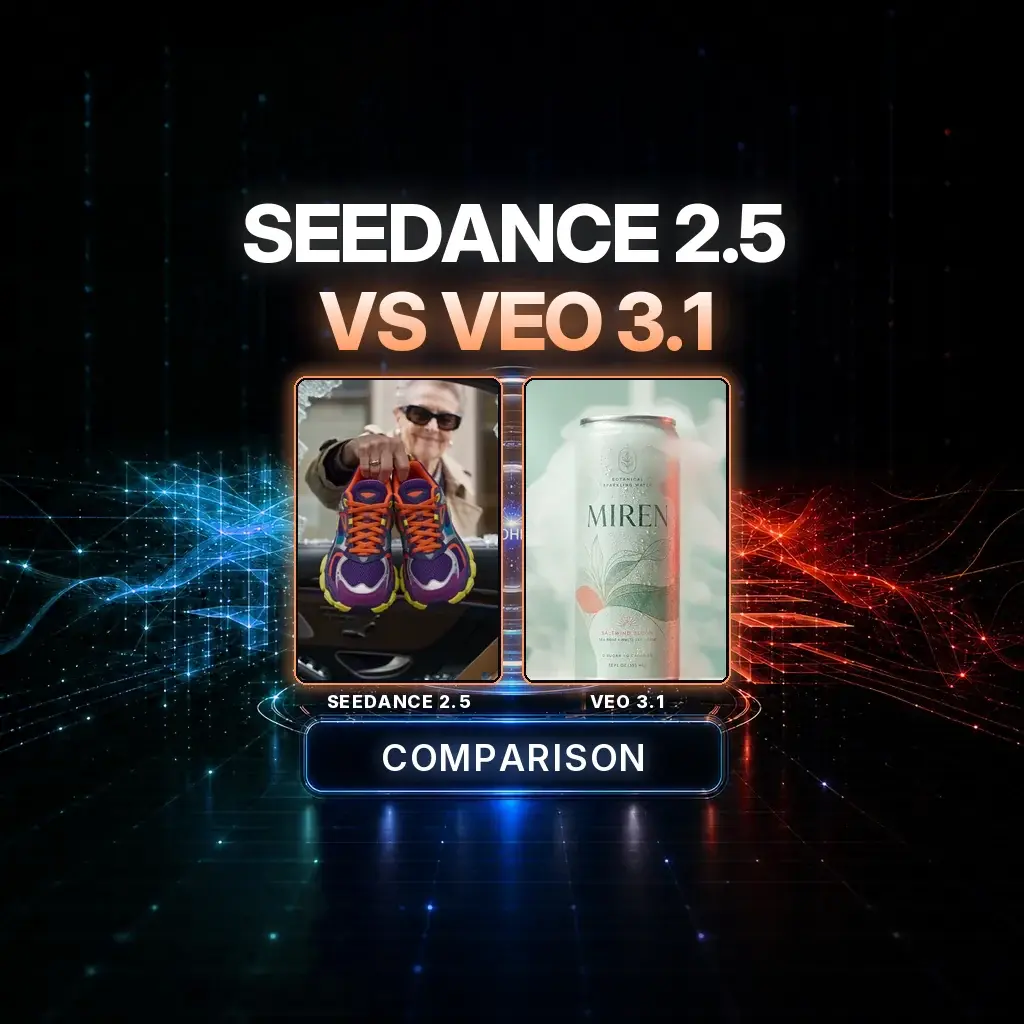
Seedance vs Veo Seedance 2.5 or Veo 3.1: which AI video model to use?
Seedance 2.5 and Google's Veo 3.1 are both in NeuroHelper AI Video Master, and they are built for different shots. Seedance 2.5 puts a whole 30-second story, ad or UGC piece with sound into one generation and takes many references. Veo 3.1 makes tightly controlled 4, 6 or 8 second shots, vertical or widescreen, up to 4K, in three tiers: Pro, Fast and Lite. Below: the specs from our live model pages, five real clips made in NeuroHelper AI, a decision table and two prompt templates.
Seedance 2.5
ByteDance Seed's flagship video model: up to 30 seconds in one generation, multi-shot storytelling, native audio, rich references and a Video Edit route. Seedance 2.5 Flash is the faster 480p or 720p tier.
Veo 3.1 Pro, Fast, Lite
Google's video model: 4, 6 or 8 second shots in 16:9 or 9:16 with native audio. Pro and Fast start from text, an image, up to three references or first and last frames, up to 4K. Lite animates a first frame at 720p or 1080p.
Fast verdict
The quickest way to decide
Three questions settle most cases: how long is the shot, what do you start from, and what resolution do you deliver?
The clip has to tell a small story
One generation of up to 30 seconds can hold a hook, a demonstration, a turn and a payoff, with sound, without stitching clips. Seedance 2.5 is also the model to try when you have many references: product angles, a character sheet, a location, a music direction.
- Up to 30 seconds per generation
- Several shots with one visual language
- Many image, video and audio references
- Video Edit route for changes to a finished clip
The clip is one precise moment
Four to eight seconds is enough for a spoken line, a product reveal or a mood shot. Veo 3.1 Pro and Fast start from text, an image, up to three references or a first and last frame, and list 4K on 8-second clips. Veo 3.1 Lite is the lower-cost way to animate a still.
- 4, 6 or 8 seconds, 16:9 or 9:16
- 720p, 1080p or 4K (Pro and Fast)
- Fast for drafts, Pro for finals
- Lite for many short variations from one frame
A campaign needs long and short shots
Both models sit in Video Master under one subscription. Make the 20 to 30 second story in Seedance 2.5 and the short hero shots or spoken hooks in Veo 3.1, from the same frames.
- One workspace, one subscription
- Same frames and references for both
- Script, images and sound in the same place
Specs table
Seedance 2.5 vs Veo 3.1 at a glance
From our live Seedance 2.5, Veo 3.1 Pro + Fast and Veo 3.1 Lite pages, checked on 19 November 2026. Vendor specs describe the underlying model; Video Master shows what the active integration offers.
| Seedance 2.5 | Veo 3.1 Pro + Fast | Veo 3.1 Lite | |
|---|---|---|---|
| Developer | ByteDance Seed | Google DeepMind | |
| Length per generation | Up to 30 seconds (Flash: up to 30 seconds) | 4, 6 or 8 seconds | 4, 6 or 8 seconds |
| What you start from | A prompt, a start image, or image, video and audio references | Text, an image, up to 3 reference images, or a first and a last frame | A first frame (required) and an optional last frame |
| References | Described as up to 30 images, 10 videos and 10 audio clips in one pass | Up to 3 reference images | None |
| Resolution | 480p, 720p or 1080p; the price follows the resolution. Flash makes 480p or 720p | 720p, 1080p or 4K; the higher resolutions on 8-second clips | 720p or 1080p (1080p at 8 seconds); no 4K |
| Aspect ratio | 16:9 and 9:16 are available in Video Master | 16:9 or 9:16 | 9:16 or 16:9 |
| Sound | Native: dialogue, voices, ambience, effects, music | Native: dialogue, ambience, effects, music | Optional, on by default |
| Several shots in one clip | Yes, multi-shot storytelling | One shot per clip; cut several together | One shot per clip |
| Changing a finished clip | Seedance 2.5 Video Edit: targeted changes to a clip | Generate a new take | Generate a new take |
| Faster or lower-cost tier | Seedance 2.5 Flash | Veo 3.1 Fast | Lite is itself the lower-cost tier |
Video Master shows the estimate for each model, duration and resolution before you generate, so compare there rather than with a number from an article. Compare Veo 3.1 Pro and Fast at the same duration and resolution before choosing.
Real outputs
Five clips made in NeuroHelper AI
All five were generated in Video Master and published on our YouTube channel. They come from different briefs, so treat them as examples of what each model is used for, not as a same-prompt test.
Seedance 2.5: a whole ad in one generation
What to notice: both clips use the length. The idea develops over time, the product stays the same from the first beat to the last, and the sound follows the action. That is the job Seedance 2.5 is built for.
Veo 3.1: one precise moment, or several cut together
What to notice: each Veo clip does one thing in a few seconds. For a longer piece, the deep dive shows the Veo way: several short shots with the same character, cut together. The CALMORA and MIREN briefs are published on the Veo 3.1 model page.
Decision table
Seedance or Veo: pick by the job
Start with the model in the middle column. If it misses, run the same frame through the other one.
| The job | First test | Why |
|---|---|---|
| A 15 to 30 second ad or story in one take | Seedance 2.5 | Veo stops at 8 seconds per clip, so a longer Veo piece is an edit of several clips. |
| A UGC ad with a hook, a demo and a reaction | Seedance 2.5 | Several beats and one consistent creator in one generation. |
| One spoken line to camera | Veo 3.1 Fast | Eight seconds holds one line; Fast is the quick route for testing openings. |
| A product hero shot delivered in 4K | Veo 3.1 Pro | Pro and Fast list 4K on 8-second clips. |
| Many references: product angles, a character sheet, a location, music | Seedance 2.5 | Built for multimodal references, each with its own role. |
| Many low-cost variations from one still | Veo 3.1 Lite | Lower-cost tier that starts from a first frame, at 720p or 1080p. |
| A transition between two approved frames | Veo 3.1 (first and last frame) or Seedance 2.5 | Both can land on a chosen end frame; our start and end frame guide uses Seedance 2.5. |
| An idea with no frame yet | Veo 3.1 Pro or Fast, or Seedance 2.5 | Both start from a written prompt; Veo 3.1 Lite needs a first frame. |
| Fixing a few seconds of an approved clip | Seedance 2.5 Video Edit | Targeted changes instead of a new generation. |
| Quick motion drafts before the final | Seedance 2.5 Flash or Veo 3.1 Fast | Test the idea on the faster tier, render the final on the full model. |
Prompting
How to brief each model
The two models want different briefs. A Seedance 2.5 brief is a timeline; a Veo 3.1 brief is one shot.
Write a timeline and give every reference one job
Split the 30 seconds into timed beats, say what each reference image is for, and describe the sound with the action. This is the structure of the Kito Beat brief on the Seedance 2.5 page.
Create a [30]-second vertical 9:16 [product ad / story] for [subject].
Image 1 is only for [the exact product shape, colours and materials].
Image 2 is only for [the person's face, hair and outfit].
Image 3 is the one fixed location.
Sound: [original music style, tempo, no vocals], [effects tied to actions].
Dialogue, if any, in quotes: "[one short line]".
0–5 s: [hook: the product or the problem, fully visible].
5–12 s: [first action or demonstration].
12–20 s: [the turn: a reveal, a second angle, a reaction].
20–27 s: [payoff: the benefit lands].
27–30 s: [clean final composition, held, space left for copy].
Keep every identity and the product unchanged in every shot.
No [generated text, extra products, identity swaps, cropped faces].
Lock the frame and describe one action
Name everything that must not move, then one action, one camera move and the sound. Quote spoken lines exactly. This is the structure of the CALMORA brief on the Veo 3.1 page.
Use the supplied image as the exact first frame.
Keep [the face, hands, product, label and lighting] exactly as they are.
One action only: [she looks into the camera and says exactly: "..."],
with [one natural blink and a small smile].
Camera: [one very slow push-in]. Format: 9:16, 8 seconds.
Sound: [quiet room tone and one specific background sound]; [no music].
No cuts, no new objects, no extra text, no logo or label changes.
Same brief, fair comparison
How to test Seedance and Veo on your own brief
- Make one start frame in Image Master, in the output aspect ratio, for example with GPT Image 2.6, Nano Banana 2.1 or Seedream 5.5.
- Run an 8-second version on both models with the same frame, the same aspect ratio and the same action. That is the only length both can make in one generation.
- Then run the full-length version on Seedance 2.5 and, for Veo, the same story as several 8-second shots. Compare the finished pieces, not just the first seconds.
- Judge with one checklist: identity and product accuracy, motion physics, lip-sync and sound, whether the ending lands, and whether you could publish it after a normal edit.
Want a wider view? See Seedance vs Kling, Kling vs Veo, Wan vs Seedance and Best AI Video Generators in 2026.
One workspace, both models
A practical Seedance and Veo workflow
The model choice is one step. The brief, the frames and the sound decide most of the result.
Chat Master
Write the script, the timed beats for Seedance 2.5 and the one-shot prompts for Veo 3.1, for example with GPT-6.1 Terra Pro or Claude Sonnet 5.
Image Master
Make the start frame, product angles and character references once, and reuse them for both models.
Video Master
Seedance 2.5 for the 15 to 30 second story, Veo 3.1 for short hero shots and spoken hooks. Draft on Flash, Fast or Lite.
Audio Master
Both models generate sound. Add a separate voiceover, music bed or effect with ElevenLabs v3, Suno v6 or ElevenLabs Sound Effects V2 when you need one.
New to Veo 3.1 Lite? Read New in NeuroHelper: Veo 3.1 Lite. For the frame-first method, see How to Turn a Photo into a Video with AI; for ads, see AI UGC ads.
Final recommendation
Which is better: Seedance or Veo?
Seedance 2.5
Start here for 15 to 30 second pieces with several beats, many references and native sound in one generation. Use Seedance 2.5 Flash for quick drafts.
Veo 3.1
Start here for a 4 to 8 second line, reveal or hero shot, especially when the final must be 4K. Draft on Fast or Lite, finish on Pro.
Mix both
Make the long story in Seedance 2.5 and the hooks and hero shots in Veo 3.1 from the same frames, then edit them together.
Frequently asked questions
Seedance vs Veo FAQ
Is Seedance better than Veo?
Not across the board. Seedance 2.5 is the stronger first test for longer work: up to 30 seconds in one generation, several shots, native sound and many references. Veo 3.1 is the stronger first test for short 4, 6 or 8 second shots, 9:16 or 16:9, with output up to 4K. Pick by the shot, and run both when the result matters.
How long are Seedance 2.5 and Veo 3.1 clips?
Seedance 2.5 makes up to 30 seconds in one generation; Seedance 2.5 Flash also goes up to 30 seconds. Veo 3.1 Pro, Fast and Lite make 4, 6 or 8 second clips. For a longer Veo piece, generate several shots and cut them together. Always use the durations the Video Master picker shows.
Do Seedance 2.5 and Veo 3.1 generate audio?
Yes. Both generate sound together with the picture: dialogue, ambience, effects and music. On Veo 3.1 Lite audio is optional, on by default, and can be switched off for a silent clip. Describe each sound and tie it to something visible on screen.
Which model can make 4K video?
Veo 3.1 Pro and Veo 3.1 Fast list 720p, 1080p and 4K, with the higher resolutions on 8-second clips. Veo 3.1 Lite makes 720p or 1080p. Seedance 2.5 makes 480p, 720p or 1080p; the price follows the resolution. Seedance 2.5 Flash makes 480p or 720p.
What is the difference between Veo 3.1 Pro, Fast and Lite?
Veo 3.1 Pro is the NeuroHelper AI name for Google's full Veo 3.1 route, built for final shots. Veo 3.1 Fast is quicker for iterations such as hooks and ad variants. Veo 3.1 Lite is the lower-cost tier: it starts from a first frame, with an optional last frame, at 720p or 1080p, without reference images or 4K.
Can I use reference images with both models?
Yes, with different limits. Seedance 2.5 is described with up to 30 images, 10 video clips and 10 audio clips as references in one pass, and the exact fields in Video Master follow the active integration. Veo 3.1 Pro and Fast take up to three reference images, or a first and a last frame. Veo 3.1 Lite takes a first frame and an optional last frame only.
Which is better for UGC ads?
For an 8-second creator line to camera, start with Veo 3.1 Fast, as in our CALMORA example. For a 15 to 30 second UGC ad with a hook, a demonstration and a payoff in one take, start with Seedance 2.5, as in our Kito Beat and sneaker examples. Many campaigns use both.
Can I try Seedance and Veo before choosing a plan?
Yes. Start with a $1 trial, then choose Basic $19 or Pro $49. Run the same frame and the same brief through both models in Video Master, which shows the estimate for each before you generate.
How this comparison was built
Documented specs and real clips, no mystery score
This page compares what ByteDance Seed and Google document, how both models appear on our live model pages, and five clips our team generated in NeuroHelper AI. We have not published a same-prompt test for this pair yet, and we say so.
What we compare
Length, inputs, references, resolution, sound and editing, and the jobs where those differences matter.
What we verify
Our live model pages and the vendor documentation they cite, checked on 19 November 2026. Vendor specs are labelled as vendor specs.
What we do not claim
No scores, no invented test results and no usage figures. The clips come from different briefs.
Stop guessing
Put Seedance and Veo on the same brief
Both models, the script, the frames and the sound in one workspace. Start with a $1 trial, then choose Basic $19 or Pro $49.