
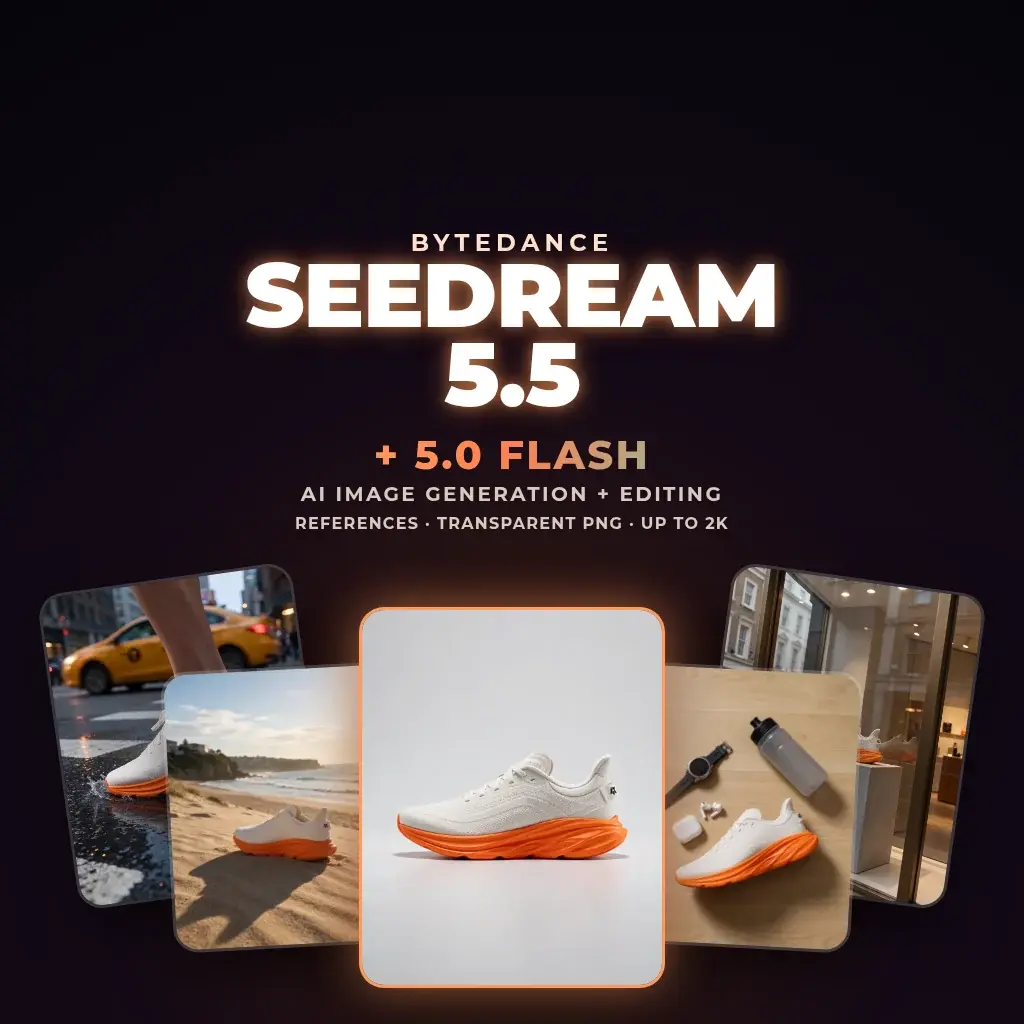
Seedream 5.5 & 5.0 Flash: true-to-life images, clean edits, transparent assets
Seedream 5.5 is ByteDance's newest image generation and editing model, announced on 9 November 2026 and in NeuroHelper AI Image Master since 12 November 2026. Write a prompt or upload a picture, add up to 10 reference images if you need them, and create at 1K, 1.5K or 2K with an auto, transparent or opaque background. Seedream 5.0 Flash, the faster tier in the same picker, edits an image you upload at the same sizes.
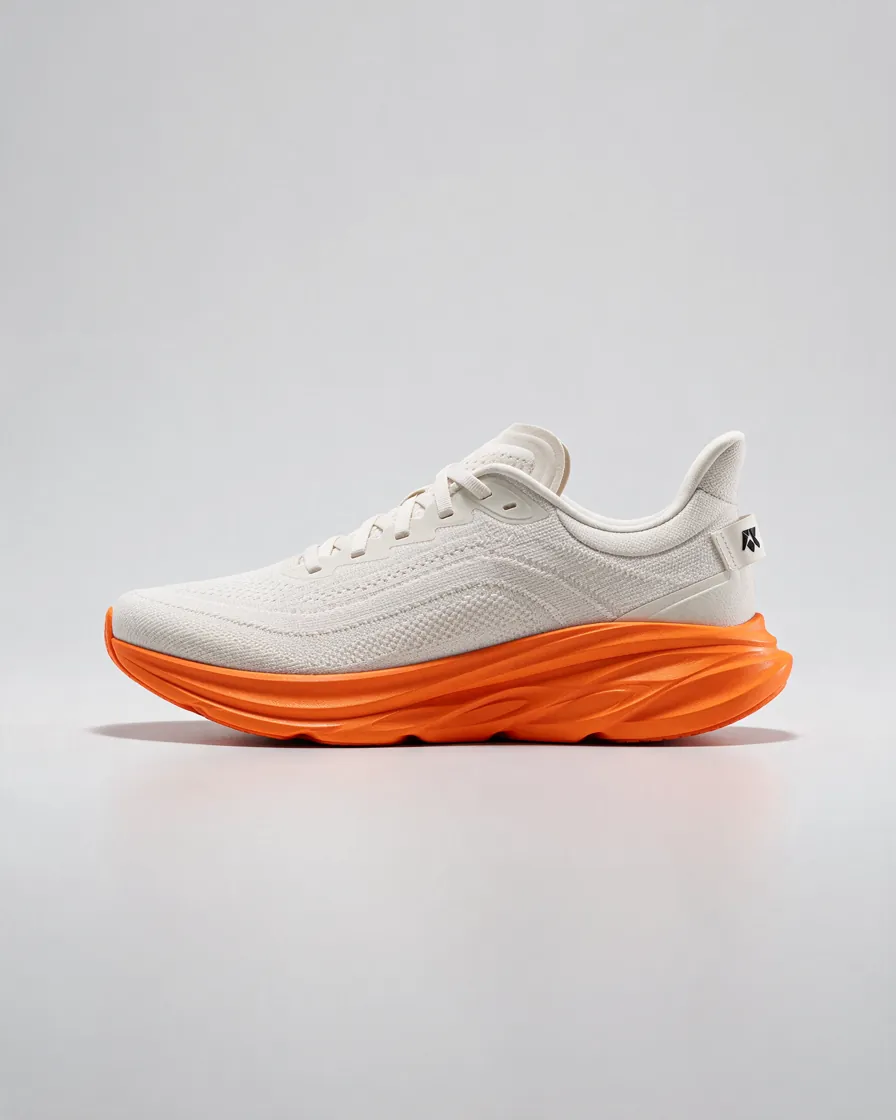
Made in NeuroHelper AI
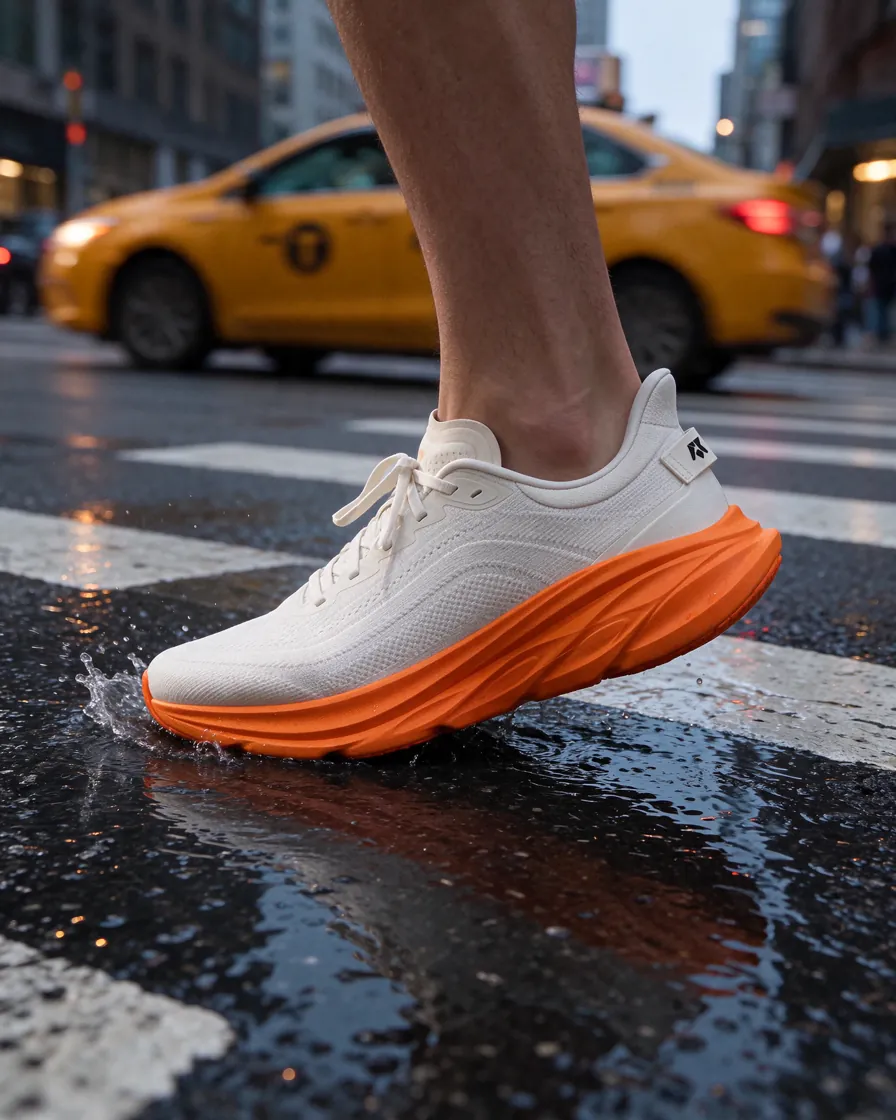
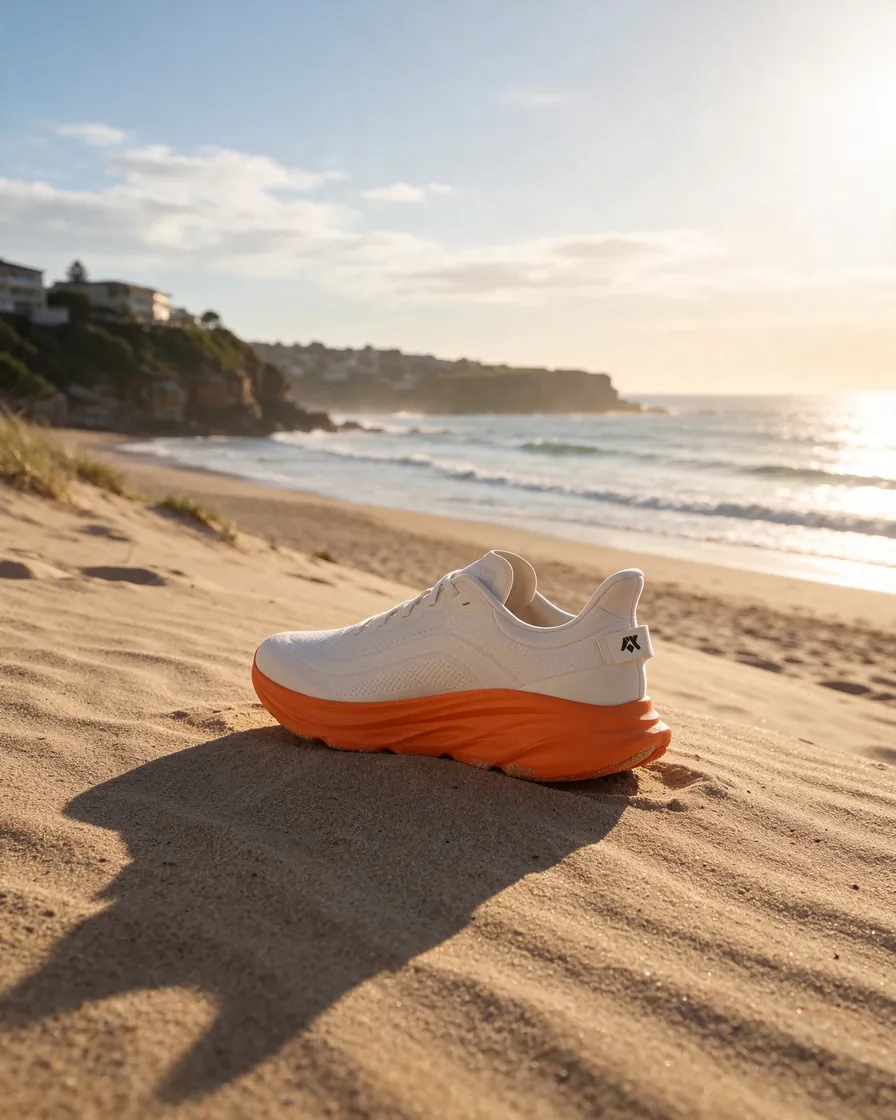
Seedream 5.5 examples
Seedream 5.5 use cases
What to make with Seedream 5.5
Cut-out assets for design
Generate products, objects or characters on a transparent background and drop them straight into a layout or a storefront, as in AI for ecommerce.
True-to-life lifestyle and product photos
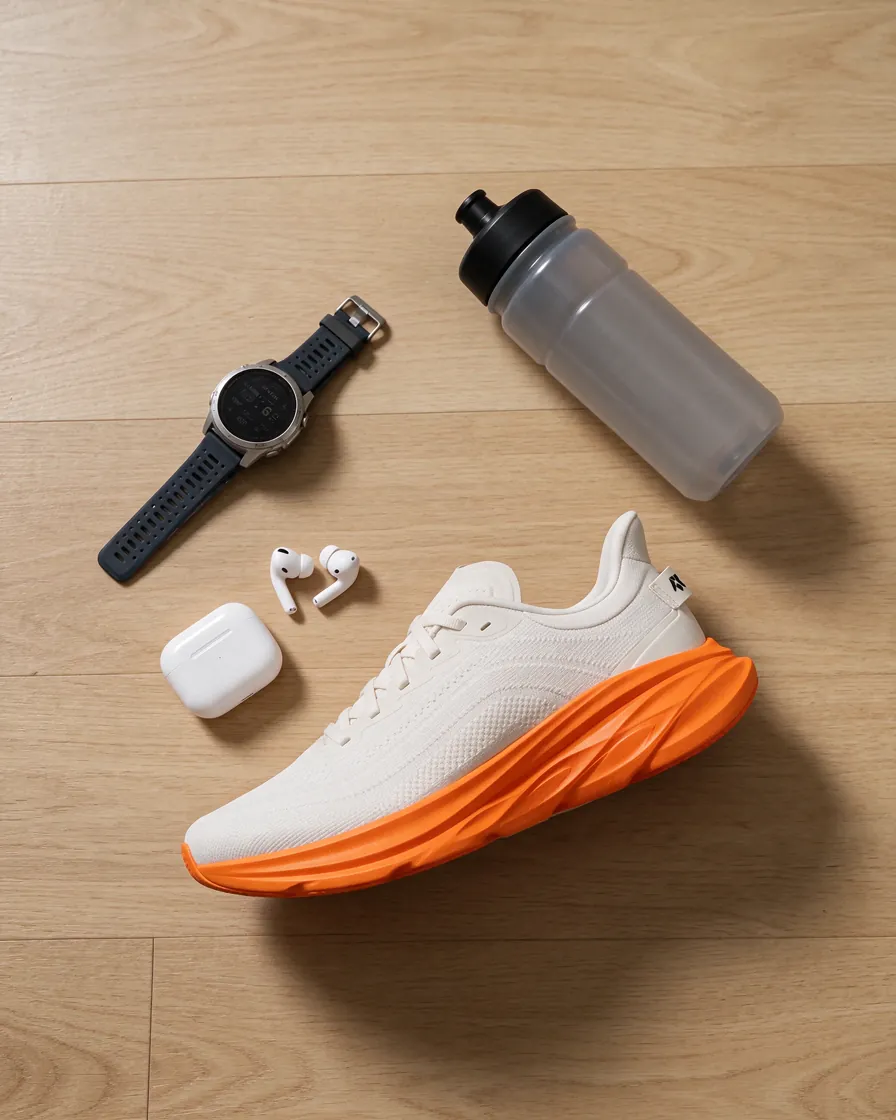
Natural light, materials and skin texture for listings, campaign frames and social posts. More on wording in the AI realism playbook.
Step-by-step edits of the same image
Change outfits, props or backgrounds round after round while keeping the rest of the picture intact.
Posters and visuals with text
Headlines and small captions rendered inside the image, then saved at 1.5K or 2K. See the AI billboard ad guide.
Consistent series
Reuse the same references to keep a character or product recognizable across a whole set, as in Create an AI influencer.
Seedream 5.5 in NeuroHelper AI
Seedream 5.5 vs Seedream 5.0 Flash: specs and settings
Both tiers sit in Image Master. Settings below are what the NeuroHelper AI panel offers; the release date was checked on November 21, 2026 on ByteDance Seed's site.
| Setting | Seedream 5.5 | Seedream 5.0 Flash |
|---|---|---|
| Start from | A text prompt, or an image you upload | An uploaded image (required); it does not start from text alone |
| Reference images | Optional, up to 10 | Up to 10 |
| Resolution | 1K, 1.5K or 2K | 1K, 1.5K or 2K |
| Aspect ratio | Common ratios from 1:1 to 21:9 | Auto, or ratios from 1:1 to 21:9 and 9:21 |
| Background | Auto, transparent or opaque; transparent is always saved as PNG | Opaque, or keeps an existing transparent background (it does not cut a subject out) |
| File format | PNG or JPEG | PNG or JPEG |
| Best for | New stills, cut-outs and final renders | Fast edits and many variations of a picture you already have |
What ByteDance says changed in 5.5: edits that keep unedited regions intact across many rounds (its announcement headline promises more stable editing across 100 rounds), native transparent and semi-transparent backgrounds, and more natural lighting, materials and skin texture. That is ByteDance's framing, not a NeuroHelper AI benchmark. We do not list 4K, because it is not in the panel.
Source: Seedream 5.5 on ByteDance Seed ("Introducing Seedream 5.5", November 9, 2026). Checked November 21, 2026.
How to use Seedream 5.5
How to create or edit an image with Seedream 5.5
A useful first hour is small: one new still at 1K, then an edit or a 2K render of the brief you want to keep.
Open Image Master
Choose Seedream 5.5 for a new still, or Seedream 5.0 Flash to revise a picture you already have.
Write the shot
Describe who or what is in the frame, the light, and what should stay empty if you need a cut-out or room for a headline.
Add references and settings
Attach up to 10 reference images when a face, product or style must stay the same. Pick 1K, 1.5K or 2K and the background.
Edit in rounds
Change one thing per pass and use each result as the next starting point. Render the version you keep at 2K.
Seedream 5.5 prompts
Seedream 5.5 prompts for products, cut-outs, series and quick edits
Write the prompt like a shot description, not a keyword list. These are starting points; swap in your own product and setting.
A red enamel kettle on a sunlit oak table, soft morning light from the left, shallow depth of field, true-to-life enamel and steam, no logo distortion. Leave space at the top for a short headline.
- Subject, light and lens in one line
- Reserves room for copy in the layout
A white running shoe with an orange sole, three-quarter view, on a transparent background. Keep the laces, the sole edge and the heel tab clean, with no shadow or floor.
- Names the edges that must stay crisp
- Transparent output is saved as PNG
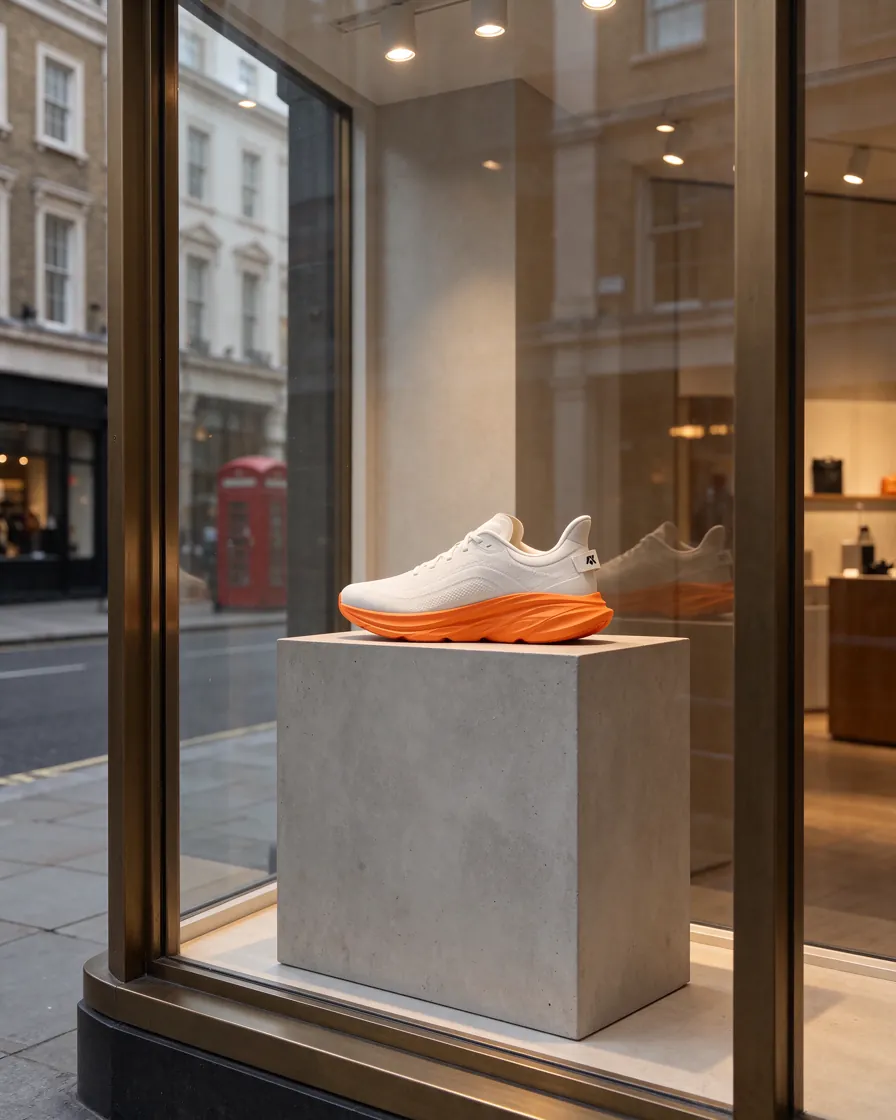
Use the reference images of the same shoe. Place it on a New York crosswalk at golden hour, then on a Bondi beach at sunrise, then in a London store window at night. Keep the shoe identical in every frame; change only the setting and the light.
- References carry the product across scenes
- Only one variable changes per frame
Keep the red enamel kettle exactly as it is: same shape, handle and label. Move it to a sunlit oak table with soft morning light from the left and a blurred kitchen behind it. Leave empty space at the top for a headline.
- Says what stays and what changes
- Short enough not to fight the uploaded image
- Start tests at 1K and move the brief you want to keep to 1.5K or 2K.
- Choose transparent for a cut-out, opaque when the scene should keep its background, and auto when the model can decide.
- On Flash, change one thing per pass and restate what must not move: the logo, the face, the product shape, the camera angle.
- Name what each reference is for, for example "same jacket as the second image".
- If a result drifts, shorten the prompt, restate what has to stay fixed, and run the same input again.
Start with the $1 trial
Try Seedream 5.5 in NeuroHelper AI
Run one still you already know through Seedream 5.5, then revise it with Seedream 5.0 Flash, and compare with your current tool. $1 trial, then Basic $19 or Pro $49.
Seedream 5.5 vs other image models
Seedream 5.5 vs Nano Banana 2.1, GPT Image 2.6 and Midjourney 8.2
Seedream 5.5 and 5.0 Flash replaced the previous Seedream tiers in the picker. They do not replace the other Image Master models. We have not run a formal head-to-head, so try one of your own briefs on two models and compare.
| Model | When to pick it |
|---|---|
| Seedream 5.5 | New stills, transparent cut-outs and consistent series from up to 10 references |
| Seedream 5.0 Flash | Quick edits and variations of an image you upload |
| Nano Banana 2.1 | Editing an uploaded image with up to 14 references and output up to 4K |
| GPT Image 2.6 | Precise edits of a selected area and readable in-image text |
| Midjourney 8.2 | Four directions, or draft sketches, from a text prompt |
| QWEN Image 3.0 Pro | Text-heavy layouts |
| FLUX 2 Pro | Another text-to-image option in the same picker |
We make NeuroHelper AI, and all of these models are in it. This is a task-selection guide from published specs, not a measured head-to-head: run the same brief in each and compare.
From still to video
Turn a Seedream 5.5 still into a video, with sound
When a frame is locked, take it into Video Master, for example to Kling 4.0 for a longer take with sound, as in AI product video ads. For still direction, try Midjourney 8.2; for a soundtrack, Suno v6. A feed plan for the same series is in AI social media content.
Seedream 5.5 pricing
What Seedream 5.5 costs in NeuroHelper AI
Seedream 5.5 and Seedream 5.0 Flash are included in NeuroHelper AI plans, with no separate ByteDance account: start with the $1 trial, then Basic $19 or Pro $49 per month, and use them next to every other model. Check the in-app estimate before you generate; we do not publish per-image figures here because they can change.
Frequently asked questions
Seedream 5.5 FAQ
Is Seedream 5.5 available in NeuroHelper AI now?
Yes. It was added to Image Master on November 12, 2026, together with Seedream 5.0 Flash. You do not need a separate ByteDance or Seedream account; you use it on the same trial or plan as the other models.
What is the difference between Seedream 5.5 and Seedream 5.0 Flash?
Seedream 5.5 is the main model: it creates or edits a still, with optional references and an auto, transparent or opaque background. Seedream 5.0 Flash is the faster tier for editing an image you upload, at the same 1K, 1.5K and 2K sizes with up to 10 references.
Can Seedream 5.0 Flash generate an image from text alone?
No. In NeuroHelper AI it starts from an image you upload, and the input image is required. For a new still from a text prompt, use Seedream 5.5 or another Image Master model.
Can Seedream 5.5 make transparent PNGs?
Yes. Choose a transparent background and the result is saved as a PNG, ready for layouts and compositing. On Seedream 5.0 Flash the transparent setting keeps an existing transparent background on a PNG you upload; it does not remove one.
What resolutions and formats are available?
1K, 1.5K or 2K, in common aspect ratios from 1:1 to 21:9 (Flash also offers 9:21 and auto). Files are saved as PNG or JPEG. 4K is not offered for Seedream in NeuroHelper AI.
How many reference images can I use?
Up to 10 on both tiers. Use them when a face, a product or a style has to stay the same across a series.
What happened to the earlier Seedream 5 tiers?
Seedream 5.5 and Seedream 5.0 Flash replaced the earlier Pro and Lite tiers in the NeuroHelper AI picker on November 12, 2026. The older page stays in the Archive section of the models hub for reference.
How much does Seedream 5.5 cost?
It is included in NeuroHelper AI plans: a $1 trial, then Basic $19 or Pro $49 per month. The app shows the current estimate before you generate.
One workspace, many models
Ready to try Seedream 5.5?
Start the $1 trial and switch between models whenever a task needs it.