
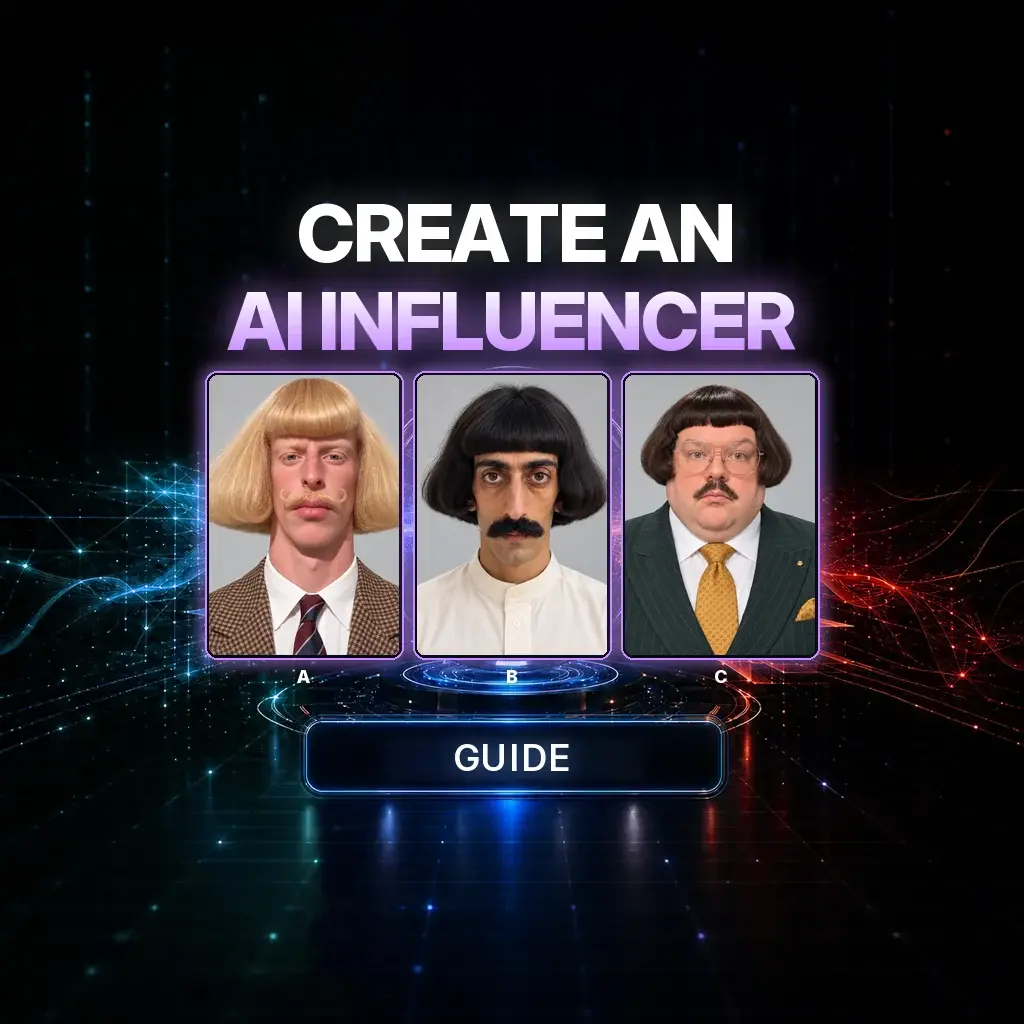
An AI influencer is not a random pretty face you generate once and hope to see again. It is a character you can specify, a 16:9 reference sheet you can reuse, and a video step that puts that same person into motion you already like.
The official NeuroHelper workflow is three rooms in NeuroHelper AI: Chat Master to invent an original character from loose inspiration, Image Master to produce the sheet, and Video Master with Seedance 2.5 Video Edit to replace the person in a source clip while keeping the location and the movement. Watch the film, then treat the portraits below as a cast board — small, native frames, not billboard crops.
A character, then a sheet, then a film
Case study / Character directions from the official guide
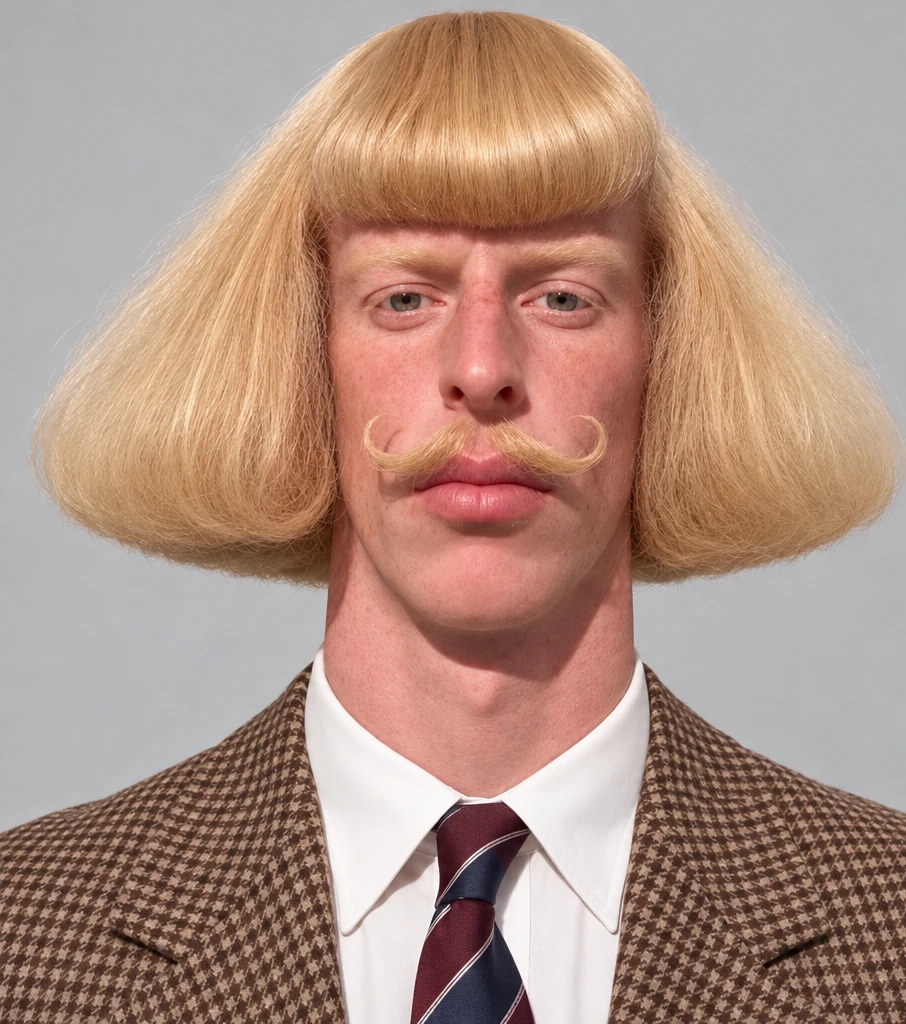 01 Look
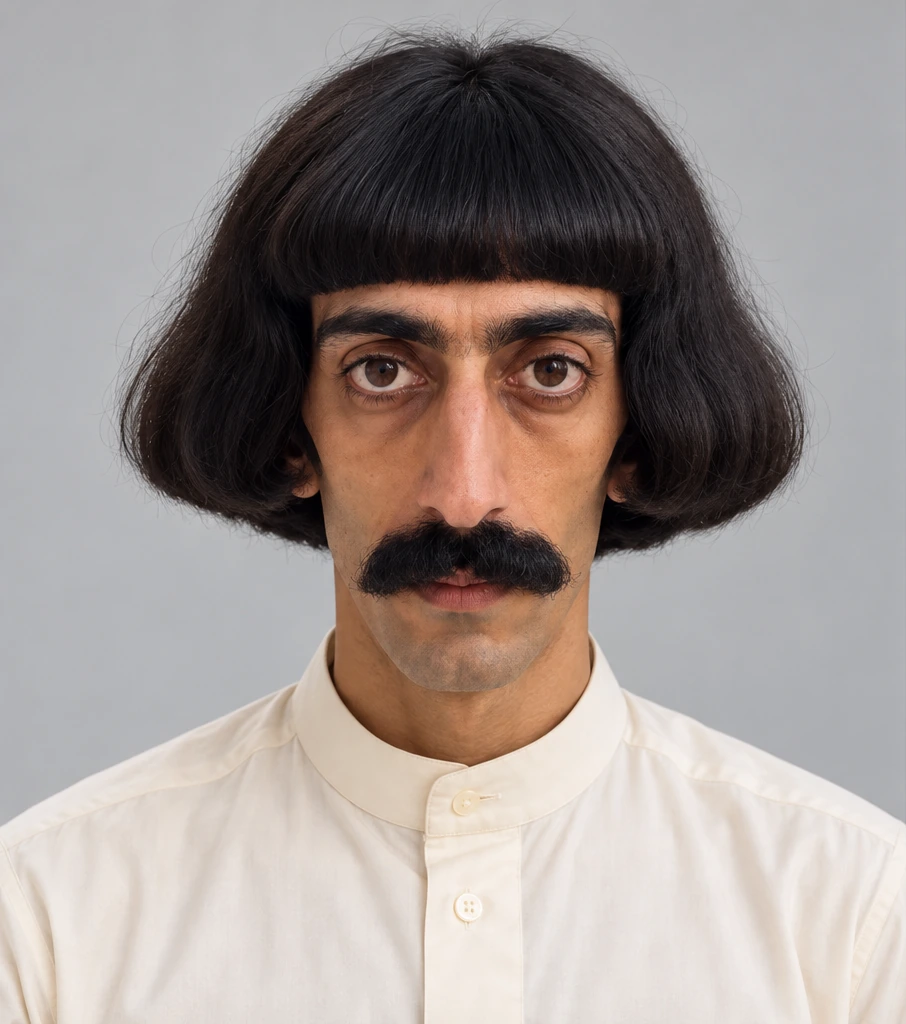 02 Look
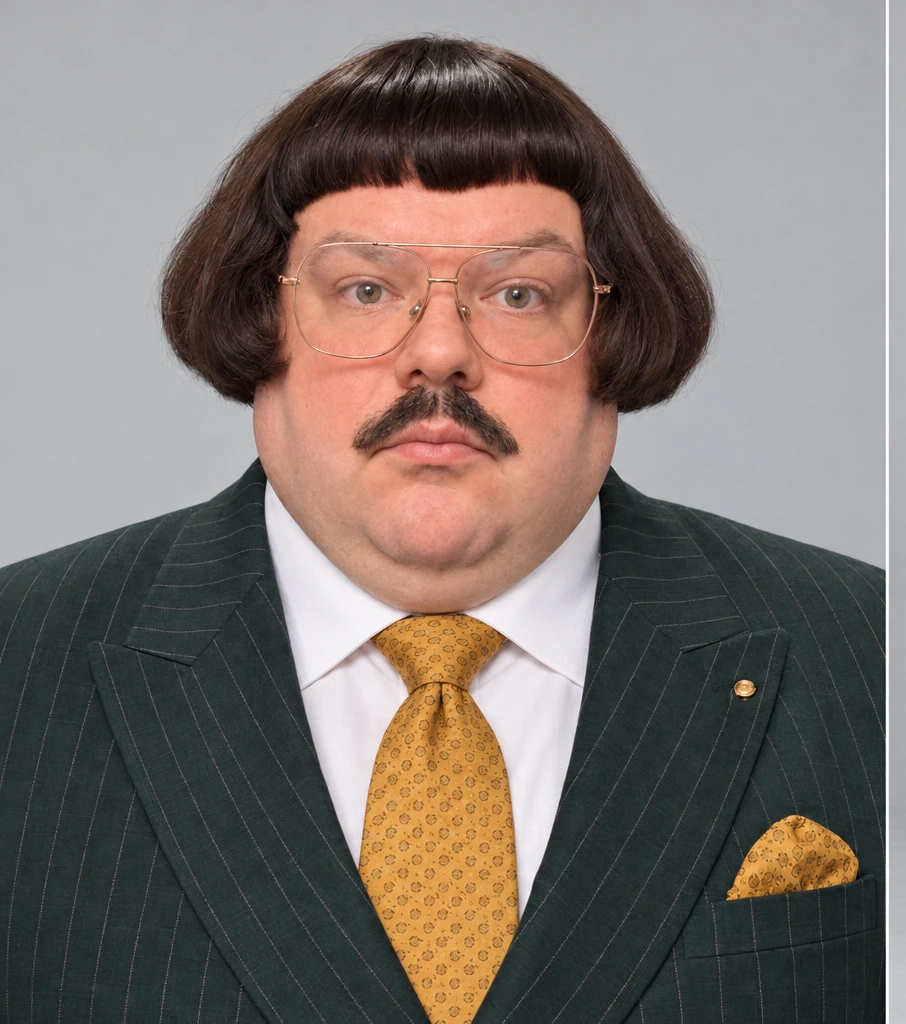 03 Look
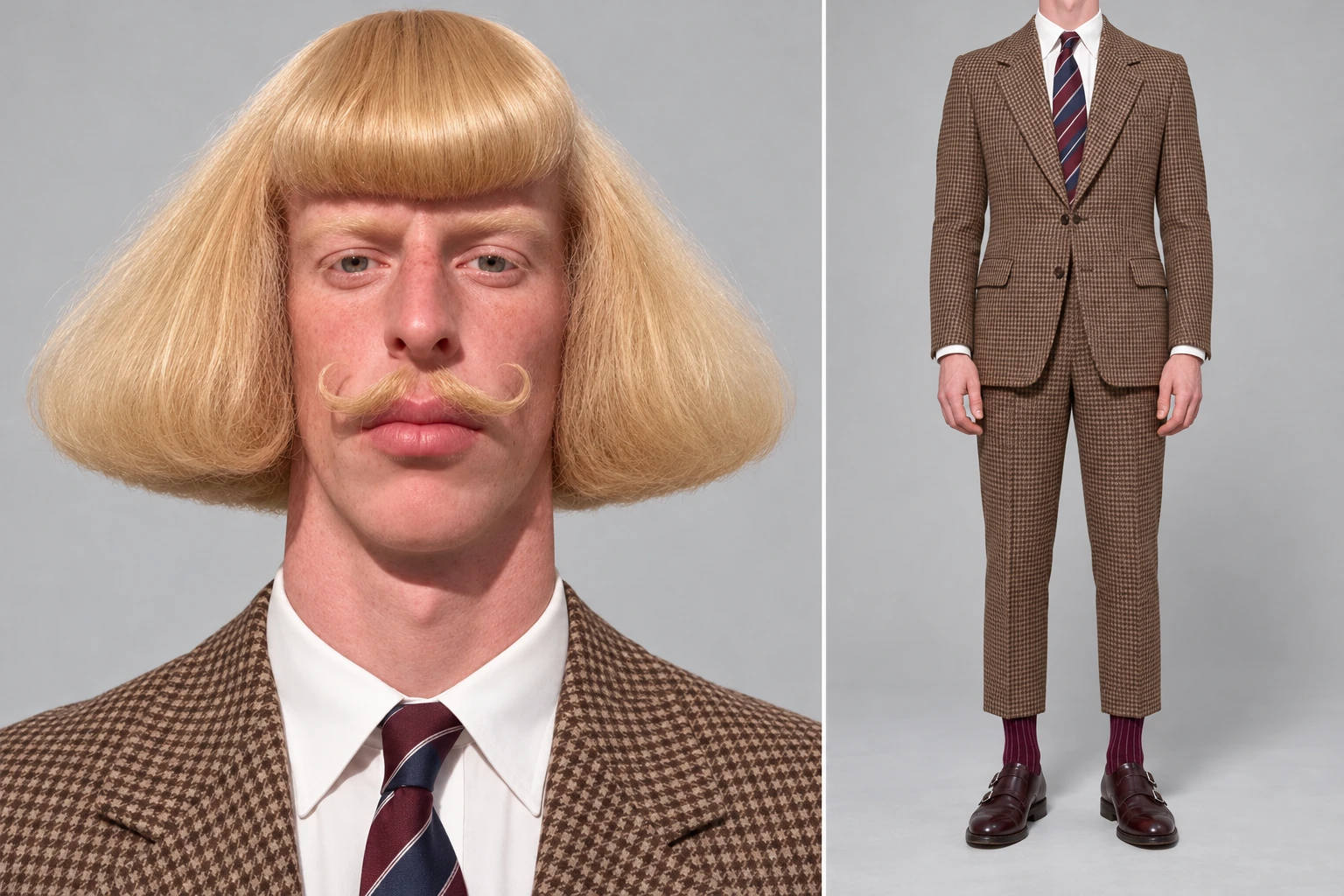 04 Sheet
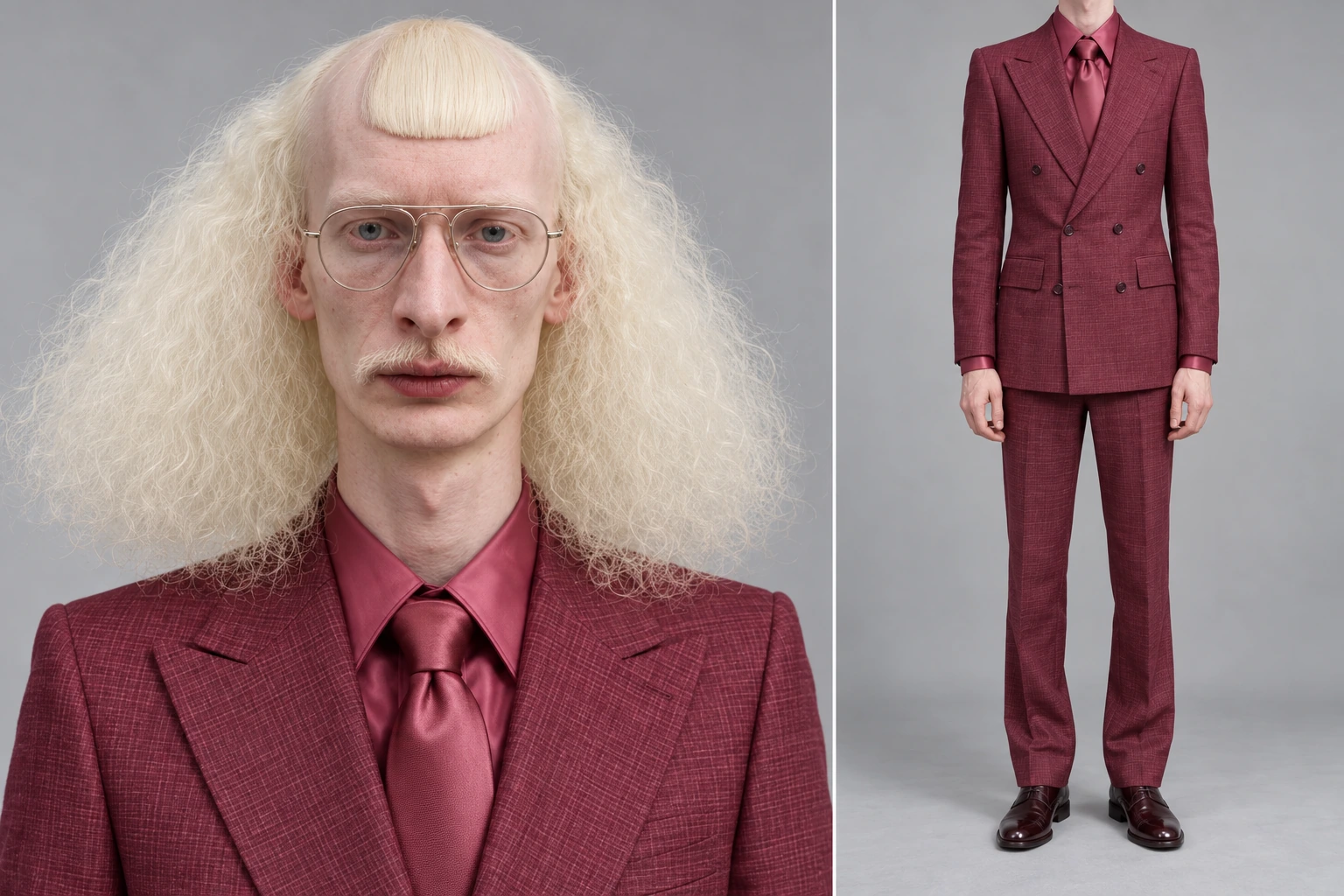 05 Sheet
The workflow: Attach loose inspiration stills in Chat Master → ask for a ready-to-use Image Master prompt for an original character → generate a 16:9 two-panel sheet → in Seedance 2.5 Video Edit, attach a source video plus the sheet and replace only the character.
Why originality is part of the brief
The official prompt is explicit: use attached references as inspiration for aesthetic, styling, and wardrobe, and invent a new, unique character rather than copying any reference exactly. That is both a creative rule and a practical one. If the face is someone else’s, you will not have a character you can reuse cleanly. The realism habits in the AI realism playbook still apply — natural skin, visible pores, detailed eyes, realistic hair, accurate proportions. For a broader look at still models, start at the models hub and how we test AI models.
The production pipeline
1. Define the character in Chat Master
Open Chat Master, attach a few inspiration images (hairstyle, outfit, accessory — not a face you intend to clone), and paste the brief below. Ask Chat Master to return a ready-to-use prompt for Image Master.
Create a completely original, ultra-realistic AI influencer using the attached character references as inspiration. Draw inspiration from their overall aesthetic, distinctive features, clothing, and styling while creating a new, unique character rather than copying any reference exactly. Give the character realistic human facial features, natural skin texture, visible pores, detailed eyes, realistic hair strands, and anatomically accurate body proportions.

Give the character an attractive, memorable appearance suitable for a professional social media influencer. Choose a cohesive hairstyle, facial features, outfit, accessories, and personal style that complement each other naturally.

REFERENCE SHEET LAYOUT: Create a 16:9 image divided into two sections. In the first section, place a straight-on close-up portrait of the character: the entire face is visible, looking directly at the camera with a neutral expression. In the second section, show the same character’s body from neck to feet, with the head outside the frame. The outfit, arms, hands, legs, and shoes must be fully visible. Maintain consistent appearance, proportions, style, and lighting across both sections. Use a neutral, solid-colored background.

Based on this brief and the references, write a detailed, ready-to-use prompt for Image Master.
2. Generate the sheet in Image Master
Open Image Master → Create. The official guide used GPT Image 2 at 16:9; GPT Image 2.6 is now in the picker — use the same steps, without a quality claim either way. Paste the Chat Master prompt, reattach the same inspiration stills if the text refers to them, and generate. Check the sheet: a close-up portrait, and the same character from neck to shoes, with hands and footwear readable. Download the version you will actually reuse.
3. Replace the character with Seedance 2.5 Video Edit
In Video Master, choose Seedance 2.5 Video Edit. Attach two files: a source video whose motion and setting you want to keep, and your saved character sheet. For a first try, use a clip with one clearly visible person. Paste the short replacement line, then generate. Check that the new character is consistent and that movement and background still match the source. Keep the sheet for every future video with this person.
Replace only the character in the video; keep the location and movements unchanged.Use a source video you own or have the right to edit. This is a character-swap on footage you bring — not a request to pull someone else’s clip off a social feed. A closer look at replacement craft, including its limits, is in how to replace characters in a video with AI.
How to do this in NeuroHelper AI
- Chat Master. Inspiration stills in, an Image Master prompt out. Push back if the draft copies a reference face too closely.
- Image Master. 16:9 two-panel sheet, one still model, hands and shoes visible.
- Video Master. Seedance 2.5 Video Edit, source clip plus sheet, one short replacement prompt.
- Audio Master. If you later add a voice or a bed, keep it in Audio Master rather than burning a second identity change into the picture.
Once the face is stable, you can put the same person into a product ad, a billboard ad, or a five-second hook. For model comparisons see best AI video generators and Seedance vs Kling. Marketing context: AI for marketing and how to create AI ads.
Mistakes that break a reusable influencer
- Copying a reference face. The official brief asks for a new character. Inspiration is wardrobe and styling, not identity.
- A sheet that crops the shoes or hides the hands. Video Edit cannot hold details that were never in the still.
- Switching still models every session. One model, one sheet, then reuse the file.
- A crowded source video. Start with one clearly visible person so the swap has a target.
- Rewriting the character in the video prompt. The sheet is the identity. The video line should only request a replacement.
Watch the official walkthrough again
The test is reuse: can you recognize the same person in a second clip without re-describing her face? Watch the film, then keep the sheet and change only the source video.
Frequently asked questions
How do I create an AI influencer in NeuroHelper AI?
Use Chat Master to turn inspiration stills into an original-character brief, Image Master to generate a 16:9 two-panel reference sheet, and Video Master with Seedance 2.5 Video Edit to replace the person in a source video you have the right to use. Keep the sheet and reuse it.
Which image model does this guide use?
The official tutorial used GPT Image 2 at 16:9. GPT Image 2.6 now replaces it in Image Master; use the same steps. We are not claiming a quality gap here. Stay on one still model for a character you intend to reuse.
What is Seedance 2.5 Video Edit in this workflow?
A Video Master mode used in the official guide: you attach a source video for motion and setting, attach your character sheet for identity, and ask the model to replace only the character. Confirm the mode and its current options in the Video Master picker.
Should I copy the faces in the inspiration stills?
No. The official prompt says to draw inspiration from aesthetic, clothing, and styling while creating a new, unique character rather than copying any reference exactly.
What kind of source video should I start with?
A clip you own or have rights to edit, with one clearly visible person. A crowded frame makes the swap harder to steer. Do not treat this as a way to lift someone else’s video off a social feed.
How much does an AI influencer test cost in NeuroHelper AI?
It depends on the models, durations, resolutions, and references you choose. Image Master and Video Master show the current estimate before you generate. You can start with a $1 trial, then choose Basic $19 or Pro $49.
