
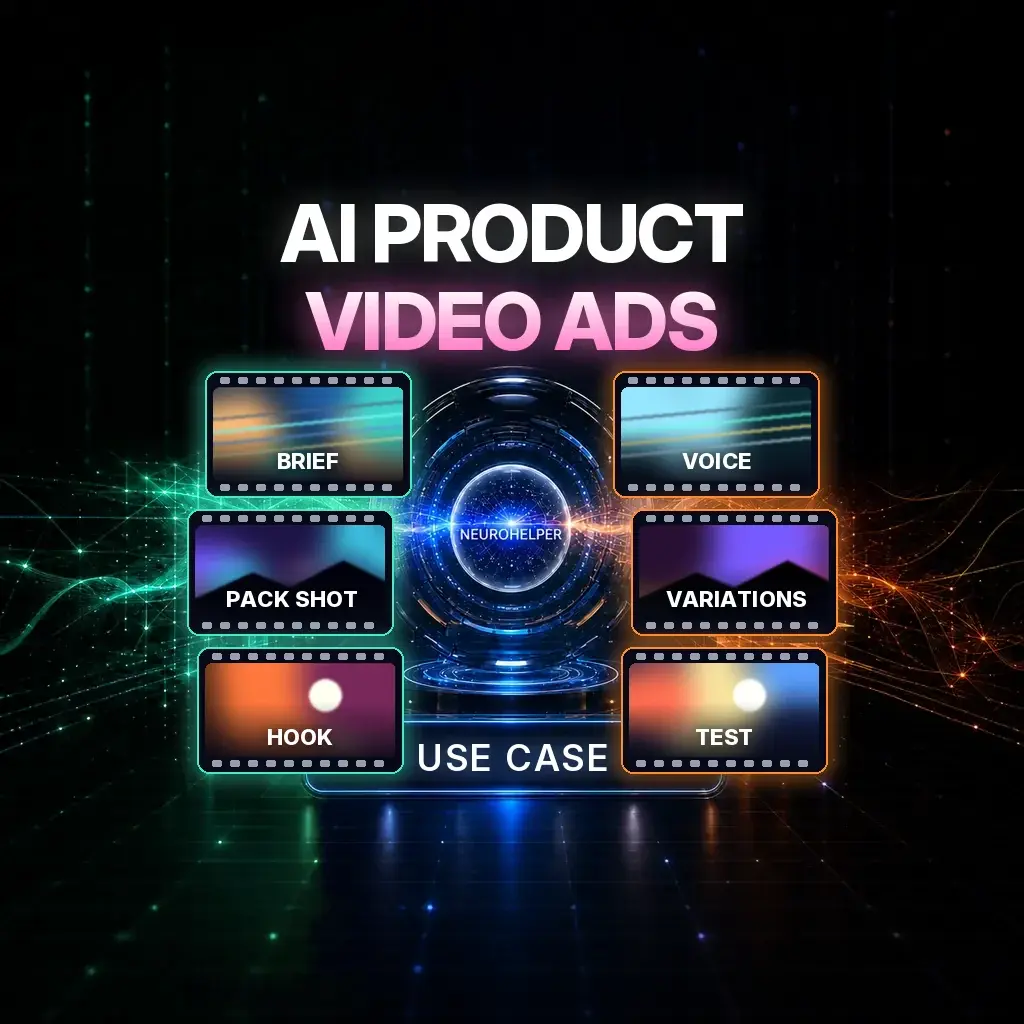
A product video ad does not start with a film crew. It starts with a tight brief, an honest product still, and a model that will keep the item looking like itself from the first frame to the end card.
This use case is for ecommerce and performance teams in the US, Canada, and Australia who need shoppable clips for Meta, TikTok, YouTube, and their own product pages. You will brief the ad in Chat Master, lock the product in Image Master, generate the film in Video Master, and add voice or music in Audio Master — all in NeuroHelper AI Advertising Studio and the rest of the workspace. Start with a $1 trial, then choose Basic $19 or Pro $49.
If you already have a broader funnel to fill, start with How to Build an AI Marketing and Sales Funnel. If you need the catalog, listings, and localization around the ads, see AI for Ecommerce.
What a product video ad actually needs
Most weak AI ads fail in the same three places: the product changes mid-shot, the first two seconds do not earn the scroll, and the voice sounds like a generic demo. The workflow below treats those as production problems, not prompt tricks.
- A product brief that names the item, the offer, the audience, and the one action you want (add to cart, click through, visit the store).
- Visual anchors — usually one sharp pack shot, plus optional lifestyle stills that do not redesign the product.
- A video model that can hold the product. In Video Master, start with Seedance 2.5 for commercial timing, then compare Kling 4.0 or Wan 3.0 when you need a different motion style or a longer take. See Best AI video generators, Seedance vs Kling, and Wan vs Seedance.
- Voice or music from Audio Master, not an afterthought pasted on in another app if you can avoid it.
- Variations of hook, length, and end card, so you can test without reshooting.
Specialist UGC tools can be strong at talking-head formats. If you are comparing those, read Best AI UGC ad generators and our pages on Creatify and Higgsfield. The difference here is that script, stills, video, voice, and dubbing sit in one workspace, so a retailer can move from pack shot to localized cut without opening five subscriptions.
Step 1: Write a product brief before you generate anything
Open Chat Master and attach the real product photo. Ask for a brief a video model can follow, not a mood board. Name the product in every sentence that mentions it. Forbid redesigns. State aspect ratio (9:16 for most paid social, 16:9 or 1:1 when the placement needs it) and a length you can actually review — often 6, 15, or 20 seconds.
Product brief prompt
You are a performance creative director. Using only the attached product photo, write a video-ad brief for NeuroHelper Video Master.

Product (do not rename or redesign): [exact product name, colorway, materials, visible labels]
Audience: [who buys this, in the US / Canada / Australia as relevant]
Offer: [price, bundle, shipping, or seasonal hook — only facts I provide]
Platforms: Meta Reels, TikTok, YouTube Shorts
Length and format: 15 seconds, 9:16
Hook in the first 2 seconds: [one specific visual idea]
Story beats: hook, product proof, benefit, end card
End card: [exact URL or offer line]
Constraints: keep the product identical in every shot; no new logos; no invented reviews, awards, or medical claims; no celebrity lookalikes.

Return: (1) a 15-second shot list with camera and lighting, (2) on-screen text, (3) a voiceover script of 35–45 words, (4) a single video prompt I can paste into Video Master.
Edit the brief yourself. If the model invents a discount or a testimonial, delete it. AI is useful for structure; it is not a source of proof.
Step 2: Build visual anchors in Image Master
A clean pack shot is the cheapest insurance you can buy. If the source photo is soft, cropped, or shot on a busy desk, rebuild a 9:16 or 4:5 still first. In Image Master, current options include GPT Image 2.6, Nano Banana 2.1, Seedream 5.5, and FLUX 2 Pro. For more stylized lifestyle frames, Midjourney 8.2 is in the same picker — see Best AI image generators and Midjourney vs Nano Banana.
Image Master also includes background removal and upscalers when the pack shot needs a clean edge or more resolution before it goes into video. Use them on the still you already approved; do not treat a new background as a license to change the bottle, the type, or the colorway.
Pack-shot prompt
Create a studio pack shot of the exact attached product, matching its shape, color, materials, labels and proportions. Soft daylight, seamless off-white background, slight three-quarter angle, sharp focus, no extra props, no new typography, no logo redesign. Vertical 4:5, ecommerce ready.For outdoor or lifestyle ads, one approved pack shot plus a locked product description beats a folder of “inspirations.” Our step-by-step for a one-photo commercial is in How to Make a Cinematic AI Product Ad from One Photo. For a larger-than-life product scene, see How to Make an AI Billboard Ad.
Step 3: Choose a video model and generate the first cut
Paste the Video Master prompt from Step 1, attach the approved still, and generate a first cut you can watch at full size. Seedance 2.5 is a practical starting point for timed commercials and start/end-frame control. Kling 4.0 is worth a second pass when you want different camera motion. Wan 3.0, currently in public beta in Video Master, is the option to try when you want a longer take with native sound — check the panel for the duration and reference options available now. Veo 3.1 Pro + Fast and FLUX 3 Video are also in the same Video Master list when you want another look at the same brief.
Review the first cut for product lock, not just prettiness. If the label warps, the colorway shifts, or a second item appears, tighten the prompt and regenerate. Change one variable at a time: camera, or background, or length — not all three.
A wider ads workflow, including campaign structure, lives in How to Create AI Ads: A Step-by-Step Guide.
Step 4: Add voice and music in Audio Master
A product clip can carry native model audio, a recorded voice, or a music bed. For a controlled voiceover, use ElevenLabs v3 with the script you already approved. Keep claims identical to the brief. For a bed or stinger, Suno v6, MiniMax Music 3, or ElevenLabs Music can sketch a short cue. ElevenLabs Sound Effects V2 helps when you want a precise whoosh or pack-shot hit without building a full track.
Do not let the soundtrack introduce claims the picture does not support. If you will run the same film in more than one market, keep the voice track easy to replace — that is the handoff to How to Localize Video Ads with AI.
Step 5: Cut variations, then test
Paid social rewards variations more than a single “hero” film. From the approved cut, change the hook, the first frame, or the end card, and keep the product locked. Practical playbooks:
- How to Create Scroll-Stopping AI Video Hooks from One Photo
- How to Make Viral AI Videos with a Start and End Frame
- How to Turn a Viral AI Trend into a Product Ad
Export the ratios your placements need, then test in the ad manager you already use. NeuroHelper AI gives you the creatives; it does not replace Meta Ads Manager or TikTok Ads. Watch thumb-stop rate, hold rate, and click-through before you commission a tenth variation of a cut that already lost the first second.
How to do this in NeuroHelper AI
- Chat Master. Attach the real photo and write the brief, shot list, and Video Master prompt.
- Image Master. Rebuild or clean the pack shot; remove the background or upscale if the still needs it.
- Video Master. Generate the film with the still attached. Start with Seedance 2.5, then compare another current model on the same brief if the motion is not right.
- Audio Master. Record or generate the voiceover and, if needed, a short music or effects bed.
- Advertising Studio. Keep campaign-oriented work in /ads/ so scripts and creatives stay in one place.
Check the in-app estimate before you generate, so you can see what the selected model will use on that run. Credit figures change, so we do not publish them here.
Watch a one-photo product ad, then retarget the brief
This official NeuroHelper short shows a 20-second commercial built from a single product still. Use it as a pacing reference, then swap in your item and your offer. The full walkthrough is in the cinematic product ad guide.
Common mistakes
Generating before the product is locked
If the still is messy, the video model will invent a cleaner bottle. Approve the pack shot first.
Writing a mood, not a brief
“Cinematic, luxury, viral” is not direction. Shots, duration, and forbidden changes are.
Letting the model invent social proof
No stars, awards, “dermatologist tested,” or customer quotes unless you supplied them.
Testing ten new ideas instead of one hook
Change the first two seconds, not the product, the offer, and the soundtrack all at once.
Ignoring localization until after you spend on ads
If you sell in more than one market, plan a clean voice track and end cards you can remake. See AI video localization.
Frequently asked questions
Can I make a product video ad from one photo?
Yes. A sharp, honest still plus a brief that forbids redesigns is the standard path in this workspace. The cinematic product-ad guide walks through a 20-second example in Seedance 2.5.
Which video model should I start with?
Start with Seedance 2.5 for timed commercial briefs. Compare Kling 4.0 or Wan 3.0 on the same still when you want a different motion style or a longer take. Check the in-app estimate and the options in the Video Master panel for the model you pick.
How is this different from a UGC-avatar tool?
Avatar-first tools are built around a talking spokesperson. NeuroHelper AI is built around the product: stills, video models, voice, and, when you need it, dubbing in one workspace. For a side-by-side of avatar tools, see our UGC ad generator comparison.
Can I use a person on camera?
Yes, as a character in the brief or as a creator-style hook, with the product still locked as the reference. For a recurring face, follow How to Create Consistent AI Characters and the AI influencer guide.
What does it cost to try this?
Start with a $1 trial, then choose Basic $19 or Pro $49. Check the in-app estimate for the model and duration you select, because usage varies by model.
Where should I test the ads?
Export the files and test in the ad platforms you already use. Use hook-rate and hold-rate data to decide which variation to remake, then come back to Video Master with a tighter first two seconds.
