
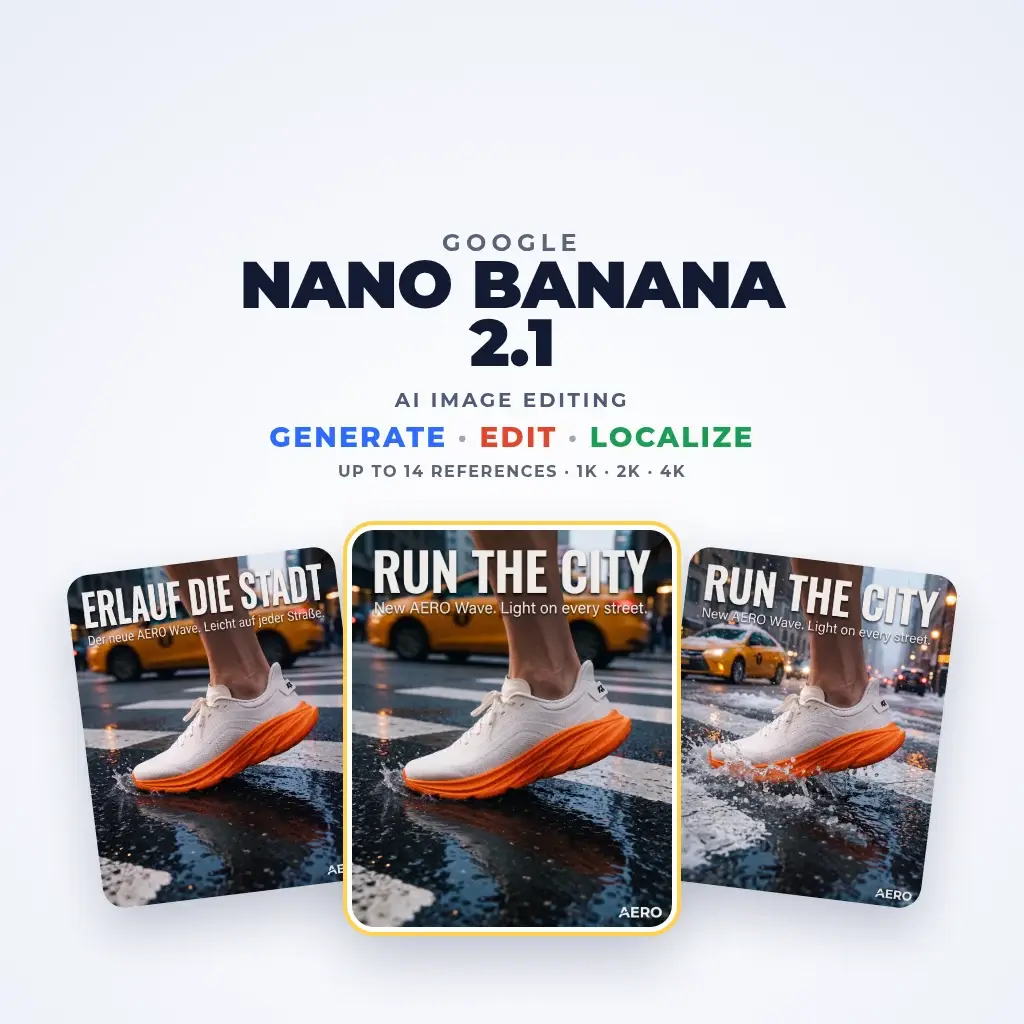
Nano Banana 2.1: Google's image editing for consistent visuals
Nano Banana 2.1 is Google's current high-efficiency image generation and editing model, released on October 6, 2026 and in NeuroHelper AI Image Master since November 12, 2026. Google says it improves visual quality, text rendering and consistency across edits. Here you start from your own image, add up to 14 references, describe the change and get the result at 1K, 2K or 4K. For precision-first work, Nano Banana Pro is in the same picker.
Made in NeuroHelper AI
Nano Banana 2.1 examples

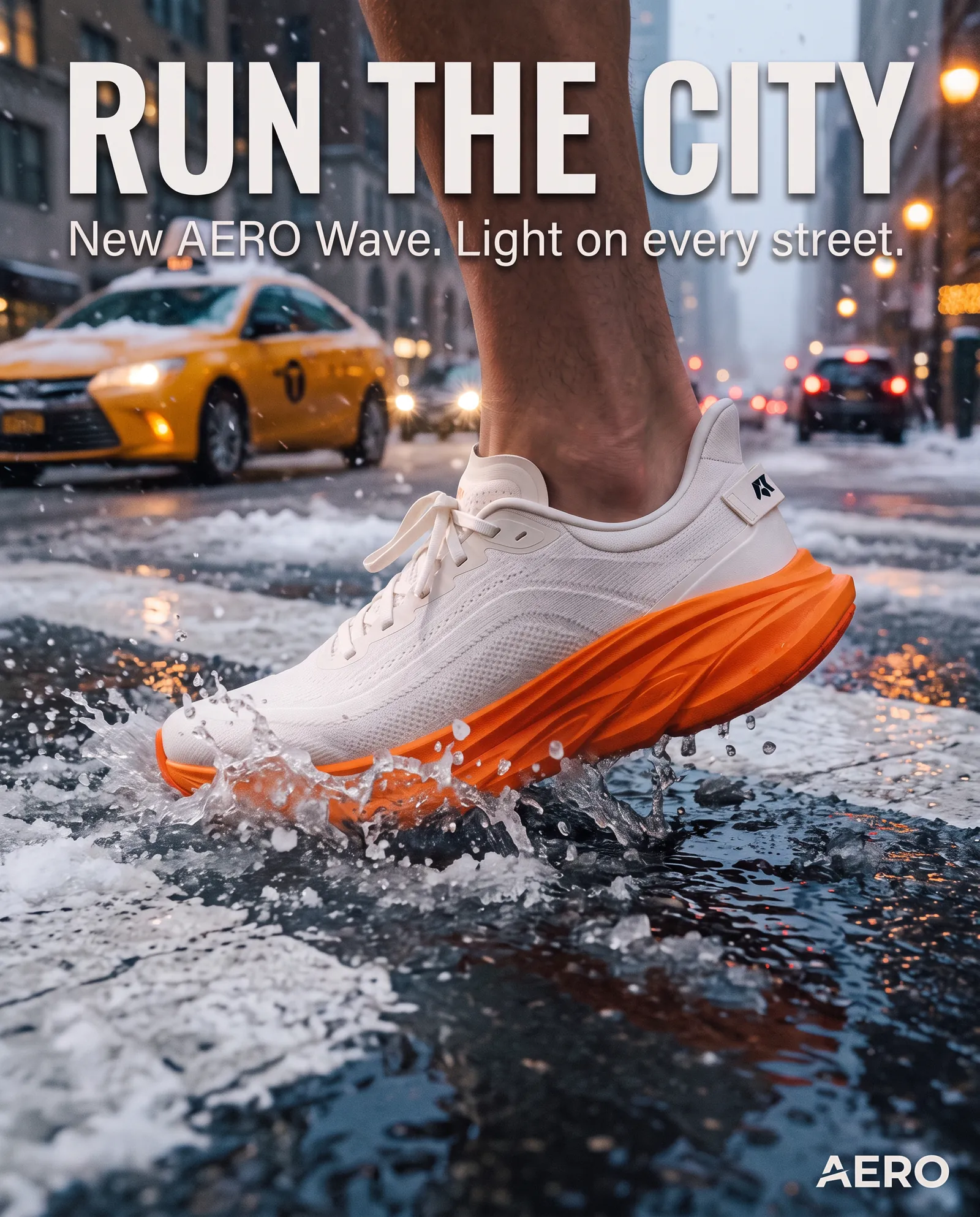
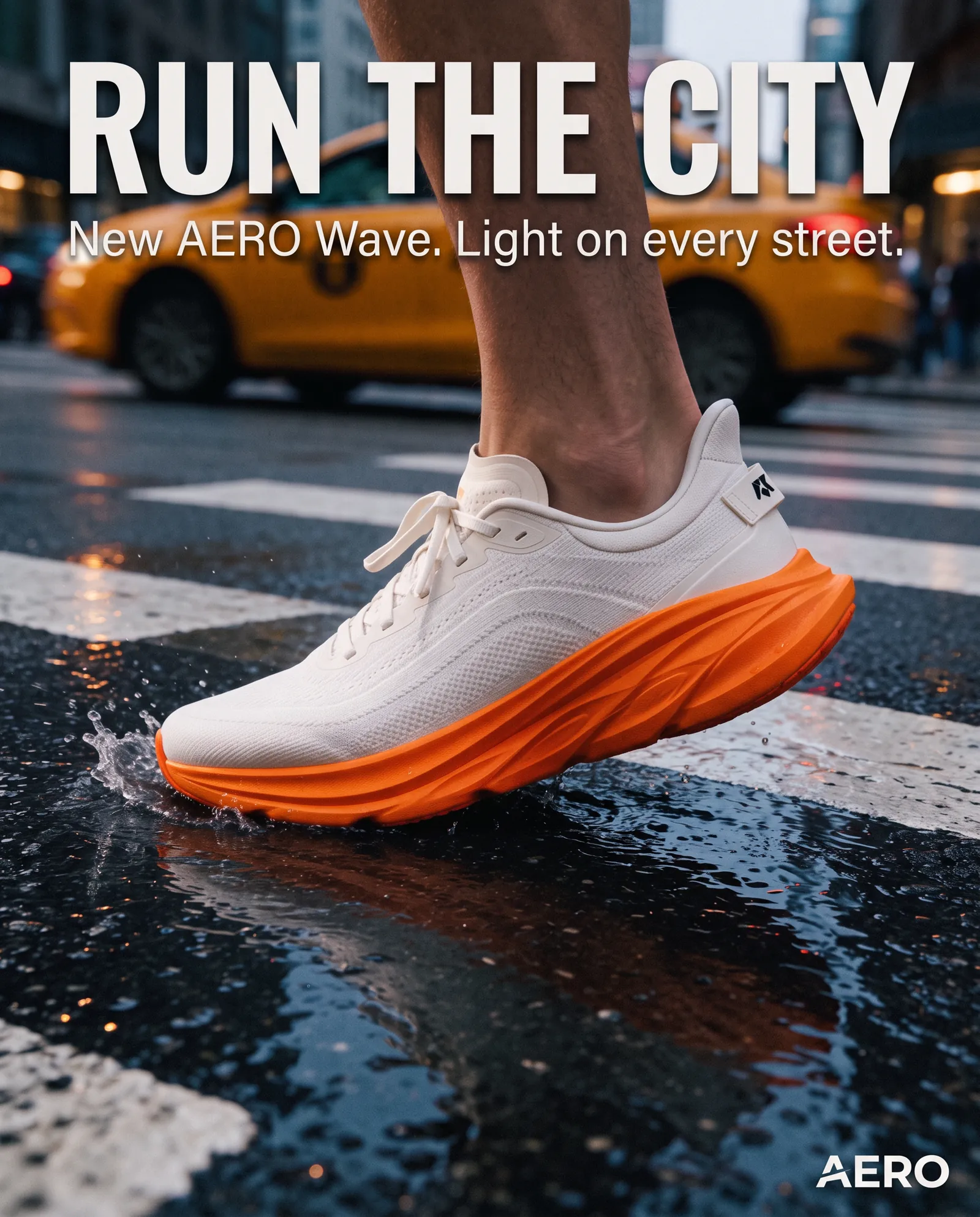
AERO is a fictional demo brand created for this example. One poster, edited with Nano Banana 2.1 into a German version and a winter version.
Nano Banana 2.1 use cases
What to make with Nano Banana 2.1
Campaign variations from one visual
Turn an approved key visual into new formats, seasons and backgrounds while the product stays the same. See AI social media content.
Localized posters with readable text
Swap the headline into another language and keep the layout, as in the AERO example above and the AI billboard ad guide.
Consistent characters and products
Use several references to keep a face, mascot or product recognizable across a series. See Create an AI influencer.
Product photos for marketplaces
Clean backgrounds, new settings and lifestyle versions from one product shot. See AI for ecommerce.
Infographics and diagrams
Labelled visuals and posters with clear text, then a still to animate in Kling 4.0 or Veo 3.1 Lite.
Nano Banana 2.1 in NeuroHelper AI
Nano Banana 2.1 specs: input, references, resolution and settings
The first table is what the NeuroHelper AI panel offers. Google's own model details follow; both were checked on November 21, 2026.
| Setting | Nano Banana 2.1 in NeuroHelper AI |
|---|---|
| Input | At least one image you upload, plus your instructions. The route does not start from a text prompt alone |
| Reference images | Up to 14 |
| Output | 1K, 2K or 4K |
| Model settings | Web search, image search and a thinking level |
| Module | Image Master, since November 12, 2026, replacing the previous Nano Banana version |
| Detail | What Google publishes |
|---|---|
| Maker | Google DeepMind |
| Released | October 6, 2026, with Google DeepMind's model documentation published the same day |
| Built on | Gemini 3.6 Flash |
| Google's positioning | Its high-efficiency image model for generation and conversational editing, with improved visual quality, text rendering and multi-turn consistency |
| Name in the Gemini API | gemini-nano-banana-2.1 |
In Google's own model documentation, Nano Banana 2.1 scores above the previous Nano Banana version and Nano Banana Pro on Google's human-preference tests for general editing, character consistency and multi-reference editing. Those are Google's tests, not a NeuroHelper AI benchmark.
Sources: Nano Banana 2.1 model page (Google DeepMind, published October 6, 2026) and the Gemini API image generation guide. Checked November 21, 2026.
How to use Nano Banana 2.1
How to edit an image with Nano Banana 2.1
A useful first hour is small: one poster or product shot, a text change, a background change, then a 2K render of the one you keep.
Open Image Master
Choose Nano Banana 2.1 and upload the image you want to change.
Add references
Attach up to 14 images when a face, a mascot, a product or a style has to stay recognizable. A few clear views beat one blurry one.
Describe the change
Say what should change and what must stay exactly as it is. Quote any words that should appear in the image.
Set size and settings
Test at 1K, then render the keeper at 2K, or 4K for print and large screens. Turn on web or image search only when the brief depends on something current.
Nano Banana 2.1 prompts
Nano Banana 2.1 prompts for posters, translations, products and characters
Treat each prompt as an edit instruction. These are starting points for an image you upload; swap in your own brand and copy.
Keep the layout, the product and the logo exactly as they are. Change the headline to "Winter edition" in the same typeface, replace the background with soft snow and a pale blue sky, and keep the lighting on the product unchanged.
- A clear do-not-change line
- One season swap, nothing else
Keep everything in this poster unchanged except the text. Replace the English headline with "Leichter als Luft" and the small line with "Jetzt im Handel", same typeface, size and position.
- Exact words in quotes
- Position and typeface locked
Use the uploaded product photo as the only product reference. Make three versions: a clean white background, a sunlit kitchen counter, and a gift setting with soft bokeh. Keep the label, shape and color identical.
- One reference, three settings
- Label and color protected
Use the reference images of the same character. Place her in a rainy city street at night, holding a coffee, three-quarter view. Keep her face, hair, jacket and proportions exactly as in the references.
- References carry identity
- Lists what must not drift
- Change one thing at a time: the headline, then the season, then the background. Use each result as the next starting point.
- Keep a short "do not change" line (logo, product shape, typeface, framing) and paste it into every edit of the same campaign.
- If an edit drifts, restate what must not change and shorten the rest.
- For a series, keep the same references and change only the setting.
Start with the $1 trial
Try Nano Banana 2.1 in NeuroHelper AI
Edit one picture you already trust: a new language, a new season or a new background, and compare it with your current tool. $1 trial, then Basic $19 or Pro $49.
Nano Banana 2.1 vs other image models
Nano Banana 2.1 vs Nano Banana Pro, GPT Image 2.6 and Seedream 5.5
Nano Banana 2.1 replaced the previous Nano Banana version in the picker; Nano Banana Pro stays. It does not replace the rest of Image Master. We have not run a formal head-to-head, so rerun two or three of your usual briefs and judge on your own material.
| Model | When to pick it |
|---|---|
| Nano Banana 2.1 | Fast edits of an uploaded image, up to 14 references, 1K to 4K |
| Nano Banana Pro | Google's precision-first option for complex instructions |
| GPT Image 2.6 | Precise edits of a selected area and readable in-image text |
| Seedream 5.5 | New stills from text, transparent cut-outs, consistent series |
| Midjourney 8.2 | Four directions, or draft sketches, from a text prompt, which Nano Banana 2.1 does not do here |
| QWEN Image 3.0 Pro | Text-heavy layouts |
We make NeuroHelper AI, and all of these models are in it. This is a task-selection guide from published specs, not a measured head-to-head: run the same brief in each and compare.
Nano Banana 2.1 pricing
What Nano Banana 2.1 costs in NeuroHelper AI
Nano Banana 2.1 is included in NeuroHelper AI plans, with no separate Google account: start with the $1 trial, then Basic $19 or Pro $49 per month, and use it next to every other model. Check the in-app estimate before you generate; we do not publish per-image figures here because they can change.
Frequently asked questions
Nano Banana 2.1 FAQ
What is new in Nano Banana 2.1?
Google says it improves visual quality, text rendering and consistency across edits. It is built on Gemini 3.6 Flash, accepts up to 14 reference images and outputs at 1K, 2K or 4K.
Is Nano Banana 2.1 available in NeuroHelper AI now?
Yes. It was added to Image Master on November 12, 2026. Google released the model on October 6, 2026. You do not need a separate Google account; you use it on the same trial or plan as the other models.
Do I need an image to start?
Yes. In NeuroHelper AI, Nano Banana 2.1 starts from at least one image you upload, then follows your instructions. For a new image from text alone, use Seedream 5.5, GPT Image 2.6 or Midjourney 8.2.
How many reference images can I use, and at what size?
Up to 14 reference images. Results come at 1K, 2K or 4K.
Can it change text inside an image?
Yes. Quote the exact words, say where they sit, and ask it to keep the typeface and layout. Check spelling in every result before you publish.
How is it different from Nano Banana Pro?
Nano Banana 2.1 is Google's faster, more efficient image model; Nano Banana Pro is the precision-first option. Both are in the NeuroHelper AI picker.
What happened to the previous Nano Banana version?
Nano Banana 2.1 replaced it in the NeuroHelper AI picker on November 12, 2026. The older page is being moved to the Archive section of the models hub. Nano Banana Pro stays available.
How much does Nano Banana 2.1 cost?
It is included in NeuroHelper AI plans: a $1 trial, then Basic $19 or Pro $49 per month. The app shows the current estimate before you generate.
One workspace, many models
Ready to try Nano Banana 2.1?
Start the $1 trial and switch between models whenever a task needs it.
