
Midjourney 8.2: bolder art direction from a single prompt
Midjourney 8.2 is Midjourney's current default model, released on July 24, 2026 and in NeuroHelper AI Image Master since November 12, 2026. Write one prompt and get four images in standard or HD quality, or quick low-resolution draft sketches, with native V8.2 parameters such as --ar 16:9 for the aspect ratio. No Discord workflow and no separate Midjourney plan.
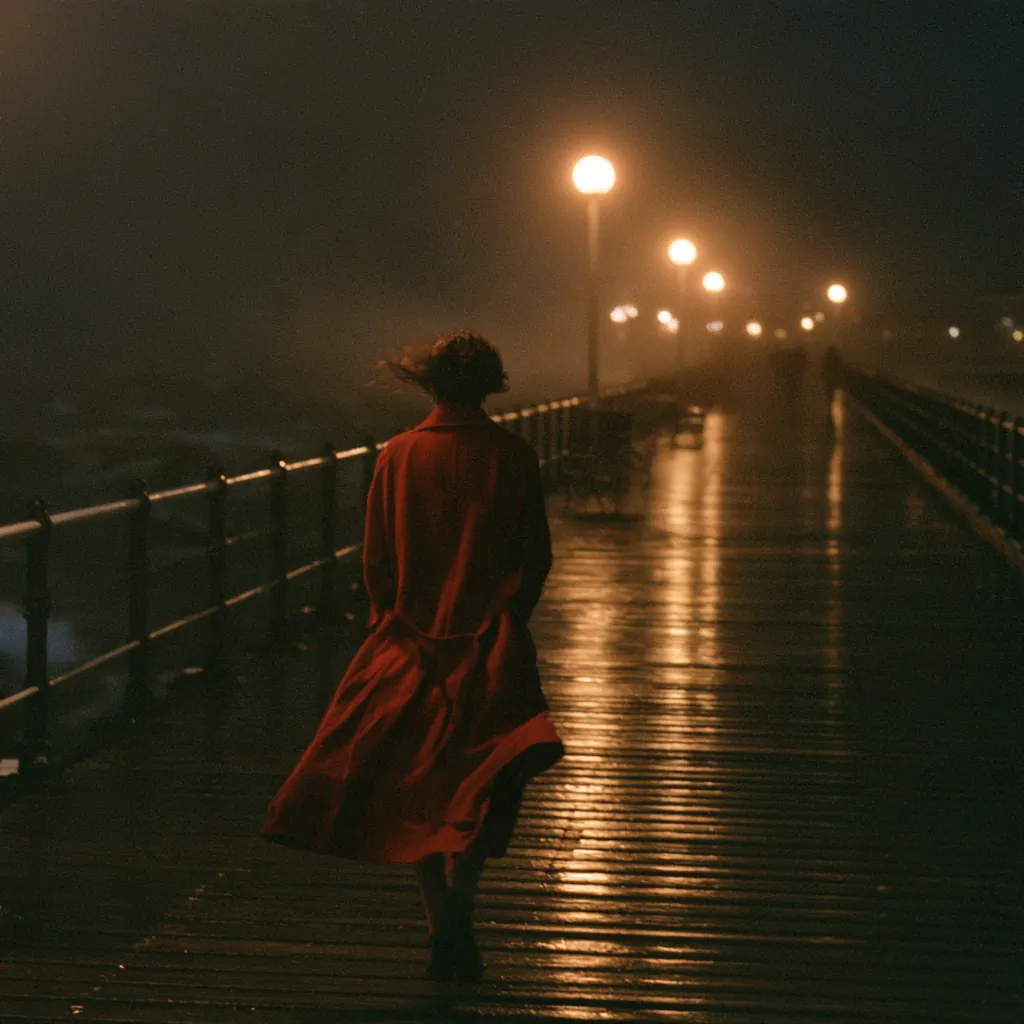
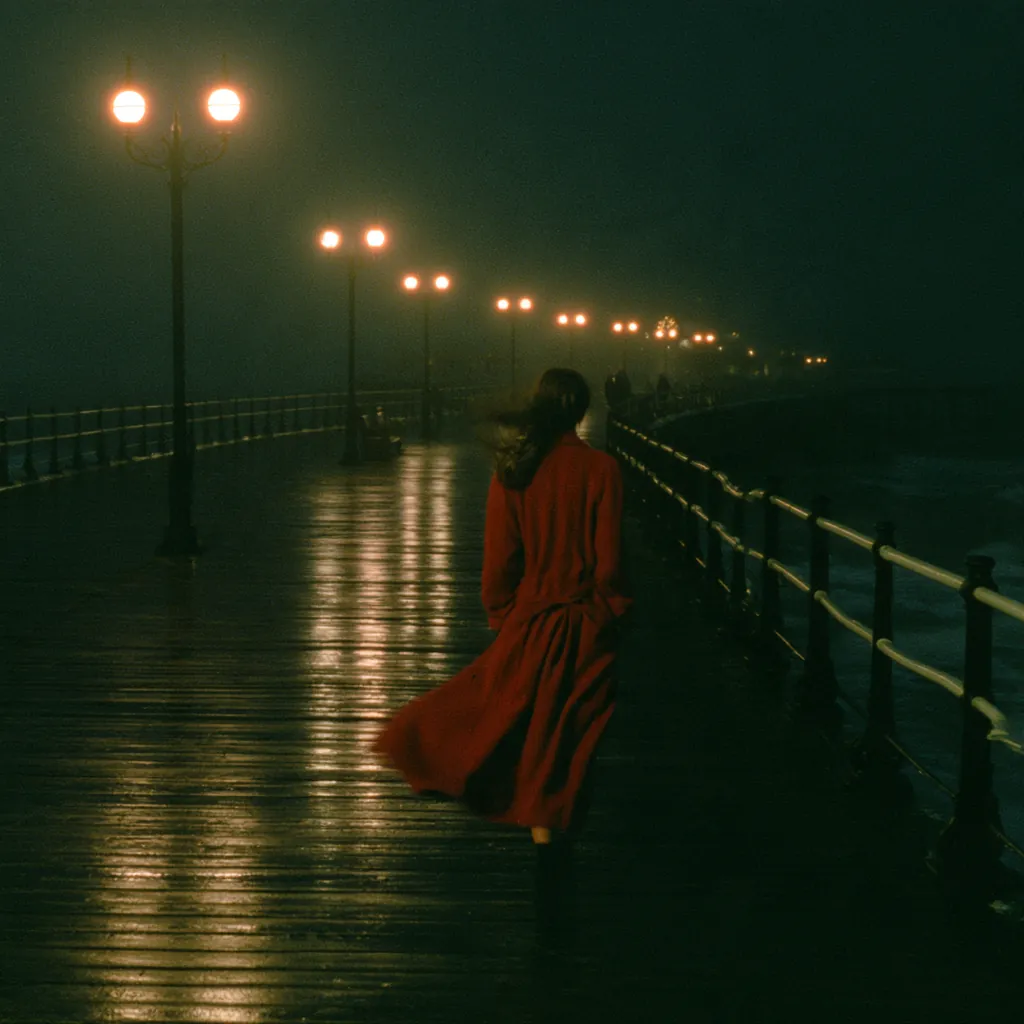
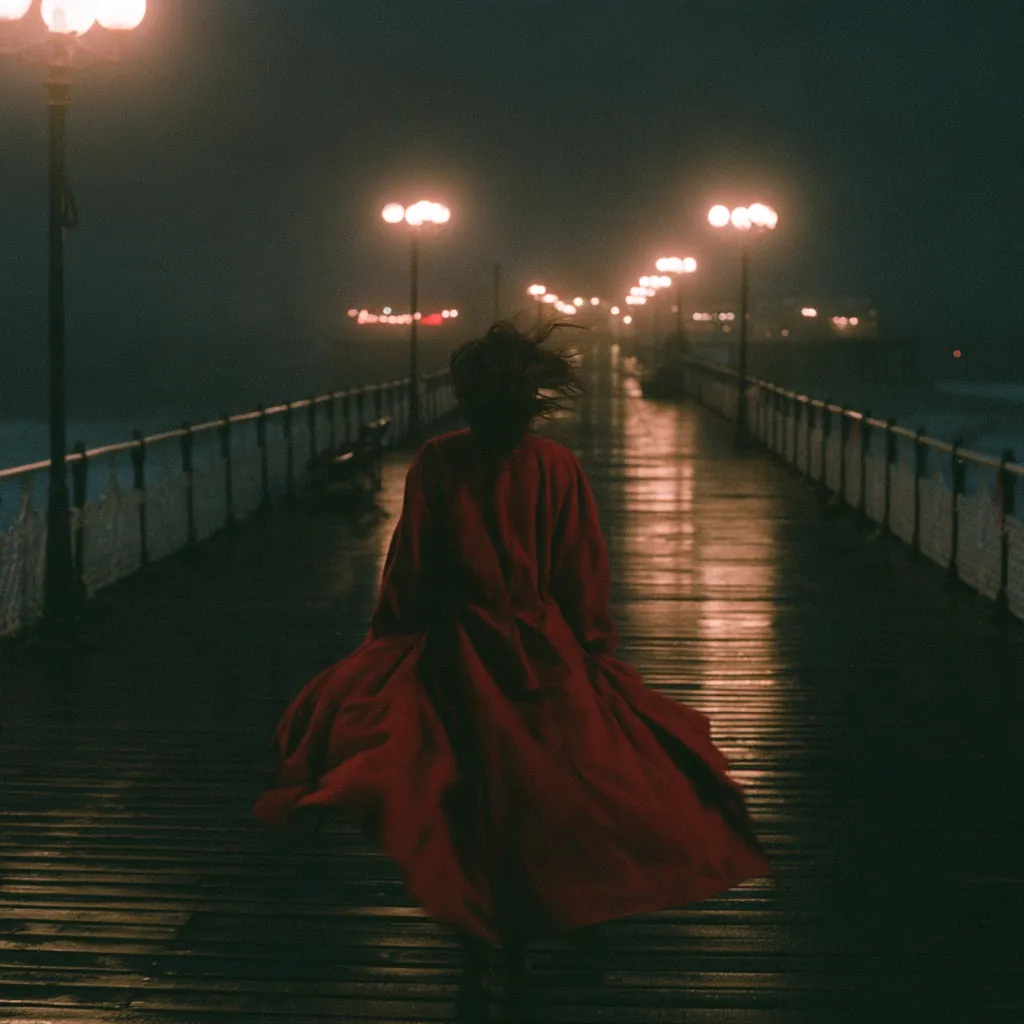
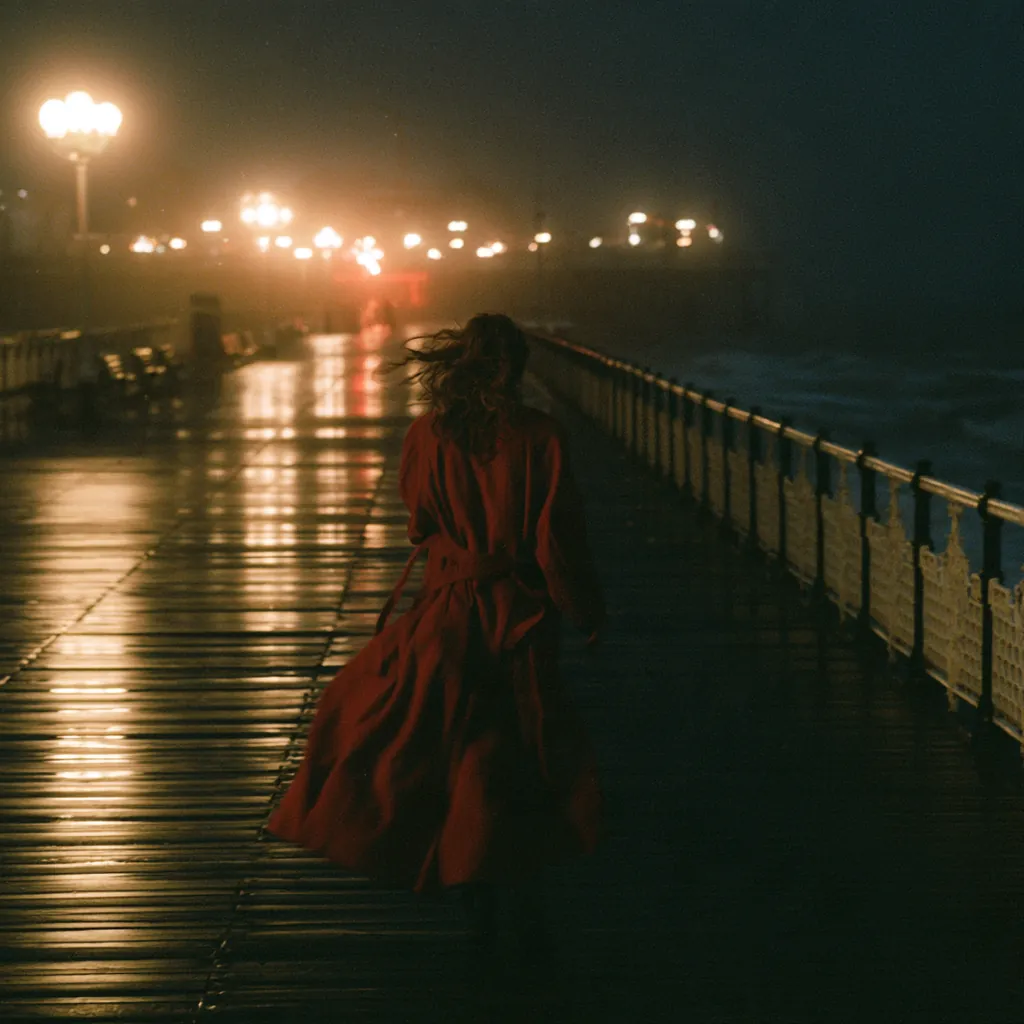
Midjourney 8.2 use cases
What to make with Midjourney 8.2
Campaign key visuals and moodboards
Explore four directions per prompt, or a quick set of draft sketches, and pick the one that sets the tone.
Travel, lifestyle and editorial imagery
Atmospheric scenes, light and texture for blogs, newsletters and social posts, as in AI social media content.
Product-in-context scenes
Lifestyle backdrops and settings to brief a shoot or to stage a product later in an editing model. See AI for ecommerce.
Concept art and style exploration
Characters, worlds and visual languages for pitches and storyboards. See Create an AI influencer.
Key frames for video
Use a Midjourney 8.2 image as the first frame for Kling 4.0 or Seedance 2.5.
Midjourney 8.2 in NeuroHelper AI
Midjourney 8.2 specs: quality, draft mode and parameters
The first table is what the NeuroHelper AI panel offers. Midjourney's own release details follow; both were checked on November 21, 2026.
| Setting | Midjourney 8.2 in NeuroHelper AI |
|---|---|
| Starting point | A text prompt. This route does not edit an uploaded image; continue in an editing model such as Nano Banana 2.1 or GPT Image 2.6 |
| Images per request | Four in standard or HD quality |
| Quality | Standard (shown as 1x) or HD, labelled "Native HD output" (shown as 1.5x). The panel does not state pixel sizes; see Midjourney's figures below |
| Upscaling | No separate upscale step: 2K output comes from choosing HD quality |
| Speed | Fast or draft. Draft returns low-resolution sketches and cannot be combined with HD |
| Prompt syntax | Native Midjourney V8.2 parameters, including --ar and --s |
| Module | Image Master, since November 12, 2026, replacing the previous Midjourney version |
| Detail | What Midjourney publishes |
|---|---|
| Released | July 24, 2026, as the default Midjourney version |
| Focus | Aesthetics, image quality and personalization; Midjourney says images are more creative, bold and sophisticated, and low-quality results in a batch should be much rarer |
| HD images | Native 2K: about 2048 × 2048 px for 1:1, 2464 × 1856 for 4:3, 1792 × 2688 for 2:3, 2912 × 1632 for 16:9. Midjourney notes the exact pixels for some aspect ratios may vary slightly, and HD images cannot be upscaled further |
| Standard images | About 1024 × 1024 px for 1:1 (1232 × 928 for 4:3, 1456 × 816 for 16:9) |
| Aspect ratio | Up to 14:1, or 4:1 for HD |
| Parameter | --v 8.2 in Midjourney's app; you do not need it in NeuroHelper AI |
About HD size: HD gives native 2K output, about 2048 × 2048 at 1:1 (exact size varies by aspect ratio); no separate upscale step for V8.2. The NeuroHelper AI panel labels HD "Native HD output" and does not show pixel sizes, so the figures here are Midjourney's published sizes, not a NeuroHelper AI measurement; Midjourney notes the exact pixels for some aspect ratios may vary slightly.
Personalization profiles and Midjourney's new Edit Model live inside Midjourney's own app; we do not list them here because they are not in the NeuroHelper AI panel.
Sources: Midjourney Version documentation, Midjourney Upscalers documentation (V8.2 SD and HD sizes) and the Version 8.2 announcement (July 24, 2026). Checked November 21, 2026.
How to use Midjourney 8.2
How to create images with Midjourney 8.2 in NeuroHelper AI
A useful first hour is small: regenerate a still you already like, once in draft, then once in standard or HD.
Open Image Master
Choose Midjourney 8.2 from the image model list.
Write the picture
Subject, setting, light, lens or depth of field and mood. Add only the V8.2 parameters you need.
Explore in draft
Run draft while the composition is open: quick sketches show the directions worth keeping.
Render the keeper
Switch to fast and choose standard or HD for the frame you will use. Check the in-app estimate before you generate.
Midjourney 8.2 prompts
Midjourney 8.2 prompts for key visuals, editorial stills and video first frames
Write the picture, not a pile of style keywords. These are starting points; swap in your own product and setting.
Editorial photo of a ceramic pour-over carafe on a sunlit oak table, soft morning light, shallow depth of field, muted linen napkin, magazine cover still --ar 4:5 --s 250
- Subject, light and lens in one line
- A moderate --s keeps the product readable
A lone cyclist crossing a wet cobblestone bridge at blue hour, city lights reflected in puddles, cinematic wide shot, bold teal and amber palette, room for a headline in the sky --ar 16:9 --s 400
- Palette and mood set the direction
- Leaves space for copy
Character concept of a friendly lighthouse keeper in her sixties, yellow raincoat, weathered hands, three-quarter view, painterly style, plain grey background --ar 3:4
- Plain background for a clean reference
- One character, one view
Wide shot of a red vintage tram on a hillside street at sunrise, empty foreground, soft haze, the tram about to move toward the camera --ar 16:9 --s 150
- Generated at the aspect ratio of the video
- Space for motion in the foreground
- Set the shape with
--ar: 16:9 for a campaign or a video first frame, 4:5 or 9:16 for a social still. - Use
--sto push or restrain stylization. A very high value can overpower a tight product brief. - Start in draft when the composition is open, then render the keeper in standard or HD.
- For a locked pack shot or a typography-heavy layout, start in GPT Image 2.6 or QWEN Image 3.0 Pro instead.
Start with the $1 trial
Try Midjourney 8.2 in NeuroHelper AI
Run one key visual you already know in draft, then in standard or HD, and keep the frame with a point of view. $1 trial, then Basic $19 or Pro $49.
Midjourney 8.2 vs other image models
Midjourney 8.2 vs GPT Image 2.6, Nano Banana 2.1 and Seedream 5.5
Midjourney 8.2 is the art-direction pick in Image Master, not the only still model. We have not run a formal head-to-head, so rerun two or three of your usual briefs and judge on your own material.
| Model | When to pick it |
|---|---|
| Midjourney 8.2 | A still with a point of view: key visuals, editorial frames, concept art, four directions per prompt |
| GPT Image 2.6 | Literal pack shots, precise edits and readable in-image text |
| Nano Banana 2.1 | Editing an image you upload, with up to 14 references |
| Seedream 5.5 | Transparent cut-outs and consistent series from references |
| QWEN Image 3.0 Pro | Text-heavy layouts |
| FLUX 2 Pro | A second style option for photographic stills |
We make NeuroHelper AI, and all of these models are in it. This is a task-selection guide from published specs, not a measured head-to-head: run the same brief in each and compare.
From still to video
Turn a Midjourney 8.2 still into a video
Generate the still at the aspect ratio you will feed Video Master, then animate it. Kling 4.0 suits longer takes with sound, and Seedance 2.5 is another strong option for the motion pass. The full handoff is in How to create AI product video ads and Cinematic AI product ad.
Midjourney 8.2 pricing
What Midjourney 8.2 costs in NeuroHelper AI
Midjourney 8.2 is included in NeuroHelper AI plans, with no separate Midjourney subscription: start with the $1 trial, then Basic $19 or Pro $49 per month, and use it next to every other model. Check the in-app estimate before you generate; we do not publish per-image figures here because they can change.
Frequently asked questions
Midjourney 8.2 FAQ
What is new in Midjourney 8.2?
Midjourney describes 8.2 as an update to aesthetics, image quality and personalization: bolder, more refined images, and far fewer low-quality results inside a batch. That is Midjourney's framing, not a NeuroHelper AI benchmark.
Is Midjourney 8.2 available in NeuroHelper AI now?
Yes. It was added to Image Master on November 12, 2026. Midjourney released it as its default version on July 24, 2026. You do not need a Midjourney or Discord account; you use it on the same trial or plan as the other models.
How many images do I get, and what are standard, HD and draft?
Each standard or HD request returns four images. HD is the native 2K quality setting. Draft is a speed option that returns low-resolution sketches, and it cannot be combined with HD.
What resolution is Midjourney 8.2 HD?
HD gives native 2K output, about 2048 × 2048 at 1:1 (exact size varies by aspect ratio); no separate upscale step for V8.2. These sizes come from Midjourney's documentation; the NeuroHelper AI panel does not display pixel sizes.
Can I use Midjourney parameters?
Yes. Prompts accept native Midjourney V8.2 parameter syntax, for example --ar 16:9 for the aspect ratio or --s 500 for stylization.
Can Midjourney 8.2 edit an image I upload?
Not in NeuroHelper AI. This route is text-to-image. To edit a result or a photo, continue in Nano Banana 2.1 or GPT Image 2.6 in the same Image Master.
What happened to the previous Midjourney version?
Midjourney 8.2 replaced it in the NeuroHelper AI picker on November 12, 2026. The older page stays online in the Archive section of the models hub.
How much does Midjourney 8.2 cost?
It is included in NeuroHelper AI plans: a $1 trial, then Basic $19 or Pro $49 per month. The app shows the current estimate before you generate.
One workspace, many models
Ready to try Midjourney 8.2?
Start the $1 trial and switch between models whenever a task needs it.
